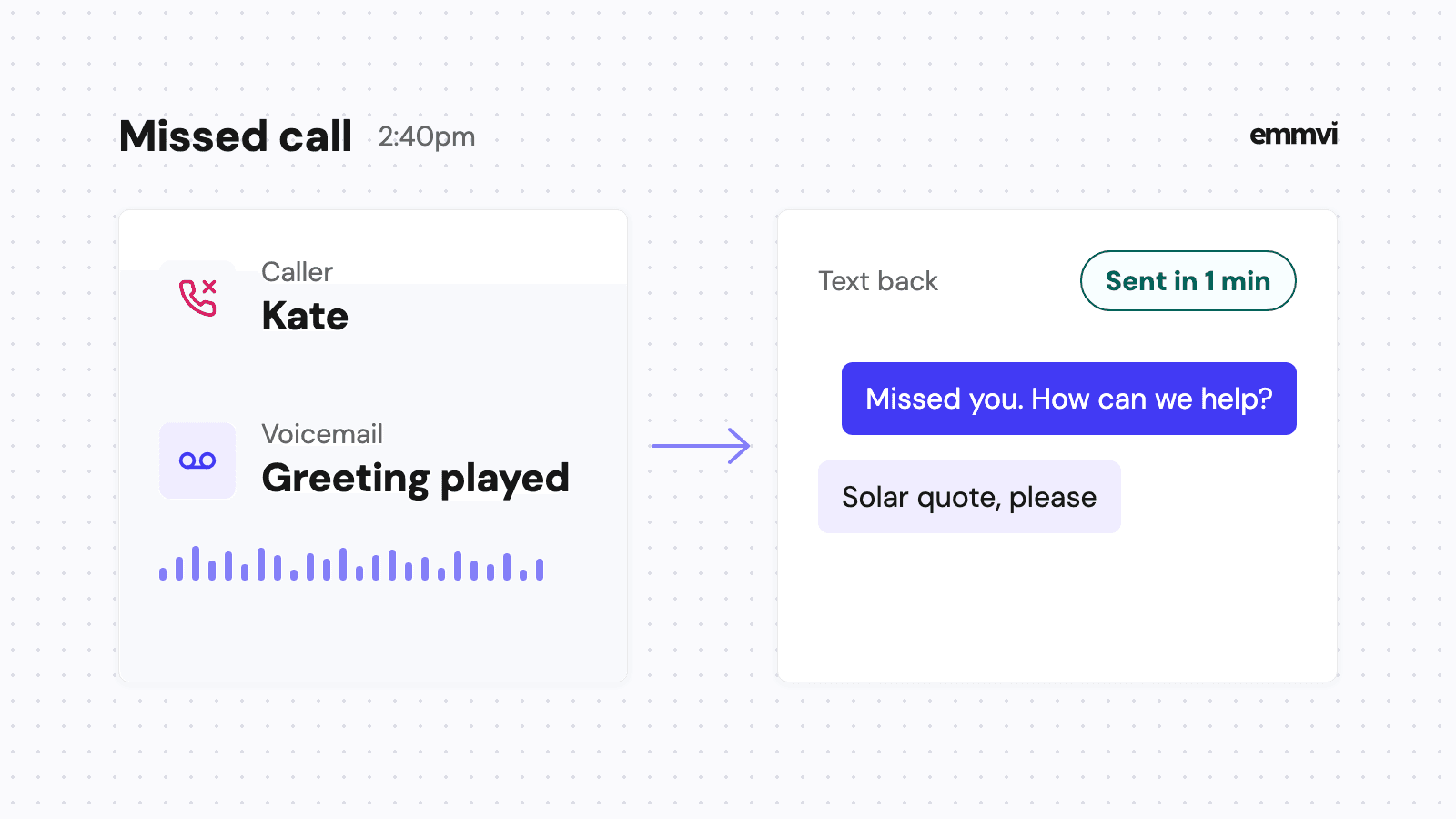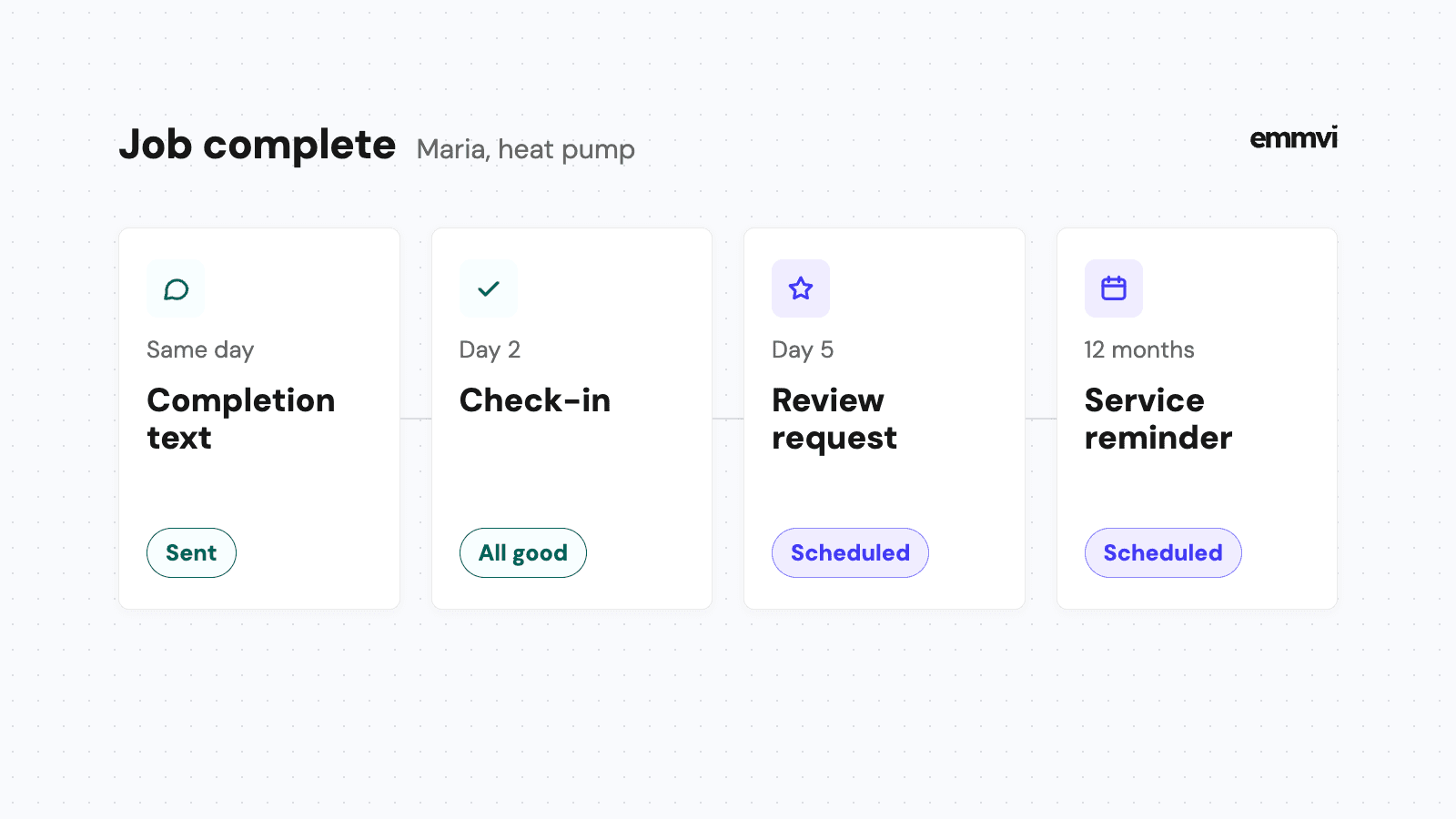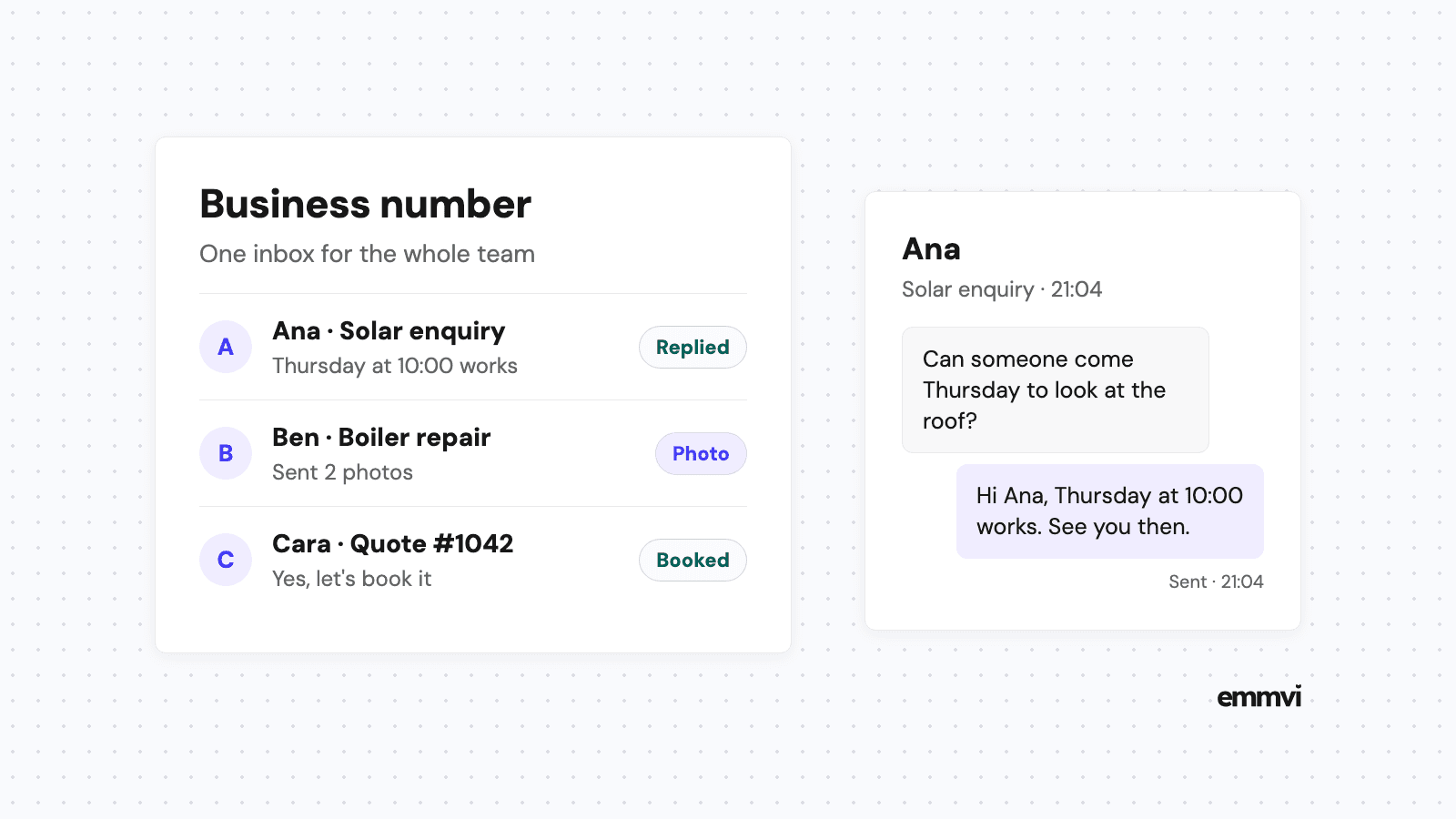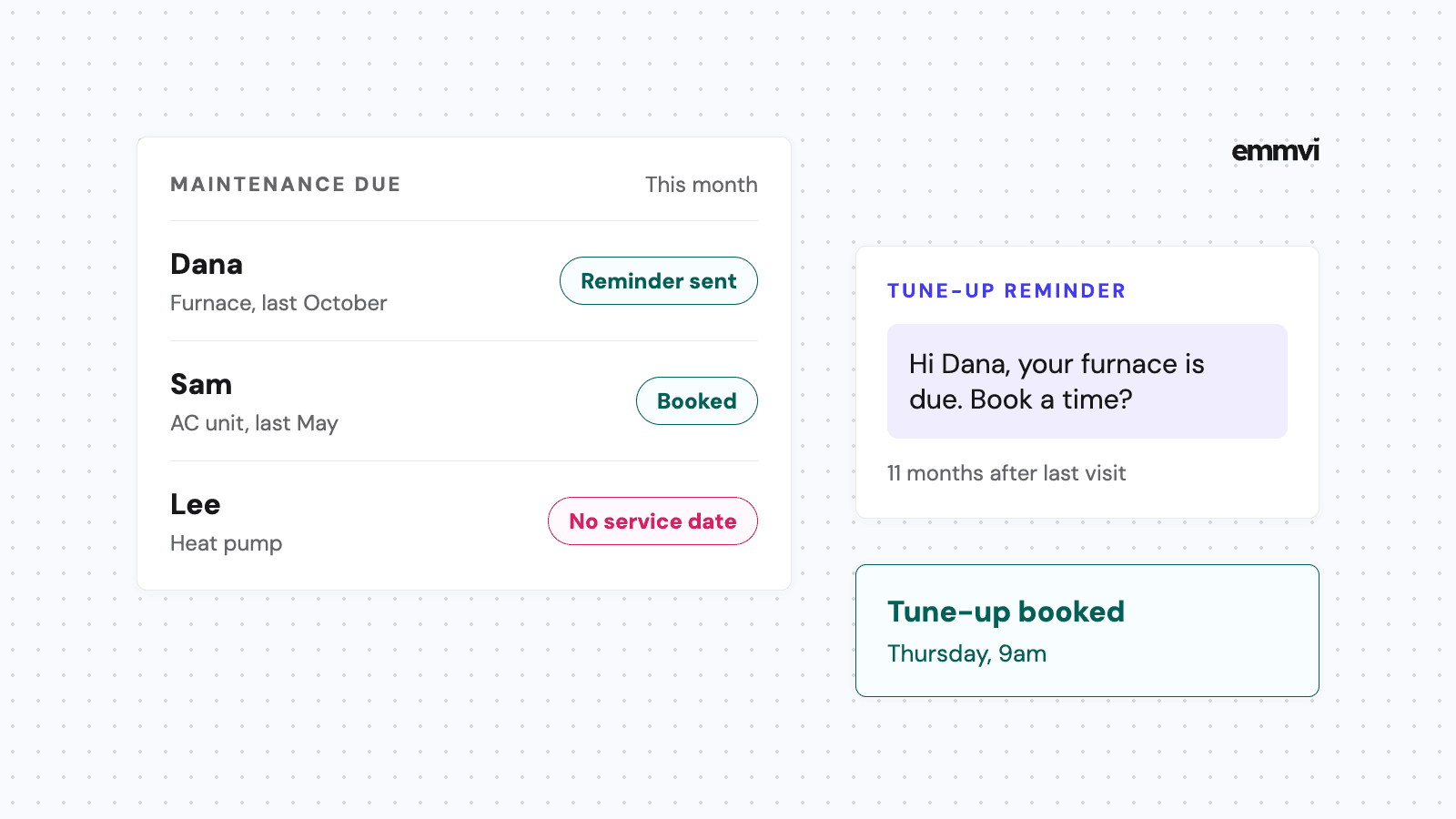
Last October you serviced a furnace for a customer called Dana. The visit went well, the invoice was paid, and the job closed. This October, Dana's furnace makes a noise on the first cold night. Dana searches, finds a company that answers at 9pm, and books them. Nobody at your office knew Dana was due, because the only reminder was a note in a technician's head.
HVAC maintenance reminders are the cheapest work an HVAC company can win: the customer already knows you, already trusts you and already owns equipment that needs a visit. This article covers how to time the reminder from each customer's last visit, what the message should say, a simple three-step sequence, plan renewals, and the data you need for any of it to work.
Why tune-up customers drift away
Most homeowners don't think about their heating or cooling until it stops. A tune-up is something they agree is sensible and then forget, so the company that reminds them at the right moment is usually the one that gets the visit.
The timing is not a secret. ENERGY STAR's maintenance checklist says it's best to check the cooling system in the spring and the heating system in the fall. Your customers can read that too. What they don't have is someone who tells them, by name, that their system is due and offers a time.
Where the reminder usually gets lost
- The service date lives in the invoice, not in a field the system can act on.
- Reminders depend on someone in the office remembering to send them, and in the first heatwave nobody has time.
- One big "book your tune-up" email goes to the whole list, and it reads like an advert.
- The customer replies to ask about a time, and the reply sits in a shared inbox for two days.
Time it from the last visit
There are two ways to decide when a reminder goes out. A calendar campaign sends the same message to everyone on a fixed date. A due-date reminder goes out when a given customer's last service reaches a set age. The second is more work to set up and far more useful.
Why due dates beat a seasonal blast
A seasonal blast lands on the same day for every customer, so the replies all arrive in the same week, the same week your technicians are already busy. Due-date reminders spread the bookings across the season, because customers were last serviced on different dates.
Illustration: if you have 300 maintenance customers and send one email to all of them on September 1st, any replies arrive together. If each reminder goes out about eleven months after that customer's last visit, the same 300 messages are spread across the year, and the schedule fills a few slots at a time.
Heating and cooling are two dates
A customer with a furnace and a central air unit has two due dates, one for each season. Treat them as two pieces of equipment with their own service history. A heat pump customer may want both visits, and the reminder should say which one is due.
Leave room before the rush
Send the first reminder a few weeks before the season opens in your area, not on the first hot day. The aim is to book the visit while you still have open slots, so the tune-up does not compete with breakdown calls.
What the reminder should say
A maintenance reminder is a personal message from a business the customer knows. It should read like one. Keep it short enough to read in one glance on a phone, and give the customer one easy next step.
- Their first name and the equipment that is due, so it is clearly about them.
- When it was last serviced, in plain words: "last October", not a date code.
- One way to book: a booking link with real open slots, or a reply with a preferred day.
- Your business name, and the number they can call if they prefer.
Hi Dana, it's Northside Heating. Your furnace was last serviced in October, so it's due for its fall tune-up. Book a time here: [link] or reply with a day that suits you. Reply STOP to opt out.
A reminder is only as good as what happens when the customer acts on it. If the link opens a form that asks for their address again, many will stop there. The article on online booking for contractors covers which visits to let people book themselves, and a maintenance visit is usually a good candidate: fixed length, known address, known equipment.
A three-step reminder sequence
One message is easy to miss. Several in a week feels like pressure. A short sequence with clear gaps, which stops the moment the customer books or replies, covers most people without annoying anyone.
- The first reminder, by text, about eleven months after the last visit. Name the equipment and give the booking link.
- A second message about a week later if there's no booking, by email this time, with the same link and a line on what the visit covers.
- A last, short text a week after that. Ask if they'd like a call to book, and then stop.
After the third step, the customer goes on a list for a person to look at, not into another automated loop. Someone who has ignored three messages may have moved, sold the house or chosen another company, and it is better to find out than to keep texting.
Stop the sequence on any reply, not only on a booking. A customer who writes "we moved" or "call me Friday" should get an answer from a person, not the next reminder in the sequence.
Once the visit is booked
The job now needs a different set of messages: a confirmation, a reminder the day before and a heads-up when the technician is on the way. Those are covered in the article on appointment reminder texts. Keep the two sets separate, so a booked customer never receives "your tune-up is due" after they've already booked it.
Maintenance plan renewals
If you sell maintenance plans, the renewal date is a second reminder that is easy to lose. A plan that lapses quietly is a customer who no longer has a reason to call you first.
- Remind the customer about a month before the plan ends, not on the day it lapses.
- Say in one or two lines what the plan included this year: the visits done and anything found.
- Give a direct way to renew, and say what happens if they don't (the plan ends, and their history stays on file).
- If the plan includes priority booking, mention it before the busy season, when it matters most.
Don't invent urgency. A renewal message that says "last chance" when it isn't teaches customers to ignore the next one.
Clean data comes first
Every reminder above depends on three facts being in the system: what equipment is at the address, when it was last serviced, and how the customer wants to be contacted. The article on HVAC CRM setup covers how to keep equipment and service history on the customer record, which is the part most companies skip.
Fill the service date at the job
The easiest moment to record the service date is when the technician closes the job. If it has to be typed in later from the invoice, it won't be. A required field on the job close, or a date set automatically when the job is marked done, is enough.
Start with the customers you have
You don't need a perfect history to begin. Export last year's maintenance invoices, match them to customers, and set the last service date from the invoice date. Anyone without a date goes into a one-off message asking whether they'd like a visit this season.
Check consent for texts
A maintenance reminder to an existing customer is not the same as a sales text to a stranger, but texting rules still apply. The article on business texting for contractors explains consent, opt-outs and number registration in plain terms.
This is general guidance, not a recommendation for every business. Seasons, plan terms and texting rules vary by area. If you service a handful of systems a month, a calendar reminder and a saved message may be enough. Check what the software you already pay for can do before adding another tool.
FAQ
How far ahead should I send a tune-up reminder?
Far enough to book the visit before the season's breakdown calls start. For most companies that means a few weeks before the season opens in their area, or around eleven months after the customer's last visit if you time it from the service date.
Text or email for maintenance reminders?
Use both, in that order. A text is read quickly and opens the booking link on the phone the customer will use. Email works well for the second step, where you can say a little more about what the visit covers.
Should I remind customers about filters too?
You can. ENERGY STAR's checklist suggests homeowners inspect, clean, or change air filters once a month in central air conditioners, furnaces and heat pumps. A filter reminder works best as a short, useful message with no sales pitch, and it keeps your name in front of the customer between visits.
What if a customer has moved?
Mark the record so the reminders stop, and keep the equipment history with the address. The next owner of that house has the same furnace and may well need the same visit.
If you'd rather have due-date reminders, the booking link and the renewal messages set up and tested for you, you can talk to emmvi.
Share the post: