It's the first cold night of the year. By 8pm there are four voicemails about furnaces that won't light, two website enquiries asking for a price on a new heat pump, and a text from a customer asking when their tune-up is due. Your technicians are still out. Tomorrow will be the same, and so will the next three weeks.
An HVAC business runs three kinds of work at once: urgent repairs, big replacement quotes and routine maintenance. Each moves at a different speed and gets lost in a different way. This article covers what an HVAC CRM is for, the pipelines worth setting up, what it should do without you, and how to choose one without paying for features you won't use.
What an HVAC CRM is for
A CRM (customer relationship management system) is one record for every customer and every enquiry, with what has happened and what should happen next. For an HVAC company, that record also needs the equipment at the address: what's installed, when it went in and when it was last serviced.
The software is not the point. The point is being able to answer four questions at any moment, without ringing round:
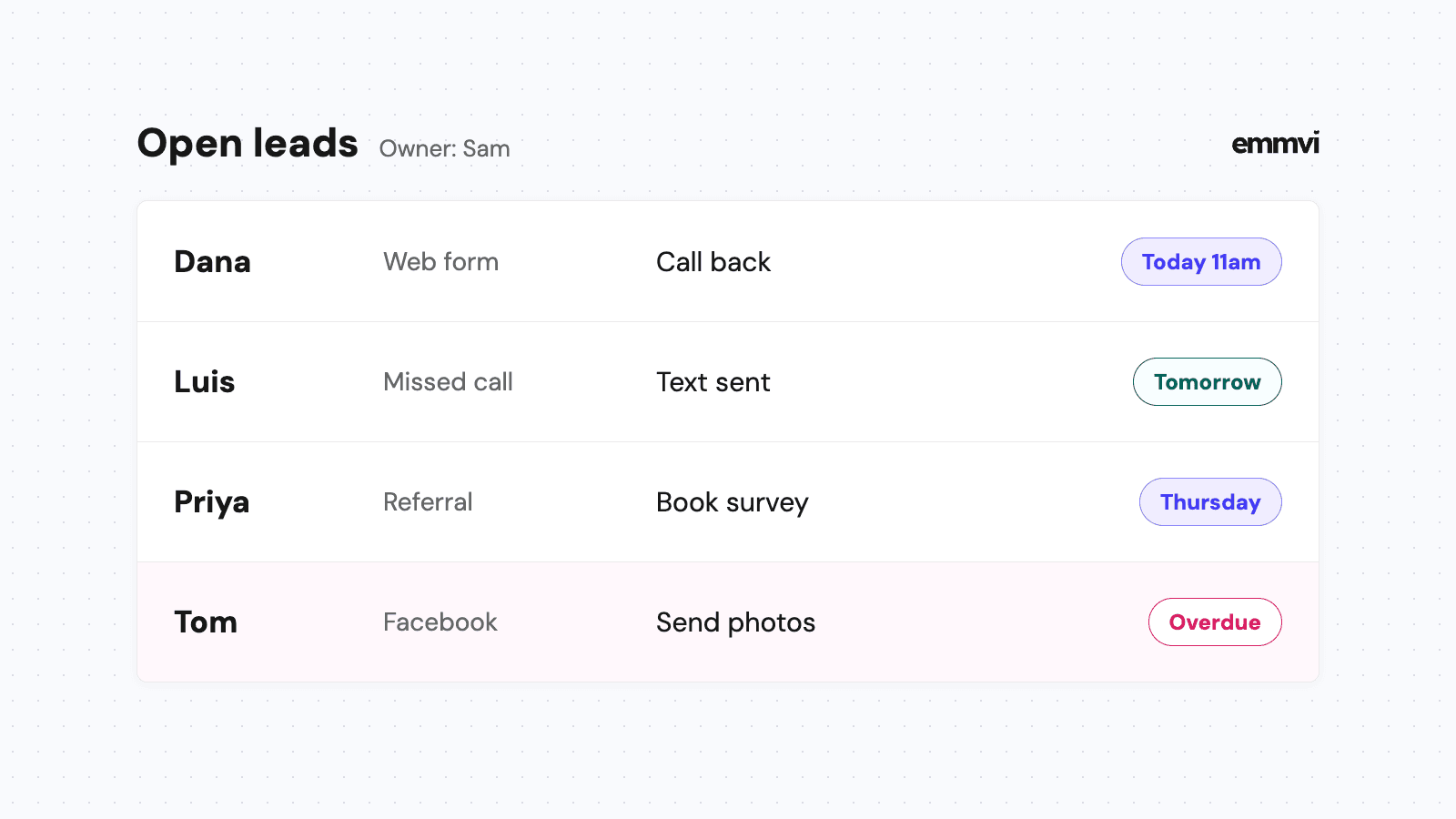
- Who is waiting for us? Every call, form and text that hasn't had a reply or a booked visit.
- Which quotes are still open? Replacement and new-install quotes the customer hasn't said yes or no to.
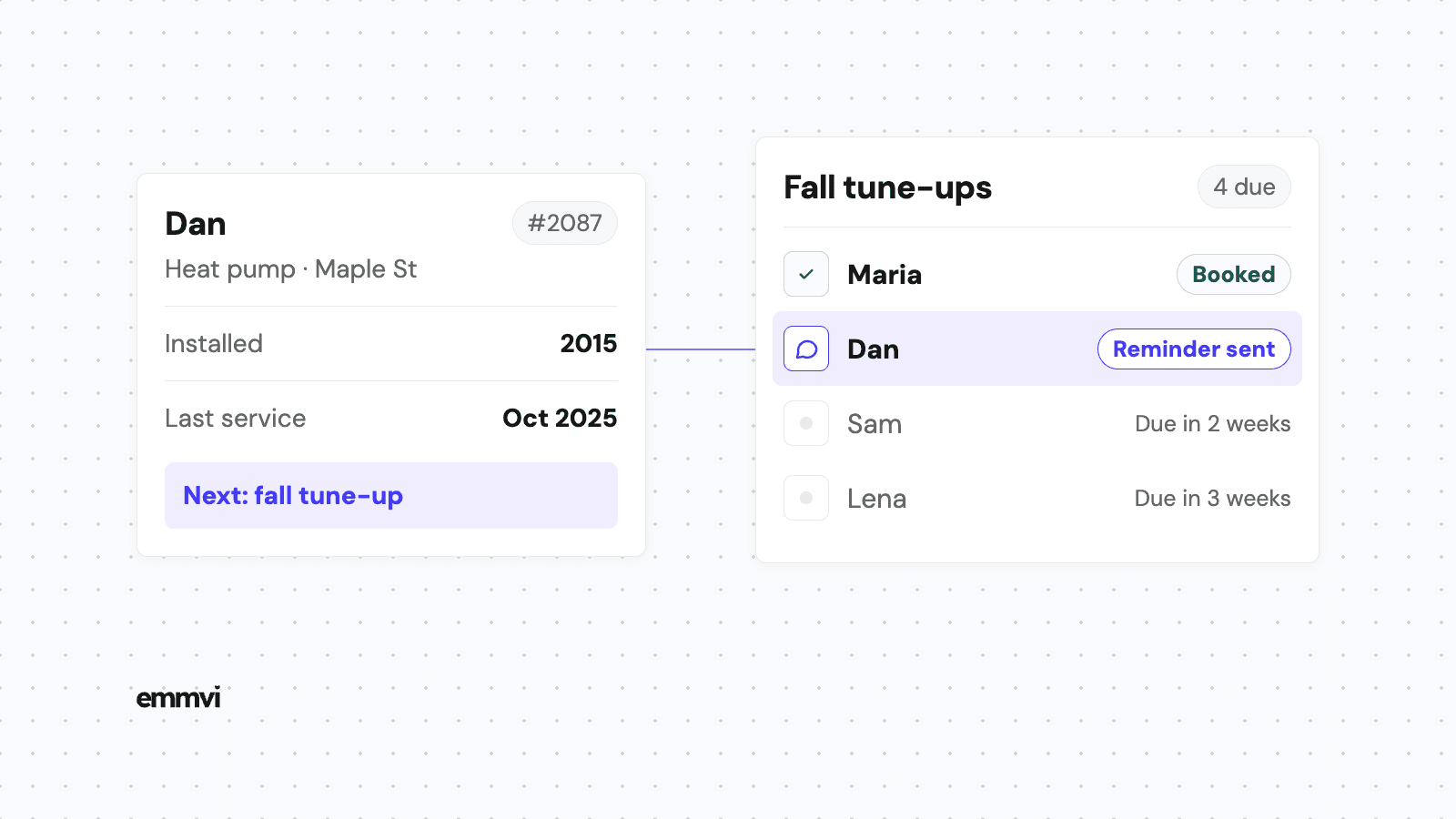
- Whose maintenance is due? Customers on a plan, or with equipment that hasn't been serviced in a year.
- Where did the work come from? Which ads, directories or referrals turned into paid jobs, not just phone calls.
If a system can't answer those four, it's an address book with a monthly fee.
Why HVAC work is harder to track
The busy seasons arrive all at once
ENERGY STAR's heating and cooling maintenance checklist tells homeowners that "contractors get busy once summer and winter come" and suggests booking cooling check-ups in spring and heating check-ups in fall. That's the pattern you already live with: long quiet stretches, then weeks when the phone never stops. In the busy weeks, whatever depends on someone remembering is the first thing to slip.
Three kinds of job, three different clocks
- Emergency repairs are measured in hours. A family with no heat calls the next company on the list if nobody answers.
- Replacement quotes are measured in days or weeks. The customer is spending real money, often gets more than one price and needs time to decide.
- Maintenance is measured in months. Nobody is chasing you, which is exactly why it gets forgotten.
One inbox and one to-do list can't show all three clocks at once. A CRM with separate pipelines can.
The equipment history is where the next job comes from
ENERGY STAR's page on when it's time to replace lists signs such as a heat pump or air conditioner that is "more than 10 years old" and equipment that needs frequent repairs while energy bills go up. If your records show the install year and every repair visit, you can see which customers are approaching that point before they start calling round.
The pipelines worth setting up
A pipeline is the list of stages a job moves through. Keep each one close to how the work really happens: too few stages and you can't see where things stall, too many and nobody updates them.
Service and repair
- New request: a call, form or text has arrived. The clock is running.
- Booked: a technician and a time slot are confirmed with the customer.
- Done: the visit is complete and invoiced.
Replacement and new installs
- Enquiry: the customer wants a price on new equipment, or a technician flagged an old system on a repair visit.
- Home visit booked: someone is going to measure up and talk options.
- Quote sent: the options and prices are with the customer. This is where most jobs go quiet.
- Accepted: deposit paid or finance approved, install date to agree.
- Installed: commissioned and handed over. The trigger for the review request and the first maintenance reminder.
Add a "Lost" outcome with a short reason (price, timing, went elsewhere, no reply). After one season, those reasons say more about your quotes than any report.
Maintenance
This one is less a pipeline than a list with dates: every customer on a plan, or with equipment you installed or serviced, and the date their next visit is due. The CRM's job is to bring each one up at the right time, not to wait for someone to go looking.
Record the source on day one
Every new enquiry should carry where it came from: website form, phone, a particular ad, a directory, a referral. Pass it in automatically where you can and make it a required field where you can't. It's the only way to know later which spending produced paid work.
What it should do without you
A CRM that only stores information depends on someone opening it, and in January nobody has time. The useful part is what happens on its own when a job enters or leaves a stage.
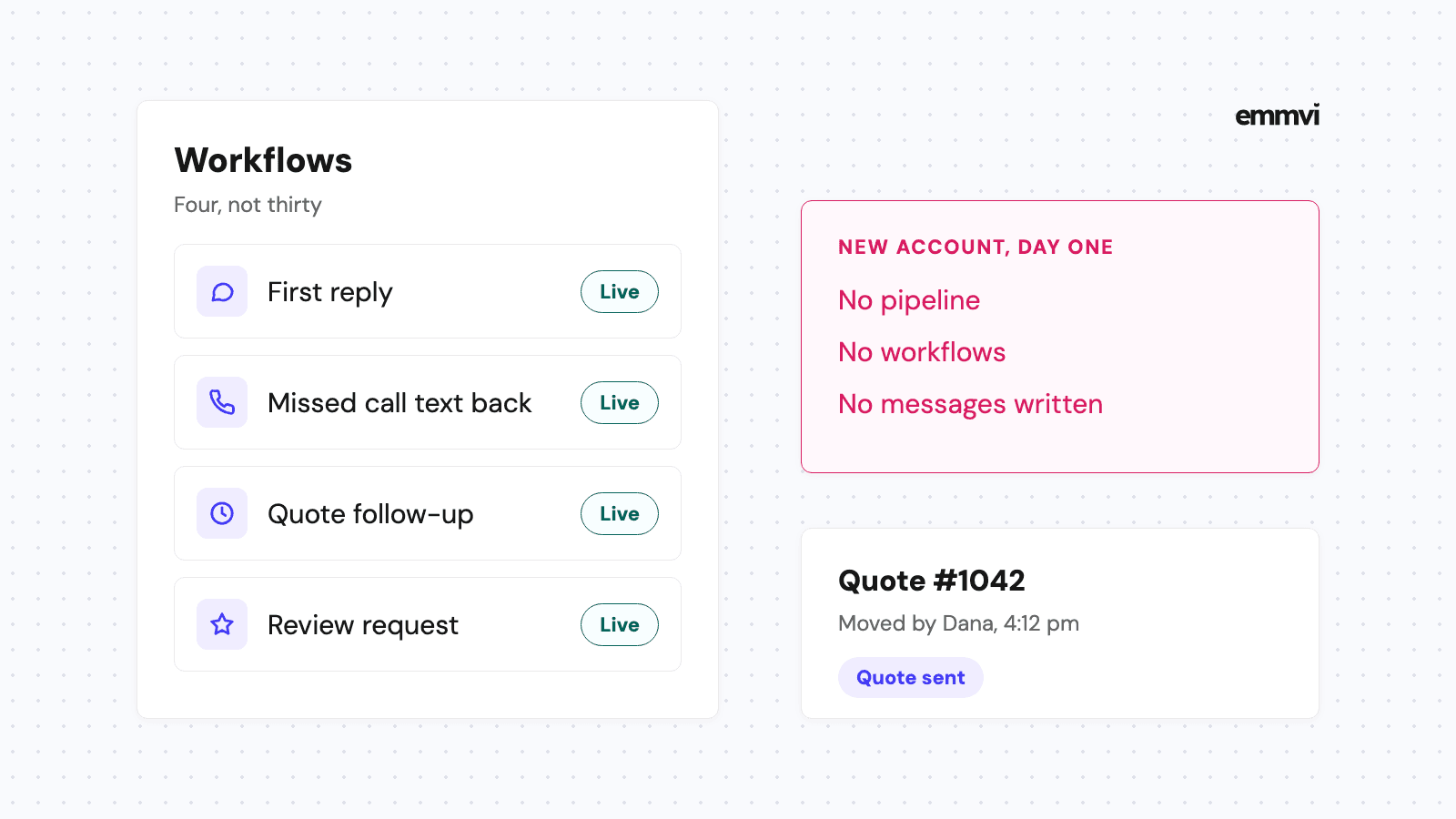
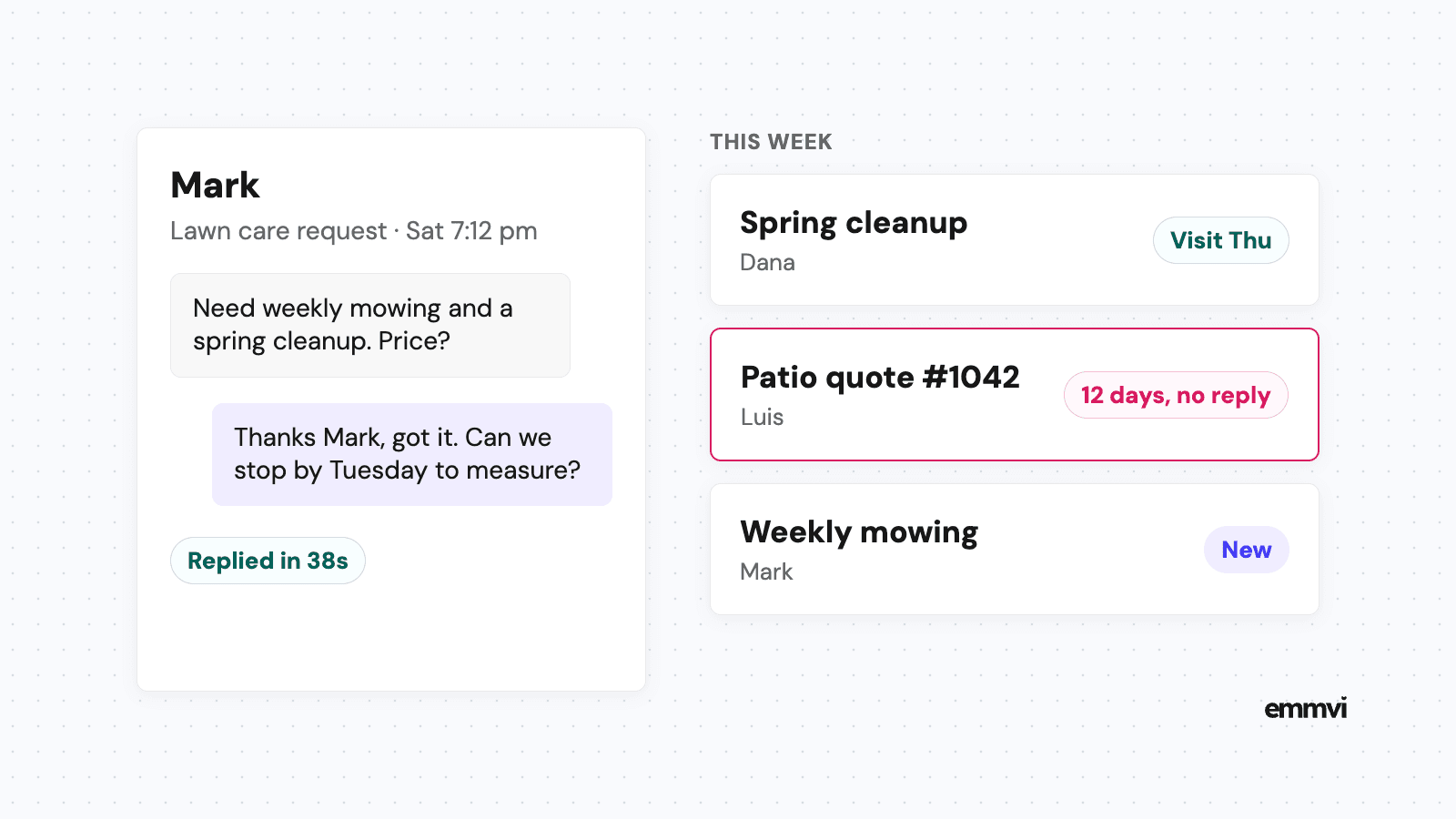
- New request: an instant text and email confirming you've got it, with a way to book or a promise of when you'll call back. Calls you can't answer work the same way, as explained in how missed call text back works for installers.
- Booked: a confirmation straight away and a reminder the day before, so the technician doesn't arrive at an empty house.
- Quote sent: a short follow-up sequence that stops as soon as the customer replies. The timing and wording are in our guide to quote follow up.
- Installed or repaired: a thank you and a review request a day or two later. See how to get more Google reviews as an installer for what to say and what Google doesn't allow.
- Maintenance due: a reminder a few weeks before spring and fall, with a link to book, sent before the rush rather than during it.
Illustration: if you look after 300 customers and each should have one visit a year, that's roughly 25 reminders a month to remember by hand, most of them landing in the same few weeks. That is the kind of job software does better than people.
What still needs a person
Automation sends messages on time. It doesn't decide whether a no-heat call with a baby in the house goes to the top of tomorrow's list, and it doesn't explain the difference between two heat pump options. Someone still has to read replies the same day and move jobs to the right stage. If the stages are wrong, every automatic message will be wrong too.
Field software or a general CRM
There are two broad routes. Neither is right for everyone.
Field service software
Tools built for trades usually combine the customer record with dispatching, invoicing and maintenance plans. Housecall Pro, for example, says its service agreement feature can "automatically schedule recurring maintenance jobs based on the selected service agreement" and auto-bill plans monthly, quarterly or annually, according to its service agreements page (as of September 2026). The advantage is that scheduling, the job and the invoice live together. The limit is often on the sales side: how quickly a new enquiry gets an answer and how well an open quote is chased. Check that part carefully.
A general CRM set up for HVAC
A general CRM with strong automation can be shaped to the pipelines above and connected to your website forms, phone number and calendar. The advantage is flexibility and better messaging. The limit is that someone has to set it up properly, and dispatch and invoicing may stay in another tool, which means the two have to talk to each other.
Questions to ask before choosing
- Can a website form, a missed call and a text all create a record automatically?
- Can a stage change send a text and an email without anyone pressing a button?
- Can I store equipment and install dates against an address, and get reminded when service is due?
- Can I see which lead source produced paid jobs, not just calls?
- Does it work properly on a phone, for a technician standing in an attic?
- If I leave, can I export my customers, equipment records and history?
This is general guidance, not a recommendation for every business. If you run one or two vans and already use field software you're happy with, check what its messaging and follow-up settings can do before adding another tool. A second system nobody updates is worse than one system used well.
Set it up before the rush
Most CRM projects fail on setup, not on the software. The best time to do it is in the quiet weeks between seasons, not in the middle of the first heatwave.
- Write the pipelines on paper first. Agree them with the office and at least one technician before touching any settings.
- Import what's live, plus the equipment. Open requests, open quotes and every customer whose install date or last service you know. Old contacts with no history can wait.
- Give every stage an owner. Someone is responsible for moving jobs out of each column.
- Turn on one automation at a time. Start with the instant reply to new requests, check it for a week, then add quote follow-up, then maintenance reminders.
- Look at the board every week. Ten minutes spent on quotes and requests that haven't moved catches most problems before the customer does.
If you've set up a pipeline for another trade before, the logic is the same as in what a solar installer needs from a CRM. HVAC just adds the maintenance calendar on top.
FAQ
Is an HVAC CRM the same as field service software?
Not quite. Field service software is built around scheduling, dispatch and invoicing, and many include a customer record. A CRM is built around enquiries, quotes and follow-up. Some tools do both well, many do one better than the other, so test the part you struggle with most.
How many pipelines does an HVAC business need?
Usually two, service and replacement, plus a dated list for maintenance. Mixing a quick repair and a full system replacement in one pipeline hides the quotes that need chasing.
What should I automate first?
The reply to new requests and missed calls. It's the step where speed matters most, and the one that's hardest to do by hand when every technician is on a job.
Can a CRM fill the quiet months?
It can't create demand, but it can make sure every customer who is due a service hears from you before the busy season, and that old equipment you've recorded gets a conversation about replacement. How many book is up to them.
If you'd rather have these pipelines and messages set up for you, you can talk to emmvi.
Share the post: