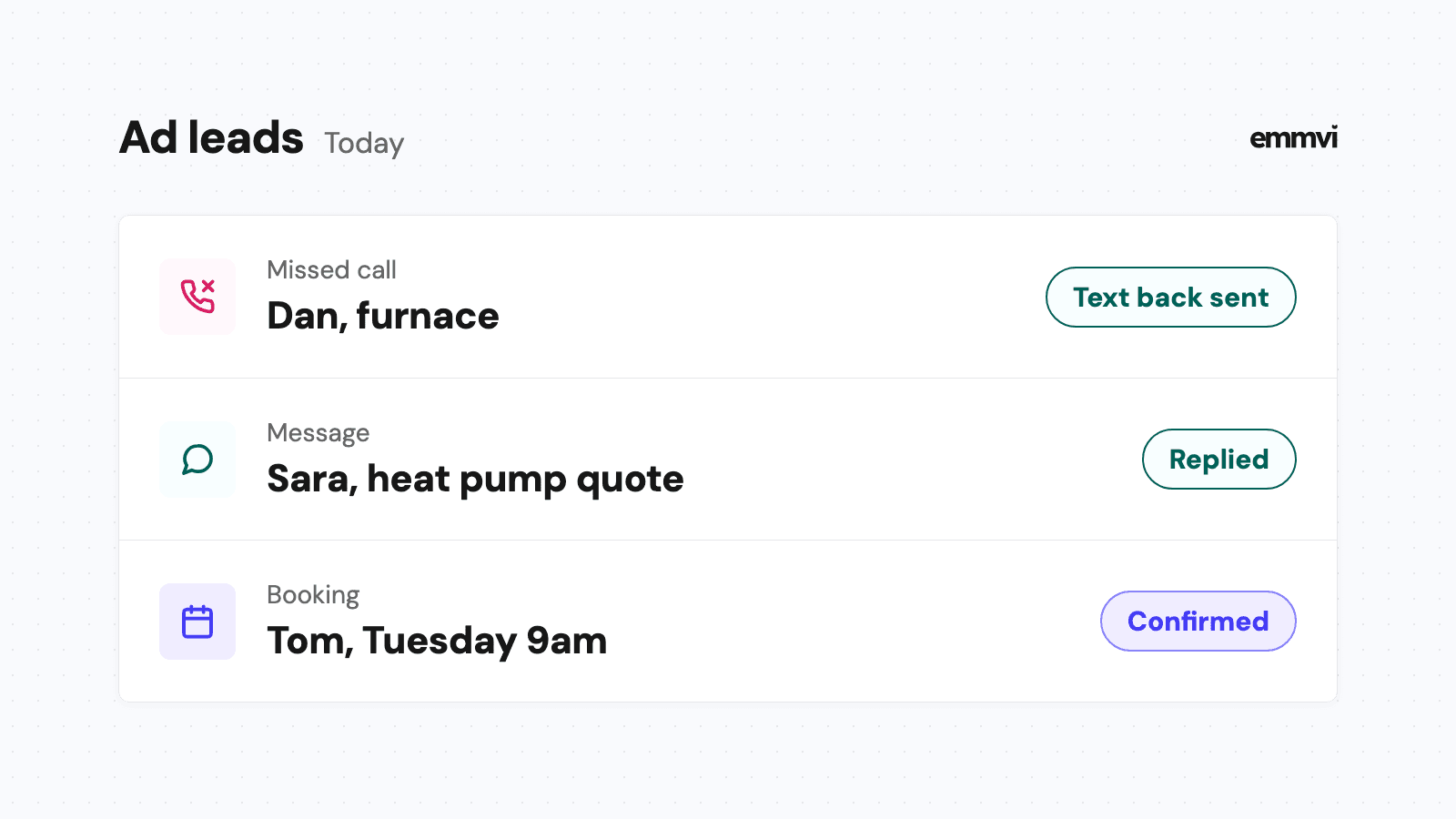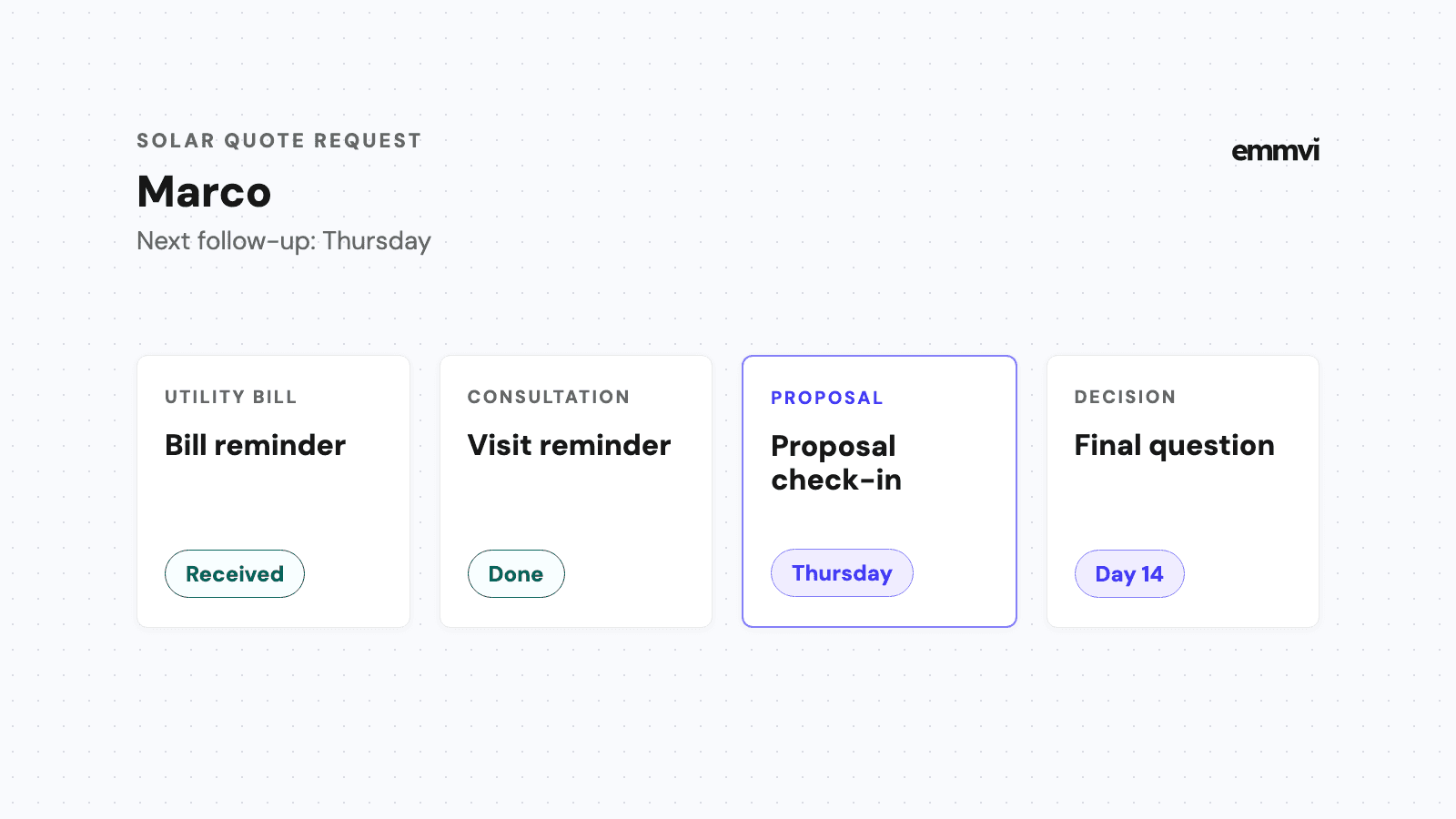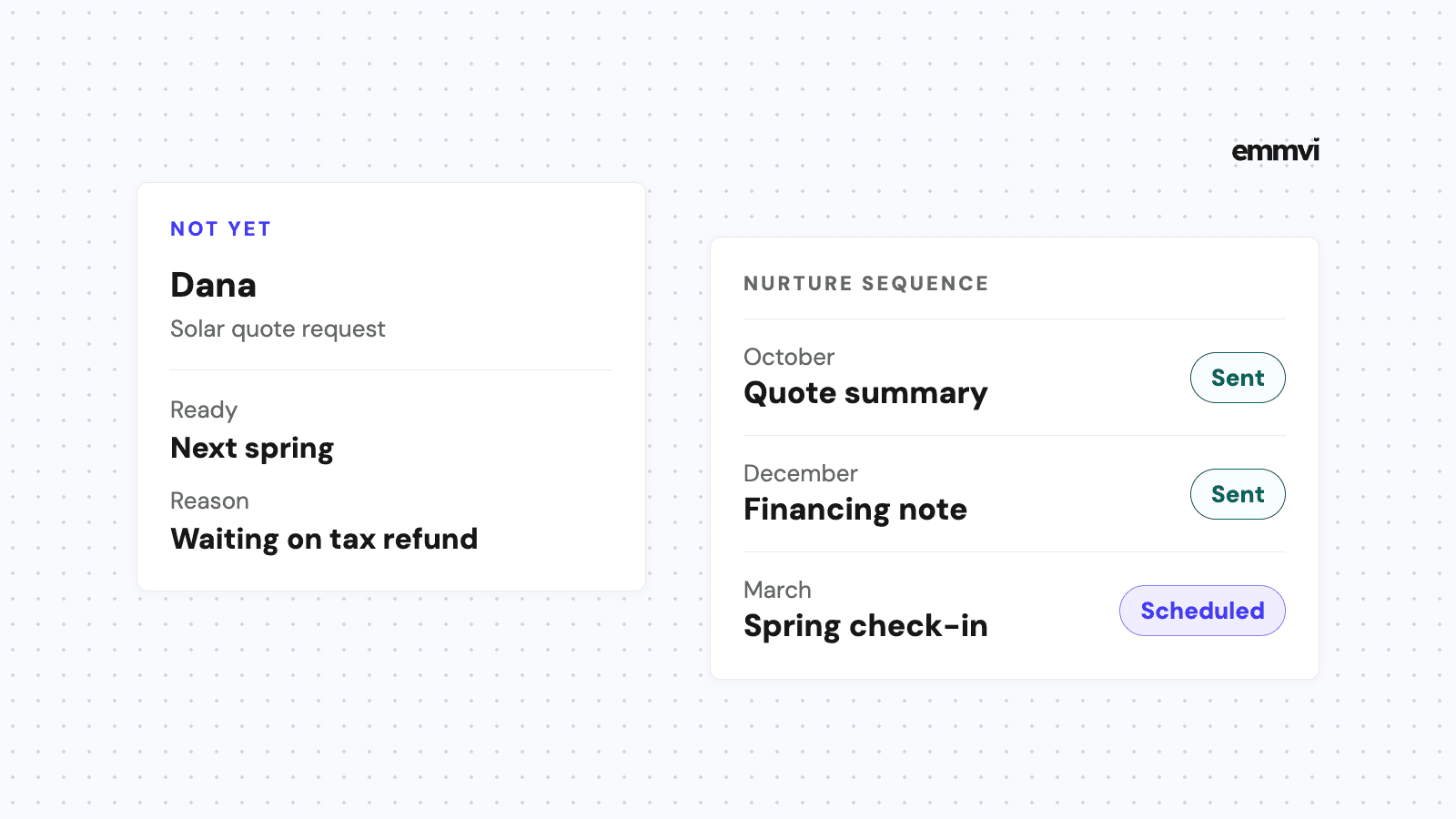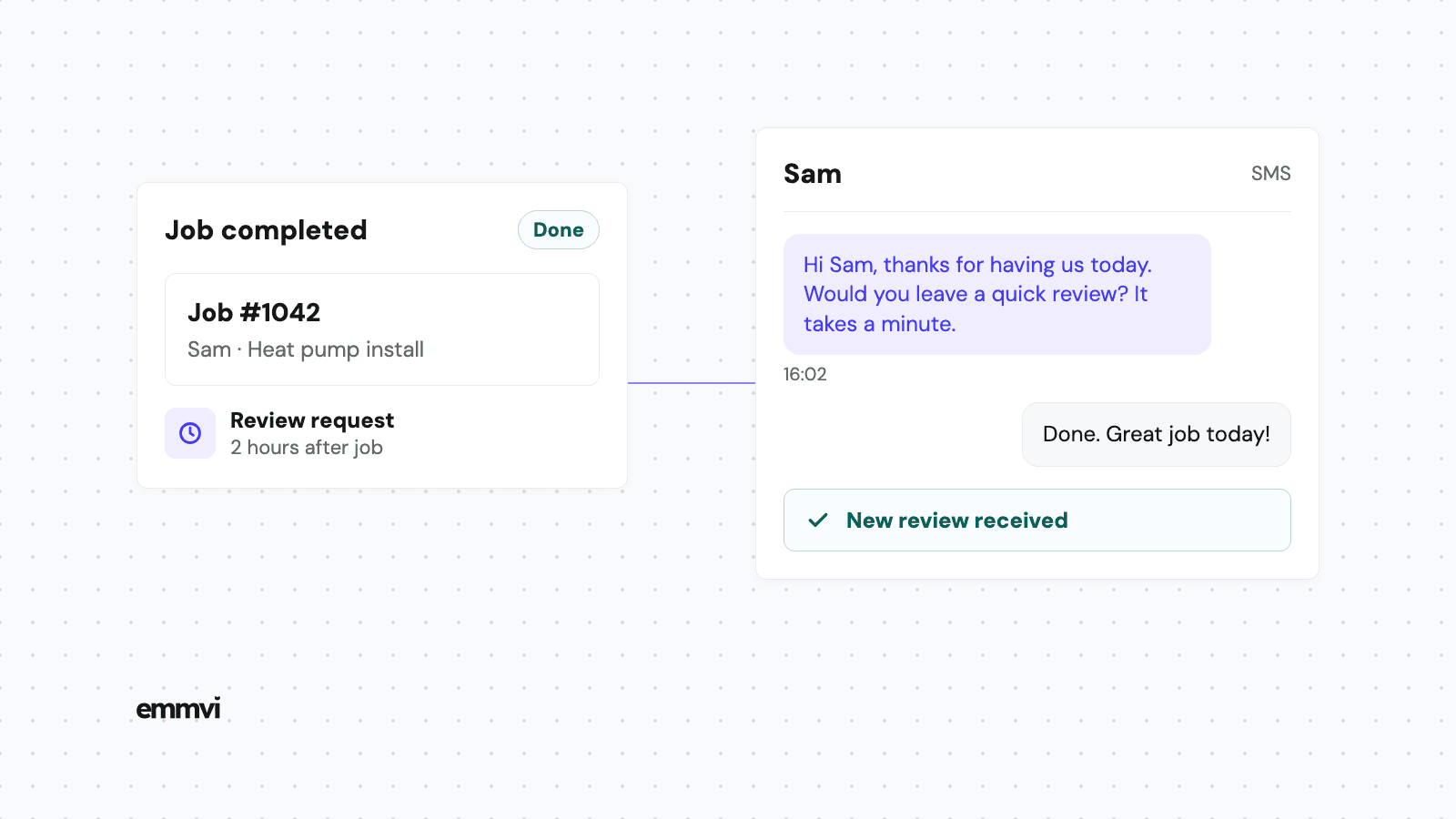
It's 4pm on a Thursday. You've just finished a heat pump install for Sam: the unit is running, the old boiler is on the van, and Sam has said "brilliant, thank you" twice on the doorstep. You drive to the next job. Sam never leaves a review, not because anything went wrong, but because nobody asked at a moment when it was easy to do.
That is how most installers end up with twelve reviews after five years of good work. This article covers why satisfied customers stay quiet, what Google allows you to do about it, when and how to ask, and how to make the asking happen after every job without you remembering it.
Why happy customers don't leave reviews
Unhappy customers look for a place to complain. Happy customers get on with their day. A good install is, from the customer's side, a problem that has gone away, and people don't write about problems that have gone away unless something prompts them.
The usual reasons a satisfied customer never reviews you are ordinary:
- Nobody asked. Most installers mean to ask and forget, or feel awkward about it at the door.
- They didn't know where. "Leave us a review on Google" means searching for your business, finding the right listing and hunting for the button. Each step loses people.
- The moment passed. A week later, the new boiler is just the boiler. The goodwill is still there, but the reason to act on it has gone.
All three have the same fix: a direct link, sent soon after the job, in a short message from the business the customer just dealt with. The work doesn't need to be better. The request needs to exist and be easy.
What Google allows, and what it bans
Before setting anything up, it helps to know where the lines are, because some common tactics break Google's rules and can cost you the reviews you already have.
Allowed: asking every customer
Google's own tips to get more reviews encourage businesses to remind customers to leave reviews, using a link or a QR code. You can get both from your Business Profile by selecting Read reviews and then Get more reviews, according to Google's help page on creating a review link or QR code (as of September 2026). The same page notes that the QR code can only be generated from a computer browser, not from a phone.
Banned: incentives and cherry-picking
Google's policy on prohibited and restricted content says businesses must not offer payment, discounts or free goods or services in exchange for reviews. It also says they must not "selectively solicit positive reviews from customers". That rules out the classic trick of asking "were you happy?" first and only sending the Google link to people who say yes.
In the US, the FTC's rule on consumer reviews and testimonials took effect on October 21, 2024. Its questions and answers page says you can't suggest a review must be positive to get a promised incentive, and notes that asking only happy customers could still break the wider FTC Act. The practical rule is simple: ask everyone, reward nobody, and don't tell people what to write.
This is not legal advice. If you operate outside the US, or run anything like a referral scheme, check the rules that apply where you work.
When to ask for a review
The best time is shortly after the customer has seen the result, while they still remember your name and the person who came to the house. For most home-service jobs, that means the same day.
- Quick jobs (a repair, a service, an EV charger): a text a couple of hours after you leave. They have had time to check everything works, and they're still thinking about it.
- Bigger installs (solar, heat pumps, renovations): ask once the customer has seen it working, which may be after the handover or the first day of use, not while the scaffolding is still up.
- Anything with a problem outstanding: fix it first. Asking for a review while a snag is open is asking for a complaint in public.
One reminder, a few days later, is reasonable if there's no response. After that, stop. A customer who ignores two polite messages has made a choice, and a third message turns goodwill into irritation.
Ask in person too
The text does the work, but a sentence at the door helps it land: "We'll send you a link later, a short review really helps other homeowners find us." When the message arrives, it's expected, and it comes from someone they just shook hands with.
What the review request should say
Keep it short enough to read in one glance on a phone. Use the customer's first name, name the job, sign it with your business name, and put the link on its own line. Don't ask for five stars and don't suggest what to write.
The first request (same day)
"Hi Sam, it's Northside Heating. Thanks for having us today for the heat pump install. If you have a minute, we'd be grateful for an honest review: [link]. And if anything isn't right, reply here and we'll sort it."
The reminder (three to five days later)
"Hi Sam, Northside Heating again. Hope the heat pump is running well. If you get a moment, here's the review link: [link]. Thanks either way."
The line "if anything isn't right, reply here" is not a filter. Everyone gets the review link in the same message. It simply gives an unhappy customer a faster way to reach you than a one-star review, which is better for both of you.
Text, email or card?
Use the channel the customer already used with you. For most homeowners that is text: the link opens on the same phone they'll use to write the review. A printed QR code on the invoice or the handover pack is a good backup, and it's why Google offers one.
Automating review requests
Everything above is easy to agree with and hard to do by hand. Illustration: if you finish 40 jobs a month, that's 40 first requests and up to 40 reminders, each timed to a job that ended at a different hour. By the second busy week, the asking stops.
Automation ties the request to something you already do. When a job is marked complete in your CRM or job software, the system waits the time you chose, sends the first message, and sends one reminder if there's no reply. You write the wording once and check it; after that it runs on every job, not only the ones you remember.
In HighLevel, for example, a workflow can include a "Send Review Request" action by SMS, email or WhatsApp, and each request shows as queued, sent, delivered or failed, according to HighLevel's help article on sending review requests (as of September 2026). Many job management tools have something similar. It's the same idea as chasing quotes automatically: a stage change starts the messages, and a reply stops them.
What still needs a person
- Marking the job complete. If nobody updates the job, nothing is sent. The trigger is only as reliable as the habit behind it.
- Handling the replies. Some customers will reply to the text with a question or a problem instead of reviewing. Someone who knows the job needs to answer.
- Checking the wording. Read every template as if you were the customer. If it sounds like a form letter, rewrite it.
This is general guidance, not a recommendation for every business. If you finish a handful of jobs a month, a saved text on your phone and a reminder in your calendar may be enough. Check what the software you already pay for can do before adding another tool.
Replying to reviews, good and bad
Google's tips page also encourages businesses to reply to reviews. Replies are read by the next homeowner deciding whether to call you, so they matter more than the reviewer.
- Good reviews: a short thank you that mentions the job. "Thanks Sam, glad the heat pump is keeping the house warm." No need for more.
- Bad reviews: reply calmly, once, in public, and offer to sort it out in private with a name and a number. Don't argue the details. Readers judge the reply more than the complaint.
- Reviews you don't recognize: if a review looks fake or breaks Google's policies, you can report it from your Business Profile, as Google's help page on reporting inappropriate reviews explains. Review evaluation can take several days. Don't reply to it as if it were real.
Reviews also do their job only if the rest of the journey holds up. A homeowner who reads your reviews and then calls, gets no answer and hears nothing back is lost anyway. That part is covered in how missed call text back works for installers and in where enquiries get lost between the form and the sale.
FAQ
Can I offer a discount for a Google review?
No. Google's policy bans payment, discounts and free goods or services in exchange for reviews, whatever the review says. Reviews posted because of an incentive count as a breach of that policy.
Can I ask only the customers I know were happy?
Google's policy says businesses must not selectively solicit positive reviews, and the FTC has said the practice could break US law. Send the same request to every customer after every job.
How many times should I ask?
Once, plus one reminder a few days later. If there's no response after that, leave it.
Should staff ask customers for reviews on site?
Mentioning that a link is coming is fine. Google's policy says businesses shouldn't require or pressure customers to leave a review while on the premises, so don't hand over a phone and wait.
If you'd like review requests tied to your job pipeline and running after every job, you can talk to emmvi.
Share the post: