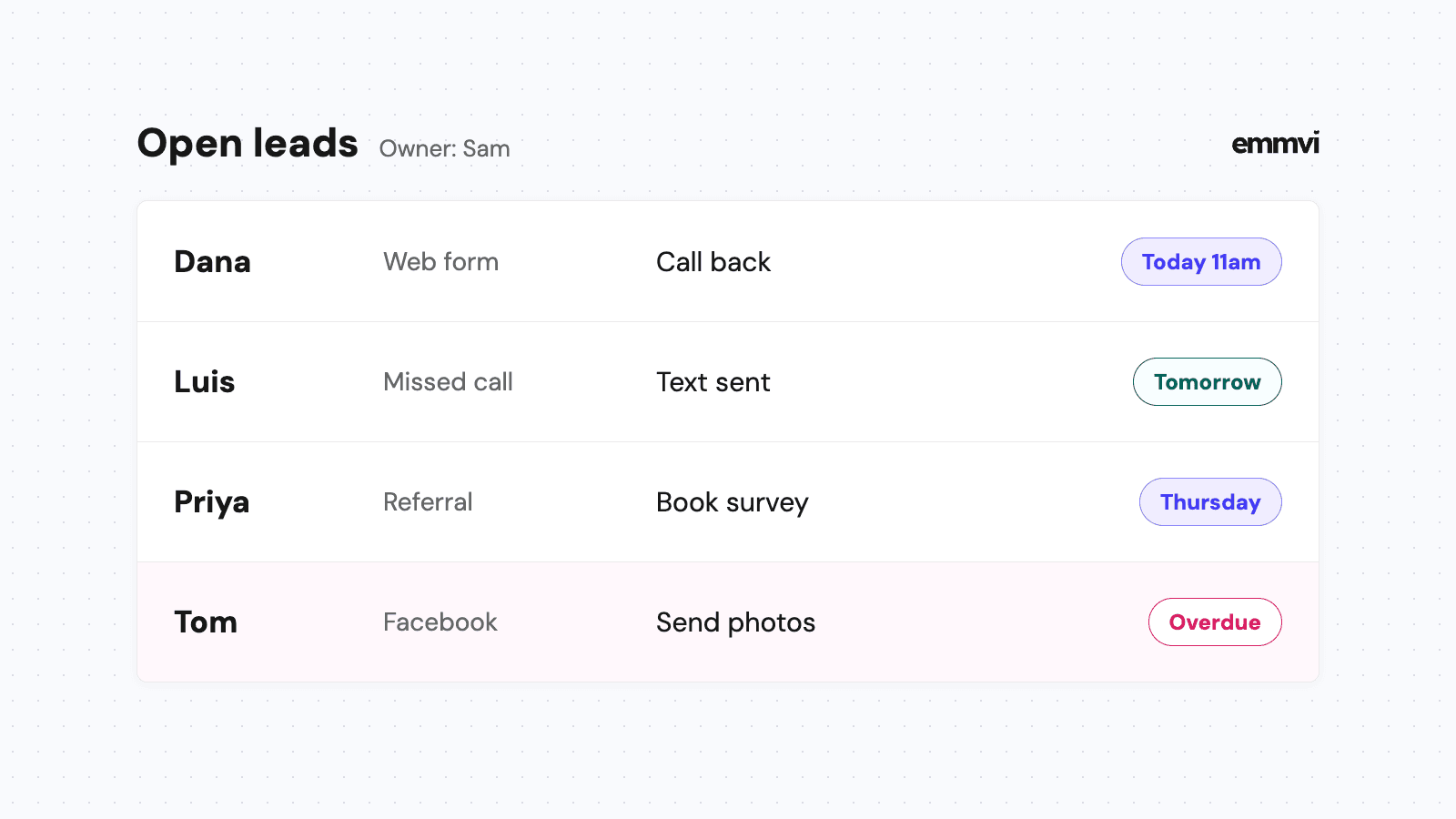
It's the first warm Saturday in March. By 7pm you have eleven new messages: four form submissions, three voicemails, two texts and a couple of Facebook messages. Weekly mowing, a spring cleanup, a patio, a drainage problem behind a garage. You were on a mower all day. On Monday you reply to the ones you remember, and two of them have already booked someone else.
Landscaping is a trade where the work arrives in waves and the customers who matter most come back every year. A CRM is the tool that keeps both from slipping. This article covers what a landscaping CRM should track, where landscaping jobs get lost, which pipeline stages fit, what to automate and how to choose one.
What a landscaping CRM does
A CRM (customer relationship management system) keeps one record per customer and per property, with every call, form, text, email, photo and note attached, plus what happened last and what should happen next. For a landscaper, the property matters as much as the person: the size of the lawn, gate codes, where the irrigation heads are, the dog in the back yard, and the photos from the first visit.
A useful test is whether you can answer these four questions from your phone, in a minute, without calling the office:
- Who is waiting for a reply? Every form, call, voicemail and text that hasn't had an answer from a person yet.
- Which quotes are out? Priced, sent, and still without a yes or a no, with the date each one went out.
- Which contracts renew soon? Maintenance customers whose season ends, and the ones who didn't confirm last year.
- Where do the good jobs come from? Referrals, the website, yard signs, ads, a neighbor who saw the truck. Signed work, not just calls.
If the system can't answer those, it's an address book with a monthly fee.
Where landscaping jobs get lost
The spring rush buries the inbox
Requests cluster at the start of the season and on weekends, exactly when you and your crews are busiest. The homeowner who asks for a cleanup on Saturday evening often sends the same request to two or three companies. Whoever answers first, clearly, tends to get the visit. Why the first minutes matter, and how to cover them without being on your phone all night, is in speed to lead.
Calls ring while you're on a mower
You can't hear the phone over a zero-turn, and you shouldn't answer it on a slope. A missed call that gets no reply usually becomes a call to the next company on the list. A short automatic text back keeps the conversation open until you can call. How to set that up is in missed call text back.
Design quotes sit for weeks
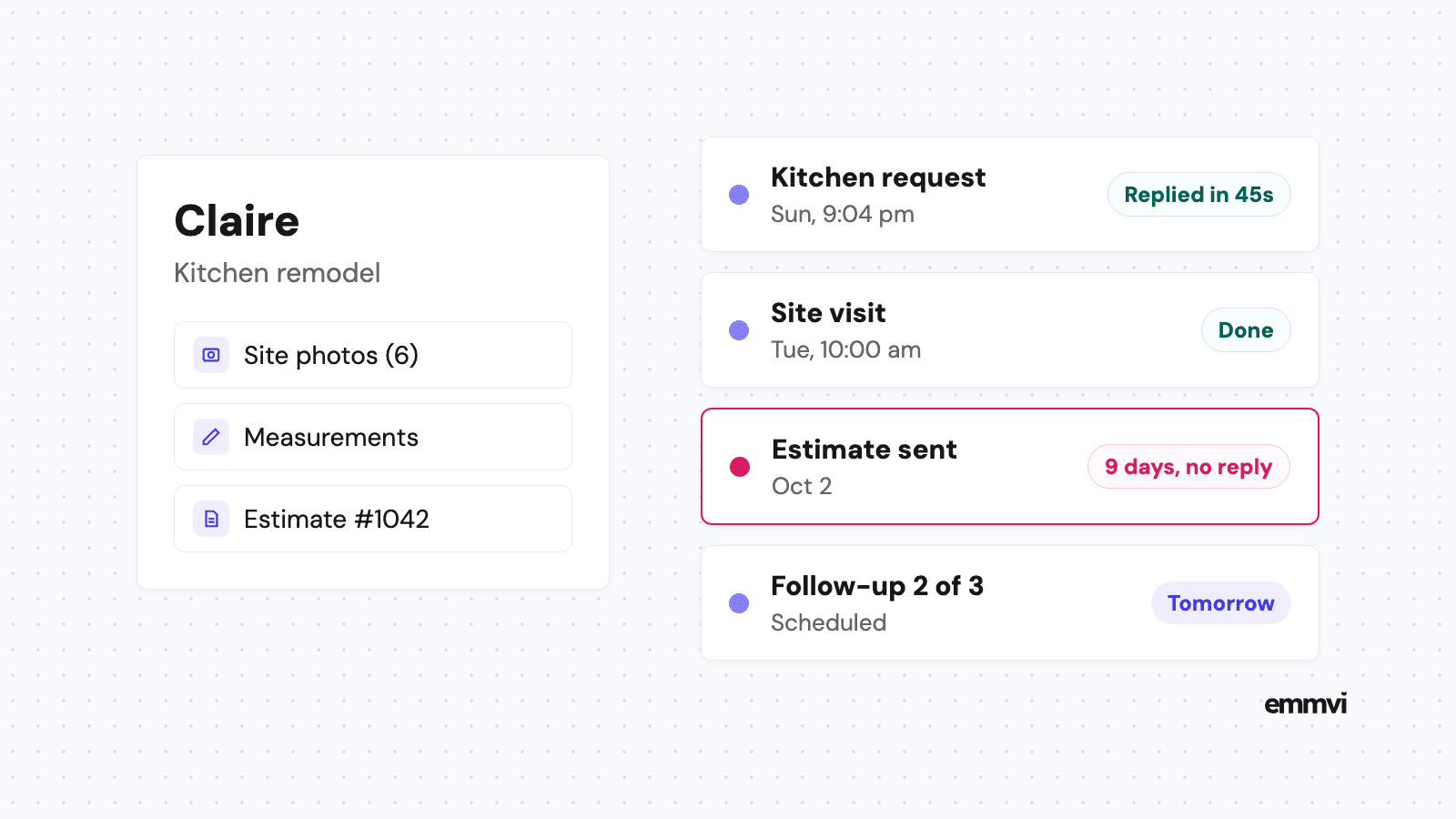
A patio, a retaining wall or a full backyard is a big decision. The customer is comparing prices, waiting for a tax refund or waiting for the weather to turn. Most of those quotes are not a no. They are a maybe nobody asked about again. A simple three-step follow-up fixes most of it, and quote follow-up shows what to send and when.
Maintenance customers drift away quietly
Weekly mowing customers rarely cancel. They just don't confirm for next season, and in March you realize six of last year's routes are empty. Without a list of who renewed and who didn't, nobody calls them until it's too late.
Pipeline stages that fit
A pipeline is the list of stages a job moves through. Name each stage after something that happened, so anyone can see where a job really is. A longer walk-through is in contractor sales pipeline. For most landscaping companies, two pipelines work better than one.
Projects: design, hardscape, installs
- New request: a form, call, text or referral has arrived. Nobody has spoken to them yet.
- Visit booked: a site visit is in the calendar and confirmed with the homeowner.
- Quote sent: the price is with the customer. This is the stage where projects stall.
- Won: accepted, deposit terms set, a start week to confirm.
- Completed: final walkthrough done. The trigger for the thank you and the review request.
Maintenance: mowing, cleanups, seasonal
- New request: someone asked for a price on recurring work.
- Quoted: a per-visit or seasonal price sent, ideally after a quick look at the property.
- Active: on a route this season.
- Renewal due: the season is ending or the agreement is up. Ask before they shop around.
Add a "Lost" outcome with a short reason: price, timing, chose someone else, no reply. After one season those reasons tell you whether your prices, your speed or your follow-up is the weak point.
Make "quote sent date" and "renewal date" fields on the record, not things you remember. A filter for "quote sent more than 10 days ago, no reply" becomes your Monday call list in seconds.
What to automate, and what not
Automation is good at the small, repetitive messages that people forget when the season is busy. It is bad at anything that needs judgment. A reasonable split:
Worth automating
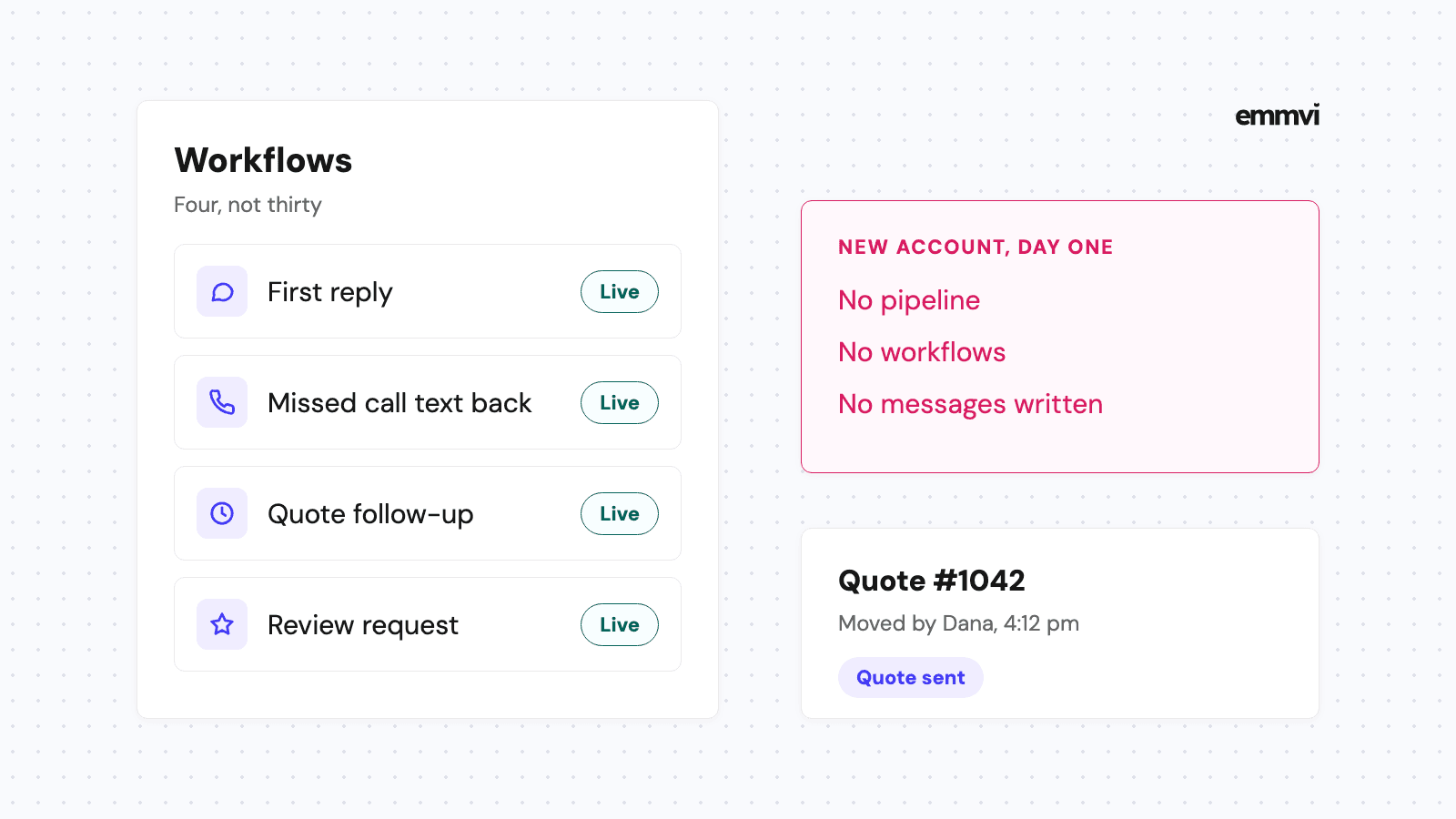
- The first reply. A text within a minute of any form, call or message, saying you got it and what happens next. It can't price the job, and it shouldn't pretend to.
- Visit reminders. The day before, with a way to reschedule, so you don't drive to an empty house.
- Quote follow-up. Three short check-ins over two or three weeks, stopping the moment the customer replies.
- Renewal reminders. A message to every maintenance customer before the next season starts.
- Review requests. A text with your review link after a job is marked completed.
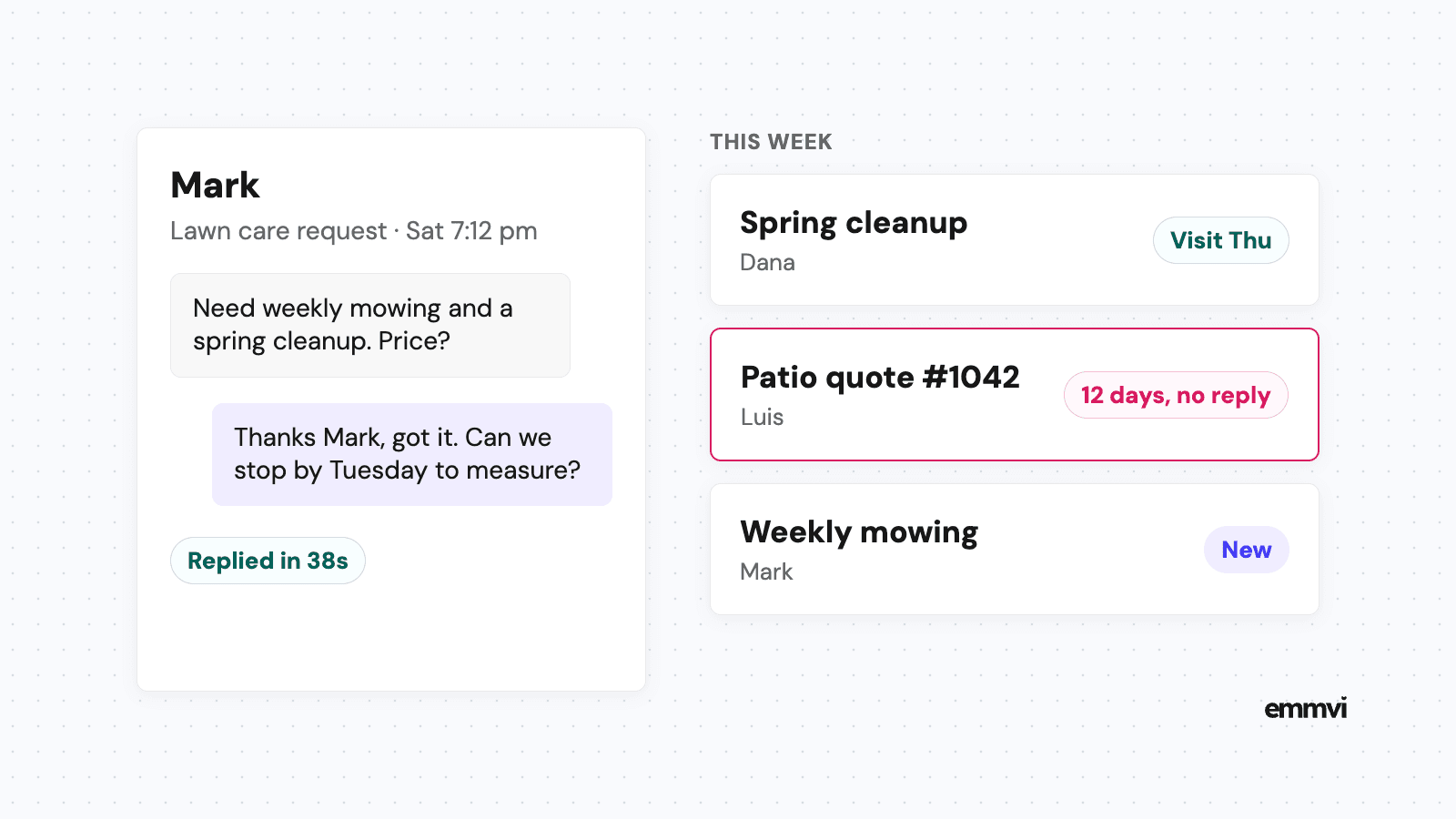
This is what a first reply can look like for a mowing request:
Hi Mark, thanks for reaching out about weekly mowing. We've got your request. We'll call you tomorrow before noon to set a time to look at the yard. If it's easier, reply with your address and a couple of photos.
Keep it human
Pricing, design conversations, complaints and anything about a damaged sprinkler or a dead plant should come from a person. An automatic message that answers a complaint with a review request does more harm than no message at all.
Reviews: ask, don't pay
Google's tips to get more reviews suggest reminding customers to leave a review and sharing a link or QR code, and say that offering rewards in exchange for reviews is not allowed. So the automated request should be a simple ask with a link, sent when the customer is happiest: right after a cleanup or the day a patio is finished. More on timing and wording in how to get more Google reviews.
Landscaping software or a CRM
Field-service tools built for landscapers are strong at the operational side: routes, crew schedules, recurring visits, time tracking and invoicing. A general CRM with automation is strong at the sales side: catching every request, replying fast, chasing quotes and asking for reviews. Some businesses need one, some need both.
- Mostly maintenance routes: start with field-service software. Routing and recurring billing are where your hours go.
- Mostly design and install projects: a CRM with a good pipeline and follow-up often matters more, because each job is a sale.
- A mix of both: run them side by side, with the CRM handling requests and quotes and passing won jobs to the scheduling tool.
Before you pick anything, list the five messages you send most often and the three places requests come from. Any system you choose has to handle those on day one. Ask the vendor to show you that, with your examples, before you sign.
This is general guidance, not a recommendation for every business. The right setup depends on your mix of maintenance and project work, your crew size, the tools you already use and how your customers prefer to reach you.
Setting it up before spring
The quiet months are the time to set this up, because the rush is a bad moment to learn new software. A sensible order:
- Connect every entry point. Website form, business phone, text line and social messages all land in the same inbox.
- Turn on the first reply. One text, sent within a minute, for every new request.
- Build the two pipelines. Projects and maintenance, with the stages above.
- Load last season's customers. Tag who is on maintenance, with a renewal date.
- Add follow-up and review requests. Only after the basics work, so you know which message did what.
Illustration: if 40 quote requests come in during a busy April week and each takes five minutes to acknowledge by hand, that's over three hours of typing the same reply. An automatic first reply doesn't win the jobs for you. It gives you those hours back for the calls that do.
FAQ
Do small landscaping companies need a CRM?
If you've ever found an old voicemail you never returned or a quote you forgot to chase, yes. Smaller companies often gain the most, because the person who would reply is the same one on the mower.
Can a CRM handle routes and crew schedules?
Most general CRMs can book visits on a calendar, but they are not built for route optimization or recurring crew schedules. If that's your main problem, look at landscaping field-service software, and use a CRM alongside it for sales.
How many times should I follow up on a landscaping quote?
Three times over two or three weeks is a sensible start for project work. For maintenance quotes, one reminder before the season starts is often enough. Stop as soon as the customer replies, yes or no.
How long does setup take?
A first version with instant replies and one pipeline can run within days. Getting stages, messages and sources right usually takes a few weeks of real use and small fixes, which is why winter is the time to start.
If you'd rather have this set up for you, you can talk to emmvi.
Share the post: