It's 9pm on a Sunday. A couple has spent the evening looking at kitchen photos, and one of them fills in the form on your website: "Thinking about redoing the kitchen next spring, roughly 12 by 14, would love a ballpark." You see it Monday at lunch, between a tile delivery and a call from the plumber. By Wednesday you've meant to reply three times.
Remodeling has the longest gap of any trade between the first message and the signed contract. That gap is where jobs disappear. This article covers what a remodeling CRM should track, where remodeling leads go quiet, how to set up the pipeline, what to automate and how to choose a system.
What a remodeling CRM is for
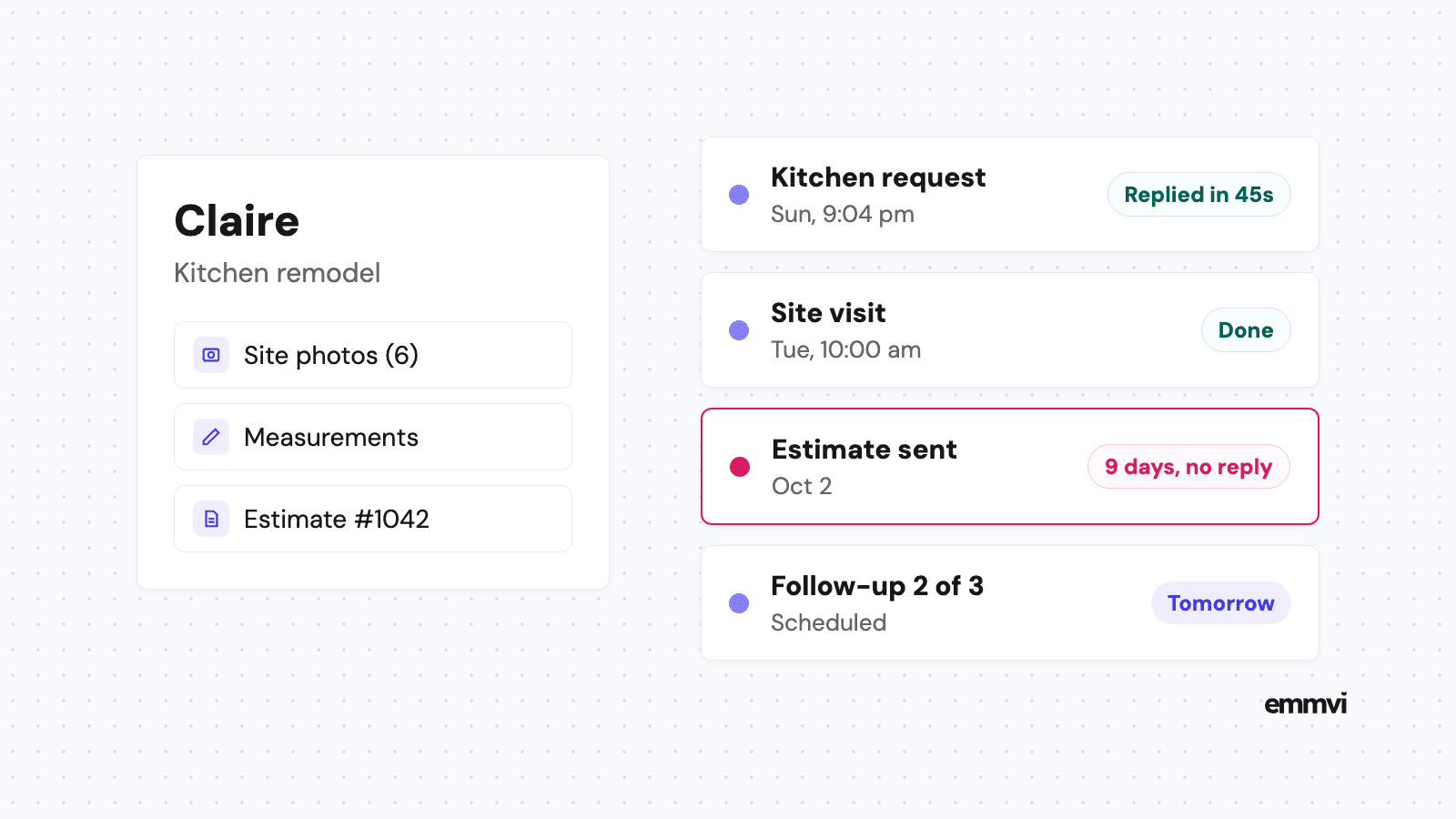
A CRM (customer relationship management system) keeps one record per customer and per project, with every call, form, text, email, photo and note attached, plus what happened last and what should happen next. For a remodeler, that record also has to hold the things a project collects over months: measurements, photos of the existing room, the design ideas the customer sent, the selections they made and the version of the estimate they are looking at.
The test is whether you can answer these questions in a minute, from your phone, without asking anyone:
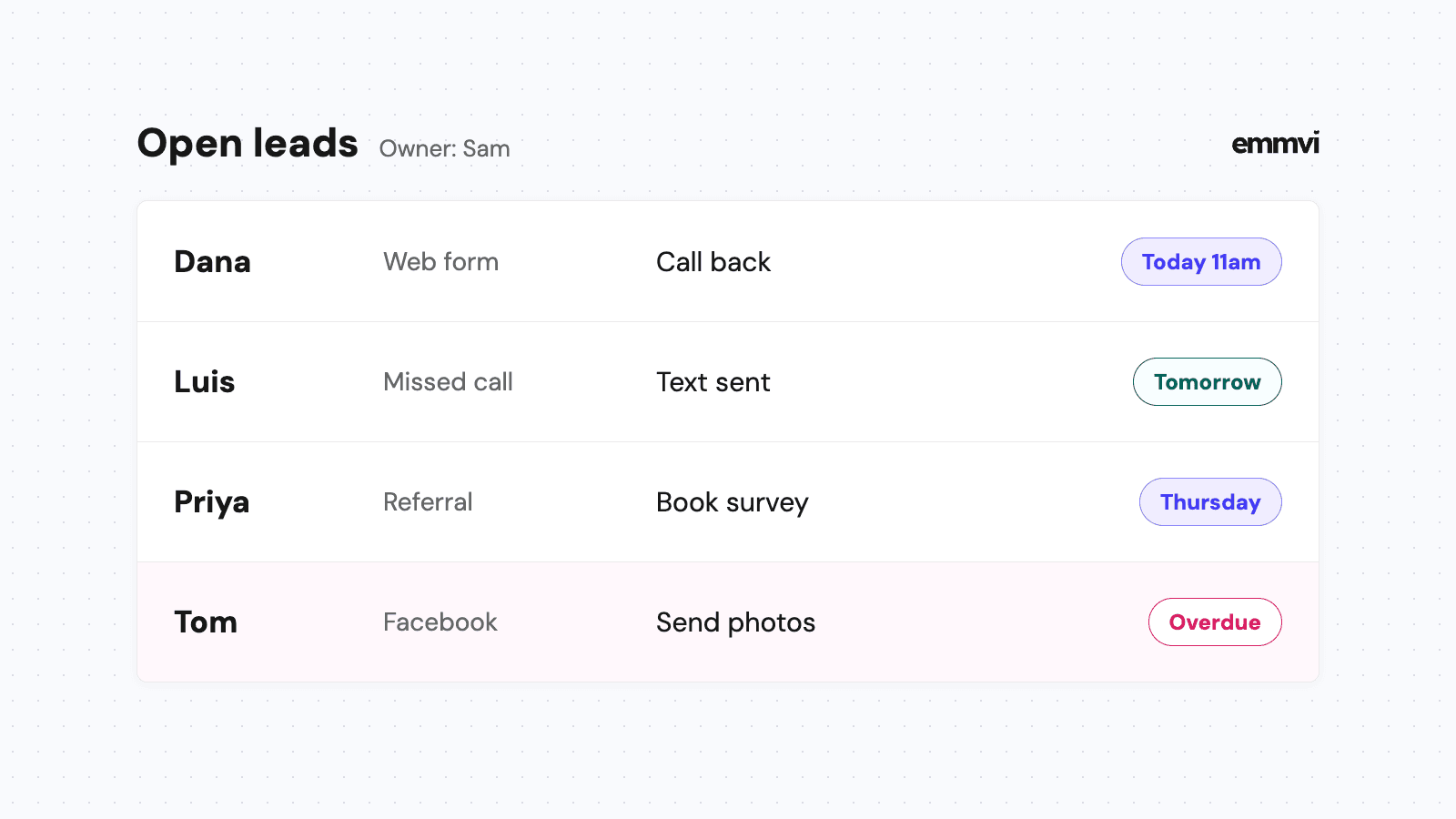
- Who is waiting for a reply? Every form, call, voicemail and text that hasn't had an answer from a person.
- Which estimates are out? Priced, sent, and still without a yes or a no, with the date each went out.
- What did we promise, and when? Site visits, design meetings, revised numbers, a call back after the customer talks to their bank.
- Where do signed projects come from? Referrals, past customers, the website, ads, a home show. Signed contracts, not just calls.
If the system can't answer those, it's a contact list with a monthly fee.
Where remodeling jobs go quiet
The first reply comes too late
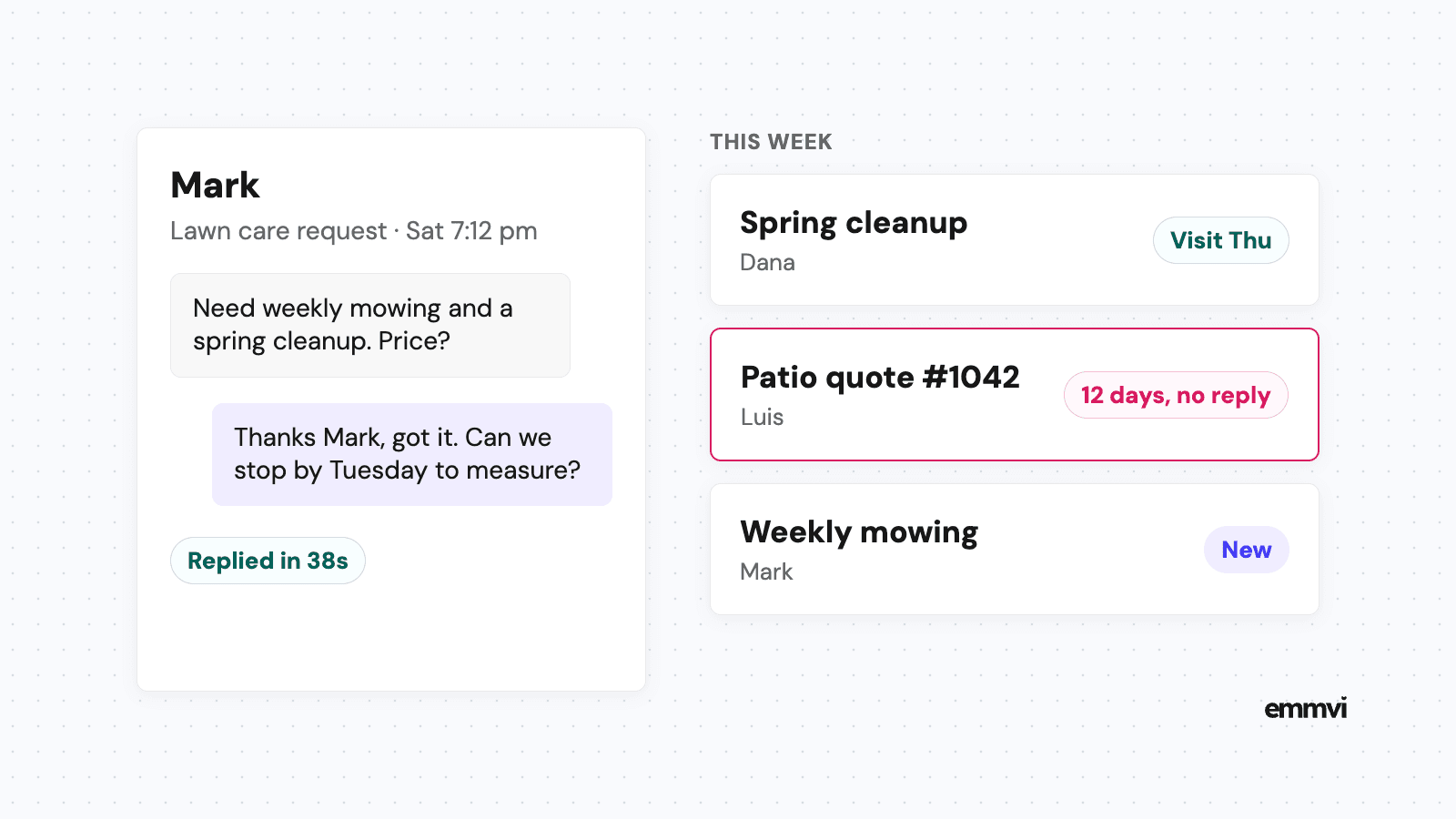
Remodeling requests often arrive in the evening and at weekends, when homeowners have time to think about the house. The reply arrives on a weekday, after site work. By then the homeowner may have filled in two other forms. Why the first minutes matter, and how to cover them, is in speed to lead.
Homeowners compare, and they're told to
The FTC's advice on avoiding home improvement scams tells homeowners a written estimate should cover the work, materials, completion date and price, and adds: "Don't automatically choose the lowest bidder." So your estimate sits next to others, read by someone checking who seems reliable. The remodeler who replies clearly and keeps every promise about dates usually looks like the safer choice. It doesn't win every job, but going quiet after sending a number rarely helps.
The decision takes weeks or months
A kitchen or a bathroom is a big purchase. The customer may be waiting on financing, a second estimate, a partner who travels, or simply the end of the school year. Most lost estimates are not a no. They are a maybe that nobody asked about again.
Details live in too many places
The measurements are in a notebook, the photos in your camera roll, the tile choice in a text thread and the revised price in an email. When the customer calls back six weeks later, you spend ten minutes finding where you left off, or you guess.
Pipeline stages for remodelers
A pipeline is the list of stages a project moves through. Name each stage after something that happened, not something you hope for, so anyone can tell where a job really is. A fuller walk-through is in contractor sales pipeline. For most remodelers, these stages are enough:
- New request: a form, call, text or referral has arrived. Nobody has spoken to them yet.
- Visit booked: a site visit or design meeting is in the calendar and confirmed with the homeowner.
- Estimate sent: the number is with the customer. This is the stage where projects stall.
- Revising: the customer asked for changes, a cheaper option or a different scope. Record what changed and when the new version is due.
- Signed: contract agreed, deposit terms set, a start window to confirm.
- In progress: the job is running. Keep updates and photos on the same record.
- Completed: final walkthrough done. The trigger for the thank you and the review request.
Add a "Lost" outcome with a short reason: price, timing, financing, chose someone else, no reply. After a year, those reasons tell you whether your estimates, your speed or your follow-up is the weak point.
Make the date the estimate went out a field on the record, not something you remember. A filter for "estimate sent more than 14 days ago, no reply" turns into your Monday call list in seconds.
Keep small jobs separate
If you also take repairs and handyman work, give them a shorter pipeline of their own: request, scheduled, done. Mixing a two-hour door repair with a six-week kitchen makes both lists harder to read.
What to automate, and what not
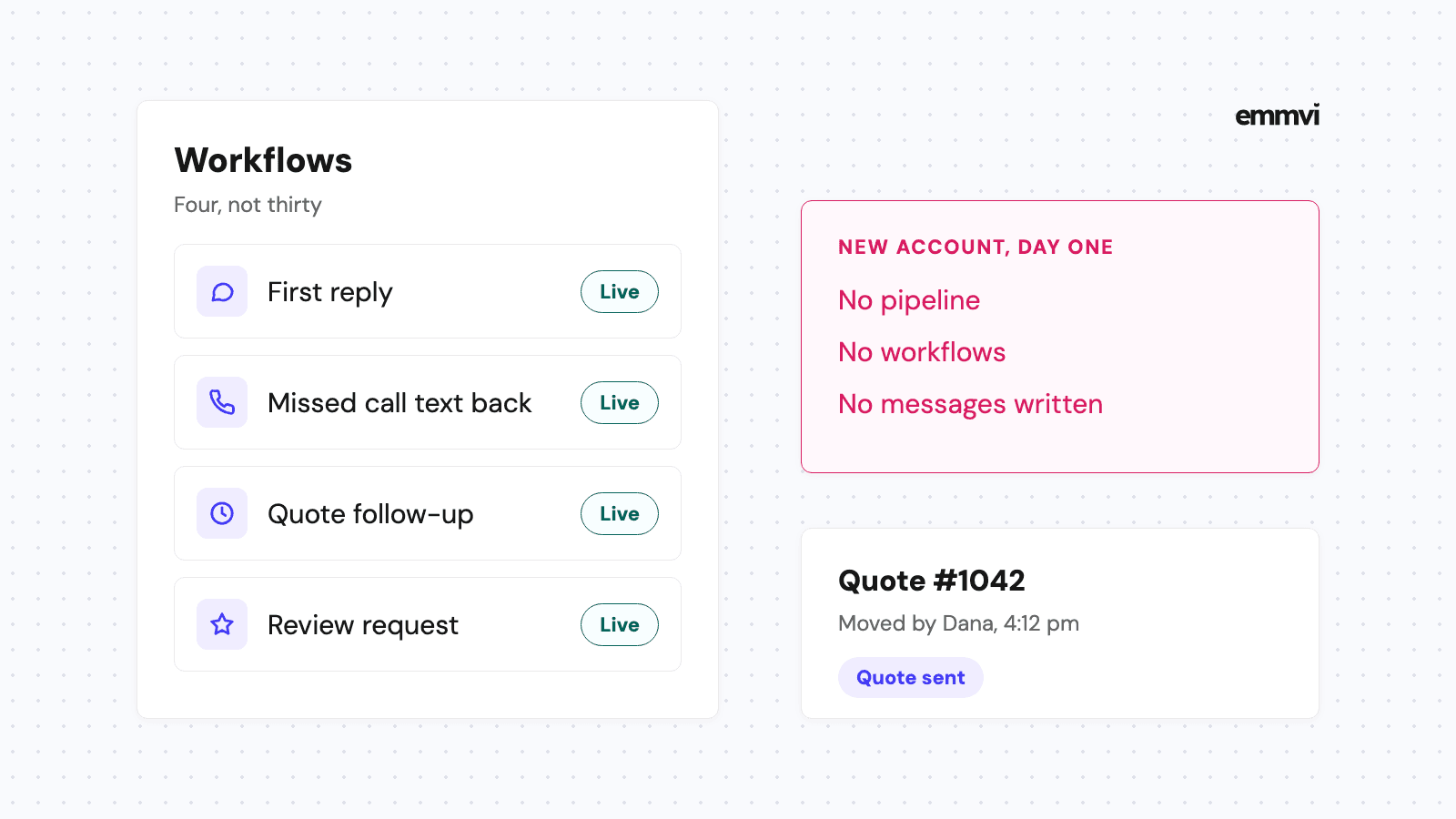
A CRM that only stores information depends on someone opening it at the end of a long day. The useful part is what happens on its own when a project enters or leaves a stage.
- New request: an instant reply by text and email confirming you got it, asking two or three questions (which room, rough timing, photos if they have them) and offering times for a visit.
- Missed call: a text within a minute saying you're on a job site and when you'll call back. How that works is in missed call text back.
- Visit booked: a reminder the day before with the time and who is coming.
- Estimate sent: a short follow-up sequence, for example after three days, ten days and three weeks, that stops the moment the customer replies. Wording and timing are covered in quote follow up.
- Completed: a thank you and a review request a few days after the walkthrough. More in how to get more Google reviews.
The first follow-up on a kitchen estimate can be this plain:
Hi Claire, it's Dan from the remodeling company. Just checking the kitchen estimate reached you. If anything in it isn't clear, or you'd like a version with a different countertop, reply here and I'll sort it. If you've decided to wait or go another way, that's fine too.
Remodeling follow-ups can be spaced further apart than a repair quote, because the decision is slower. Three messages over three or four weeks is a reasonable start. After that, a project that's still undecided can move to a slower list with a check-in every few months, so a "next spring" kitchen doesn't get forgotten until next spring.
Illustration: a remodeler who sends eight estimates a week and follows each up three times needs 24 messages a week, each on the right day, typed between site visits. The software doesn't write better messages than you do. It sends them on the day they're due, which is the part that slips.
What stays with a person
An automatic message can't walk a room, price a structural change or tell a customer what fits their budget. It can't negotiate a revised scope either. Automation buys time and shows the customer you're organized. The visit, the estimate and the conversation are still yours.
Remodeling software or a general CRM
There are two broad routes, and neither is right for everyone.
Software built for remodelers
Tools made for remodeling and construction often include estimating, selections, change orders, scheduling, budgets and a customer portal. If you run several projects at once with crews and subcontractors, that operational side can save real time. The sales side, meaning fast replies, follow-up and review requests, is sometimes thinner, and pricing often grows with each user.
A general CRM set up for remodeling
A flexible CRM with texting, forms, pipelines and automation can do everything in the previous section. It won't manage selections or a project budget, so it often sits next to the estimating and accounting tools you already use. It suits businesses whose problem is losing leads and estimates, not running production. GoHighLevel is one option of this kind, and what emmvi sets up with it is described on the GoHighLevel automation page.
Whichever you look at, check these before paying:
- Can it text from your business number, with replies in the same thread as emails and notes?
- Can it send messages automatically when a project changes stage?
- Can you attach photos and files to the project, not just to a message?
- Does it work properly on a phone, in a house with dust on your hands?
- Can you export your contacts and history if you leave?
This is general guidance, not a recommendation for every business. The right setup depends on how many projects you run at once, whether you work with subcontractors, the tools you already pay for and who will keep the system up to date.
Setting it up in the right order
A CRM that tries to do everything on day one usually gets abandoned by week three. This order works for most remodelers:
- Connect every way in: business phone, website form, ad forms and any directory that sends you leads, so nothing arrives outside the system.
- Turn on the instant replies: new request and missed call first. They cover evenings, weekends and site work.
- Move open estimates in: every estimate sent in the last two or three months goes into "Estimate sent" with its date, so the follow-up starts from where things really are.
- Write the follow-ups: three messages in your own words, about the project, with an easy way to say no.
- Add the review request: once projects are reaching "Completed".
Then look at it once a week: which requests waited longest for a reply, which estimates are past two weeks without an answer, and which sources brought signed projects. Change one thing at a time.
FAQ
Is a CRM worth it for a small remodeling business?
If you've ever found an old form you never answered or an estimate you forgot to chase, yes. Smaller businesses often gain the most, because the person who would reply is the same one running the job.
Can a CRM handle change orders and selections?
A general CRM can store the documents and track the dates, but it isn't built to price change orders or manage selections. If that's your main pain, look at remodeling-specific software, or use both side by side.
How many times should I follow up on a remodeling estimate?
Three times over three or four weeks is a sensible start, then a check-in every few months if the customer said they're not ready yet. Stop as soon as they reply, yes or no.
How long does setup take?
A first working version, with instant replies and one pipeline, can run within days. Getting stages, messages and sources right usually takes a few weeks of real use and small fixes.
If you'd rather have this set up for you, you can talk to emmvi.
Share the post: