It is Thursday, 8:50. You have driven forty minutes to a site survey for a solar quote, the van is parked outside, and nobody answers the door. You ring the number. Voicemail. Later that afternoon the homeowner texts back: "So sorry, completely forgot, can we do next week?" The job isn't lost yet, but the morning is.
An appointment reminder text is the cheapest fix for that morning. This article covers what to send, when to send it, the examples installers can copy, and what a reminder can't fix on its own.
What a reminder text is for
A reminder does two jobs. It puts the appointment back in front of someone who booked it days ago and has since thought about other things. And it gives them an easy way to tell you, before you get in the van, that the time no longer works.
The second job matters more than it looks. A homeowner who forgot will often remember when the text arrives and reply "Can we move it?" That is a reschedule, which is annoying. A no-show you discover on the doorstep is a wasted trip, which is worse. The reminder turns the second into the first.
Which appointments need one
- Site surveys and home visits. The homeowner has to be there, and you lose travel time if they aren't.
- Install days. Access to the property, the roof, the fuse board or the driveway has to be sorted before the crew arrives.
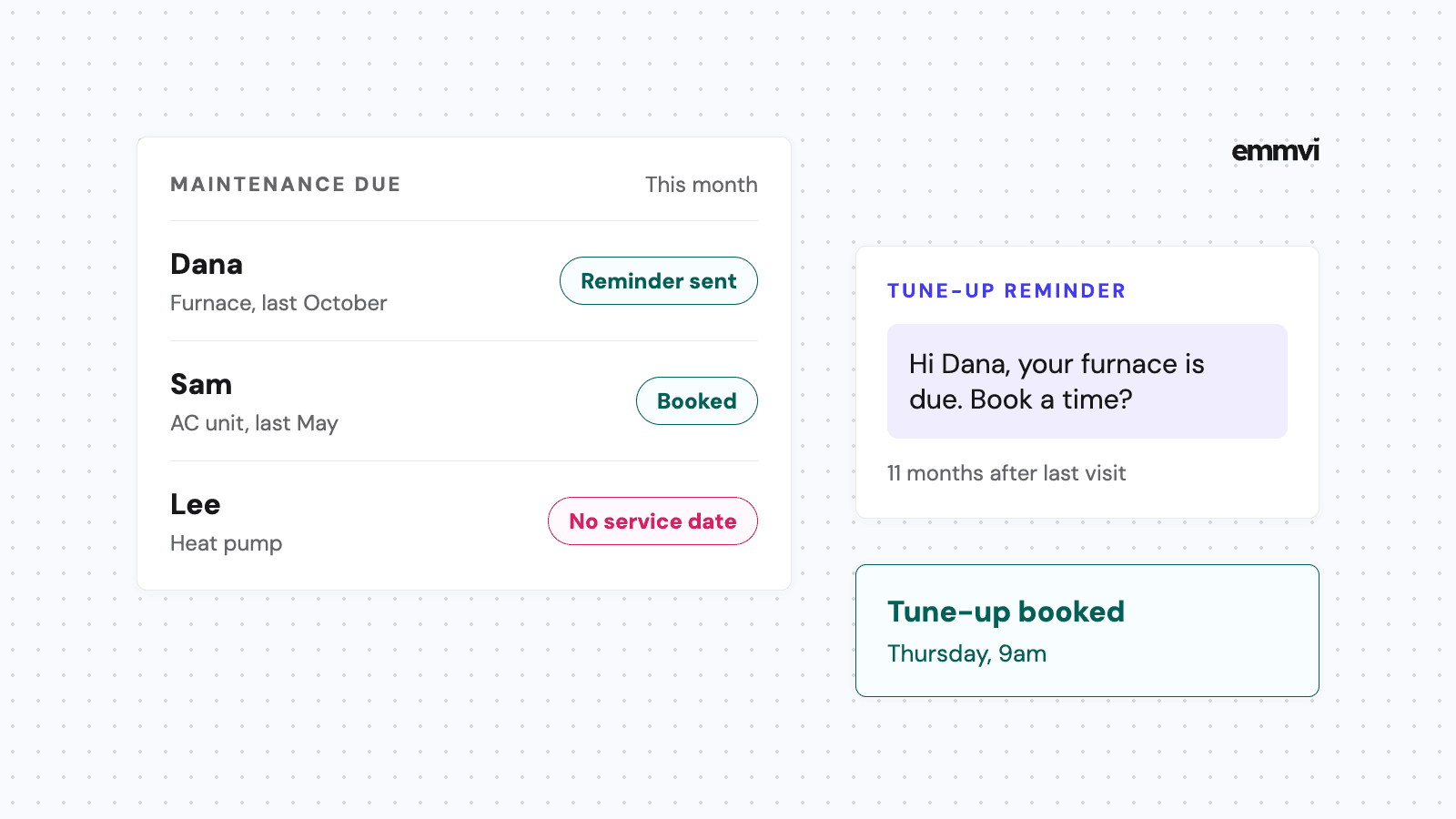
- Service and maintenance visits. These are often booked months ahead, which is exactly when people forget.
- Video calls to go through a quote. Shorter, but the same problem: a booked slot nobody shows up to.
What the research says
The strongest evidence on reminder texts comes from healthcare, not home services. A 2013 Cochrane review (Gurol-Urganci and colleagues) pooled seven randomized trials with 5,841 participants and found that attendance was 78.6% with a text reminder, against 67.8% with no reminder. In three trials that compared texts with phone call reminders, attendance was about the same, and two studies found the cost per attendance of a text was lower than a call.
The limits are worth saying plainly. Those are clinic appointments, not site surveys, the authors rate the evidence as low to moderate quality, and the review is more than ten years old. It won't tell you how many no-shows you will avoid. It does support the direction: a short text before the appointment gets more people to turn up than no text at all, and it does about as well as a call that someone in the office has to make by hand.
When to send each text
One reminder is better than none. For most installers, a short sequence of two or three messages works better, because each one has a different job.
- Right after booking: the confirmation. Date, time, address and what will happen. This is the message they will scroll back to.
- The day before: the reminder. Sent during working hours, with a one-word way to confirm and a clear way to move the time.
- On the day, when the crew leaves: the heads-up. Optional, but useful for long drives. "We're on our way, about 30 minutes out" saves a call from someone wondering if you're coming.
For visits booked more than a week ahead, add one more text about three days before. That gives the homeowner time to move the slot, and gives you time to fill it.
Send the day-before reminder at a time when someone at your business can read the replies, such as mid-morning. A reminder at 7pm that gets "Can we move it?" back is only useful if somebody sees it before the van leaves the next day.
Reminder text examples
Every example below follows the same rules: the business name first, the date and time in plain words, one action to take, and nothing in capital letters except the reply word. Swap in your own details.
Booking confirmation
"Hi Mark, this is Northside Solar. Your site survey is booked for Thursday, October 8 at 9:00 at 14 Elm Road. It takes about an hour and we'll need access to the loft. Reply here if anything changes."
Day-before reminder
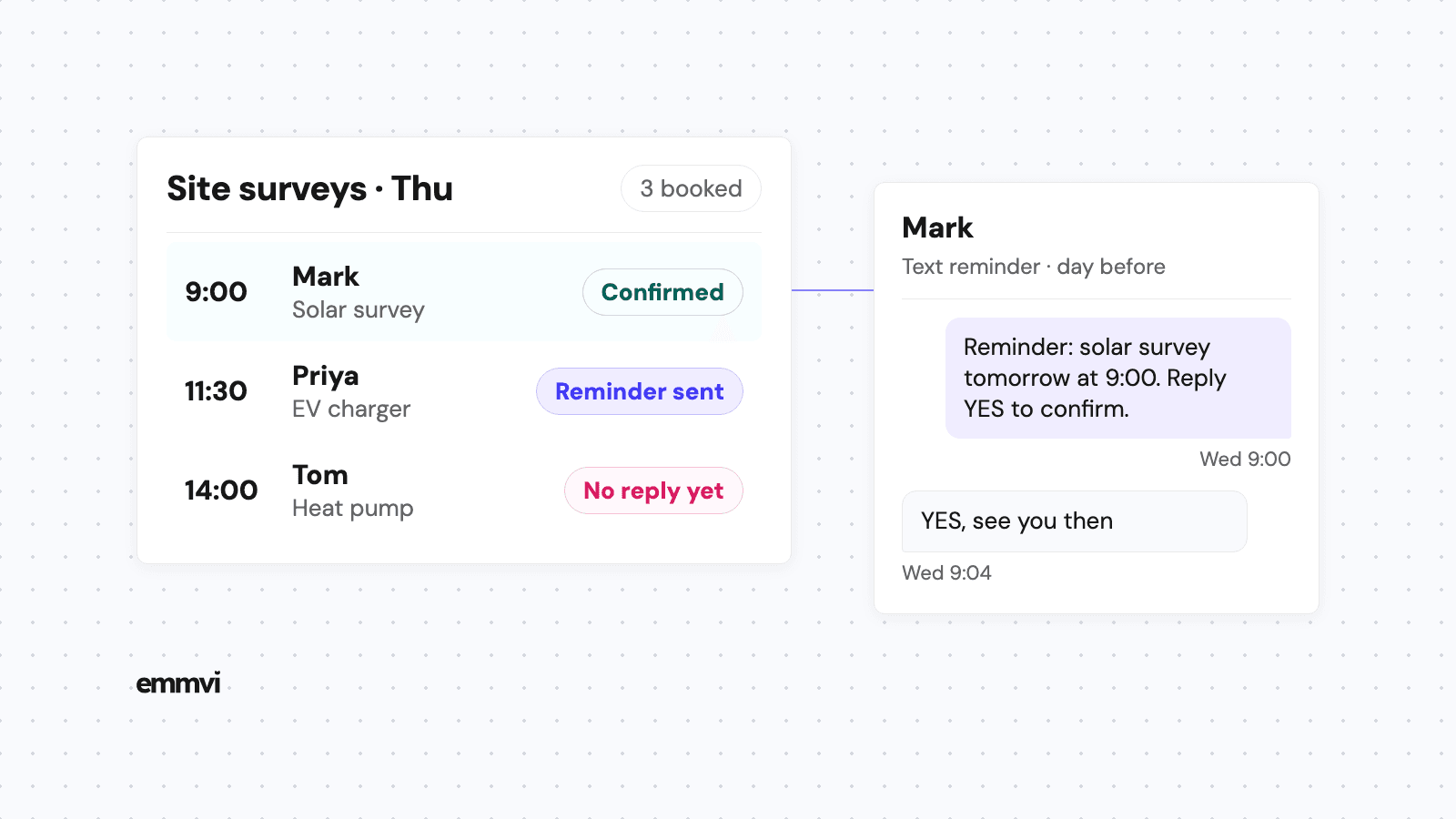
"Hi Mark, Northside Solar here. Reminder: your solar survey is tomorrow at 9:00. Reply YES to confirm, or reply with a better day and we'll rebook."
Install day
"Hi Priya, it's Volt Home Charging. Your charger install is tomorrow from 8:00. Please keep the driveway clear and make sure we can reach the fuse board. Reply YES to confirm."
When there is no reply
"Hi Tom, just checking we're still on for your heat pump survey today at 14:00. A quick YES is all we need. If today doesn't work, tell us and we'll find another time."
Keep each one short enough to read on a lock screen. If the message needs a link to a map or a form, put it at the end, after the part the customer actually needs to read.
What a reminder can't do
A reminder system is only as good as what happens to the replies. If a homeowner answers "Can we do Friday instead?" and that text sits unread until Thursday afternoon, the reminder did its job and the business didn't.
Three things need to be in place for reminders to pay off:
- Replies reach a person. A reply should notify whoever runs the diary, on their phone, not only in a web inbox nobody opens on site.
- The calendar is the source of truth. Reminders should be triggered by the booking itself, so a moved appointment moves its reminders. Manual reminders from a paper diary drift.
- A "no reply" has a next step. If the day-before text gets no answer, someone calls in the morning before driving out. The text narrows the list of people to call; it doesn't replace the call.
Reminders also don't help with the appointments that never get booked. If quote requests are going unanswered or quotes are never chased, the diary stays thin no matter how good the reminders are. Those gaps come first, and we covered them in speed to lead and quote follow-up.
How to set them up
Where reminders live
Most CRMs and booking tools for home-service businesses can send automatic reminders from the calendar. The setup is similar everywhere: connect a calendar, write the message once with placeholders for name, date and time, and choose how long before the appointment each text goes out. If you already use a CRM for enquiries, use its calendar for bookings too, so the reminder, the reply and the customer's history sit in the same record.
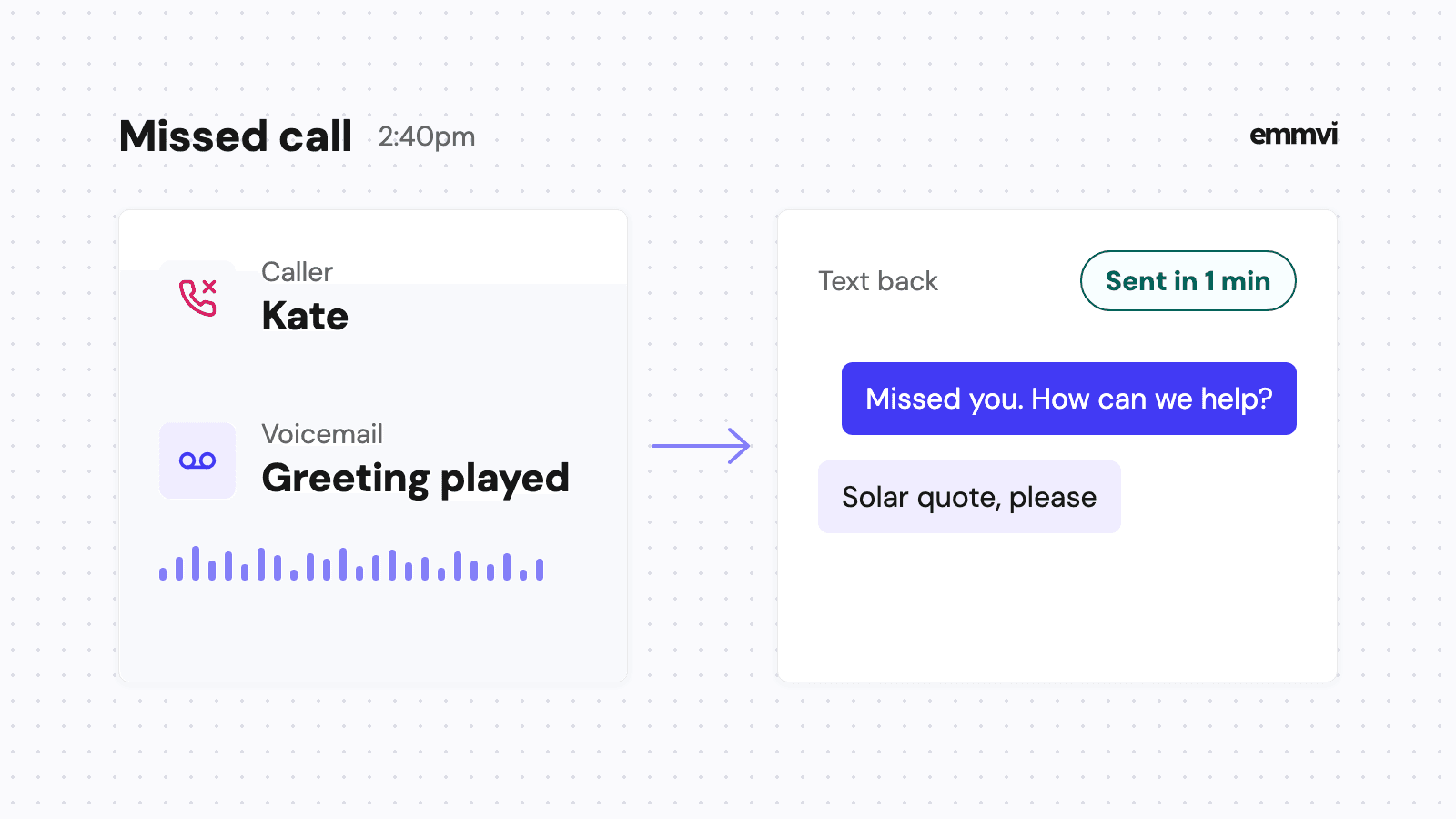
Send from the same business number customers already text you on. If the reminder comes from an unknown short code and their reply goes nowhere, you have built a dead end. That is the same number your missed call text back should use.
Texting rules in the US
If you send texts to US customers from an ordinary 10-digit business number through software, carriers expect that number to be registered. Twilio, which sits underneath many of these tools, states that anyone sending SMS over a 10DLC number from an application to the US must register for A2P 10DLC (as of October 2026), and that unregistered traffic pays extra carrier fees and is filtered more. Finish the registration before you rely on reminders, or some of them may never arrive. The UK and Europe have their own rules, so ask your provider rather than assuming the US process applies.
Separately, only text people who gave you their number for this purpose, and honor a STOP reply straight away. A reminder about an appointment the customer booked is a service message; a promotion squeezed into the same text is not.
Test it like a customer
- Book a test appointment for yourself from a phone the system has never seen.
- Check that the confirmation arrives at once and reads clearly as a stranger.
- Move the appointment and confirm the old reminders are cancelled and new ones scheduled.
- Reply to the day-before text and check the reply reaches the right person's phone.
This is general guidance, not a recommendation for every business. If you book a handful of visits a month and confirm each one by phone already, automated reminders may add little. Check what your current calendar or CRM already includes before paying for a new tool.
Illustration, not data: an installer books ten site surveys a week and sends two texts for each, a confirmation and a day-before reminder. That is twenty messages a week the business writes once and never types again, plus a short list each morning of the people who didn't reply and need a call.
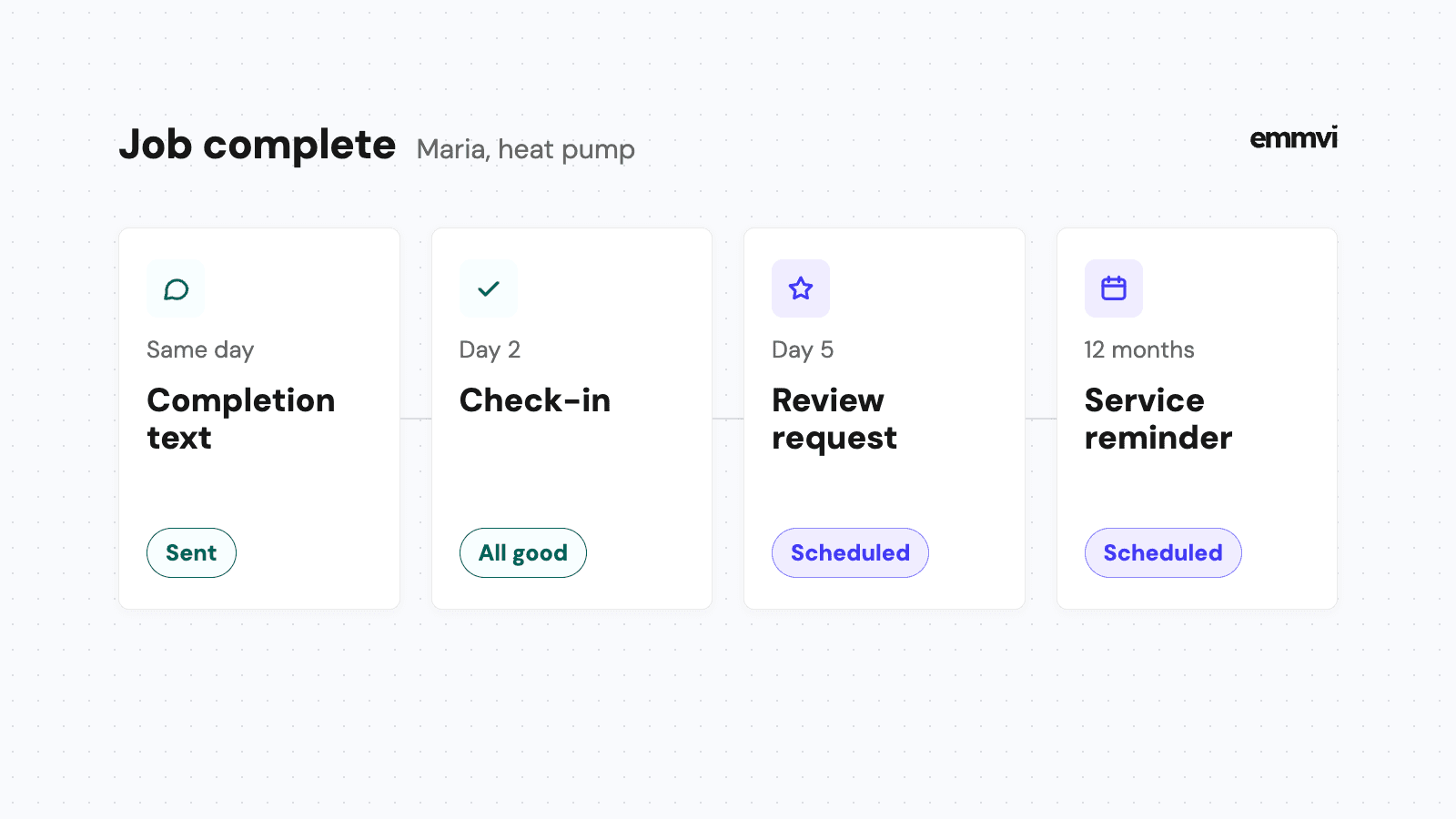
Once the visit happens and the job is done, the same calendar and number can send the next useful text: the review request, which we covered in how to get more Google reviews.
FAQ
How far in advance should an appointment reminder text go out?
The day before, during working hours, is the standard. Add a confirmation right after booking, and for visits booked more than a week ahead, a second reminder about three days before.
Should customers reply to confirm?
Yes, if someone acts on the answers. A YES tells you the trip is safe. No reply tells you who to call first in the morning. Asking for a reply nobody reads only trains customers to ignore your texts.
Text, email or phone call?
Text for the reminder, because it is read on the screen people already hold. Email is fine for the confirmation with full details. A phone call is the backup for people who don't reply, not the default for everyone.
Will customers find reminders annoying?
Two or three texts about an appointment they booked are a service. They become annoying when they carry offers, arrive at night, or keep coming after the customer has already confirmed.
If you would rather have the booking, the reminders and the replies set up and tested for you, you can talk to emmvi.
Share the post: