It's 9pm and a homeowner has just texted the number on your van: "Hi, do you do solar? Can someone come and look at the roof this week?" The text lands on your personal phone, next to the family group chat. You see it at 6am, reply from the kitchen, and by then they've also texted two other installers whose numbers were on the same search page.
Some customers will always text rather than call, especially after hours. The question for a contractor isn't whether to text, but how to do it from the business instead of from one person's pocket, and how to stay on the right side of the rules while you do it. This article covers the setup, what to send, consent and opt-outs, and registering your number if you text customers in the US.
Why texting from your own phone breaks
Most contractors start texting customers from their own mobile, and for a while it works. The problems show up as soon as there is more than one person or more than a handful of jobs.
- Nobody else can see the conversation. If the customer texted you the gate code and you're off sick, the crew doesn't have it. If you sell the business or hire an office manager, years of customer history live on a phone that leaves with you.
- Texts get answered when you remember. A text read on a roof is easy to forget by the time you're back in the van. Nothing reminds you that Ana is still waiting.
- Nothing connects to the job. The photos of the fuse box, the agreed start date and the quote number sit in a thread, not on the customer record. Finding them later means scrolling.
None of this means texting is the problem. It means the texts need to belong to the business, the way the phone line and the email address already do.
One business number, one shared inbox
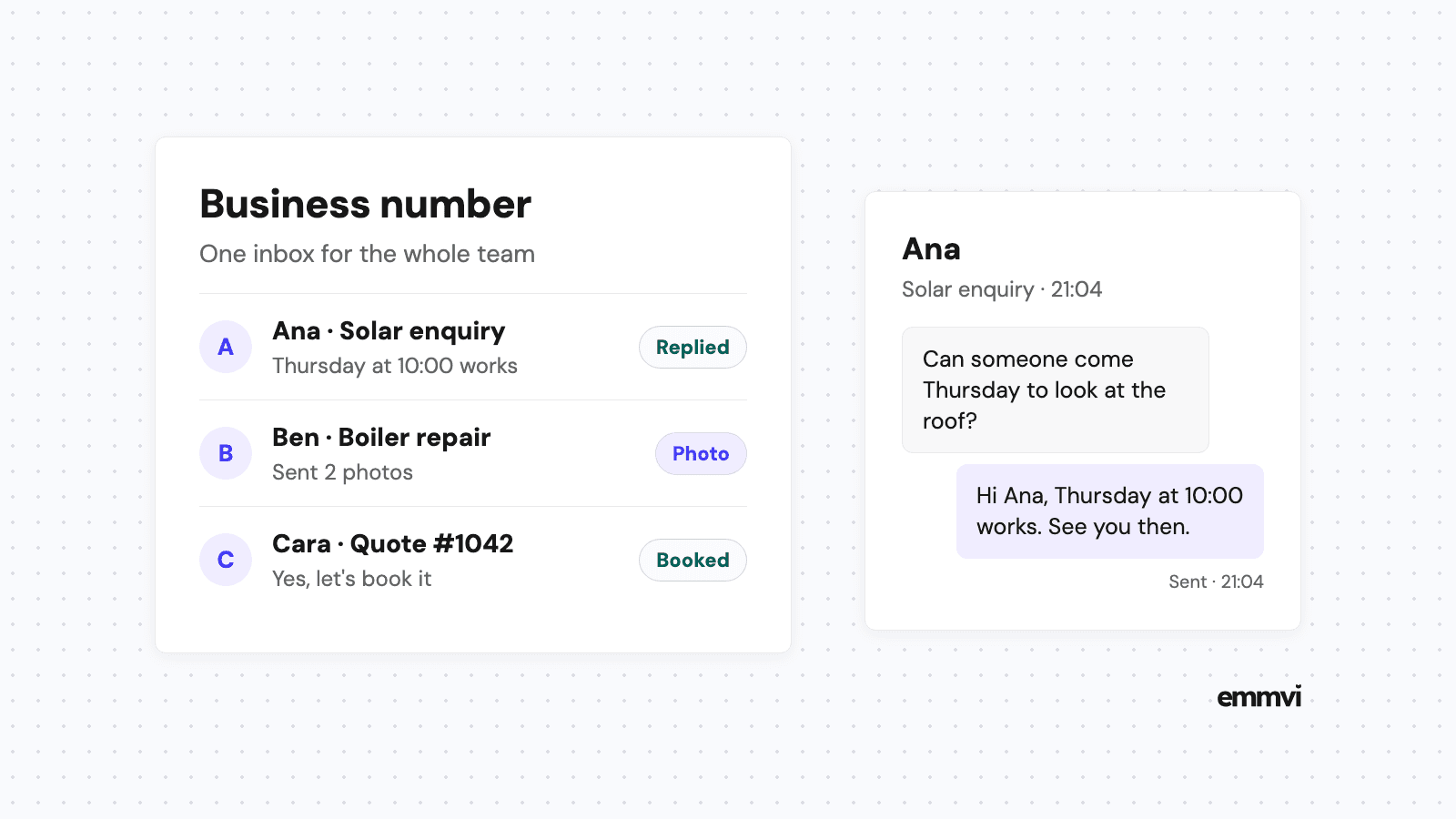
Business texting for contractors usually comes down to two things: a number that belongs to the company, and an inbox where everyone who needs to can read and answer it.
Text-enable the number people already have
If customers already call your landline or your main business number, some texting providers can enable texting on that same number, so you don't print a second number on the van. Where that isn't possible, a new local number is the usual fallback. Ask your provider which of the two they support before you change anything printed.
Put every conversation in one place
The inbox should show every customer thread, who answered last, and whether a reply is still owed. In a CRM, each thread also sits on the customer record, next to their address, their quote and their job history. When the office answers a text at 9am, the installer on site can see the reply without a phone call.
Decide who answers what
A shared inbox only helps if someone owns it. A simple rule works for most small offices: whoever is in the office answers new enquiries and booking questions, and the installer assigned to the job answers anything technical about it. Write the rule down, because "someone will get it" is how texts sit for a day.
What contractors should text
Text is good for short, practical messages that a customer can answer with one thumb. It is poor for anything long, anything that needs a signature, and anything with a price that needs explaining.
Good uses
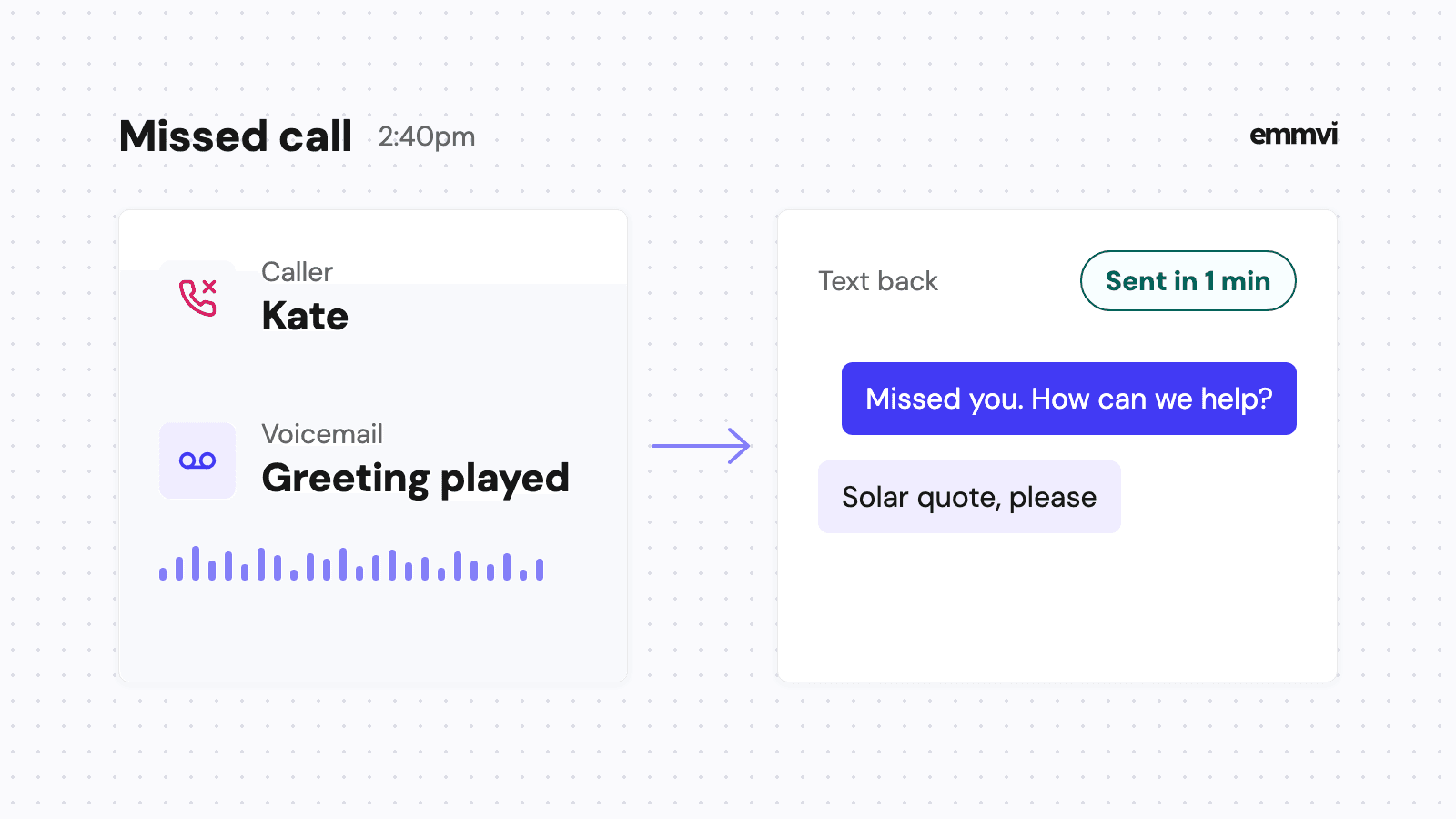
- The first reply to a new enquiry. A quick, specific answer that says who you are and what happens next. If a call is missed, the same idea applies, which is covered in how missed call text back works for installers.
- Photo requests. "Can you send a photo of your electrical panel and the spot for the charger?" saves a site visit on simple jobs and makes the visit shorter on the rest.
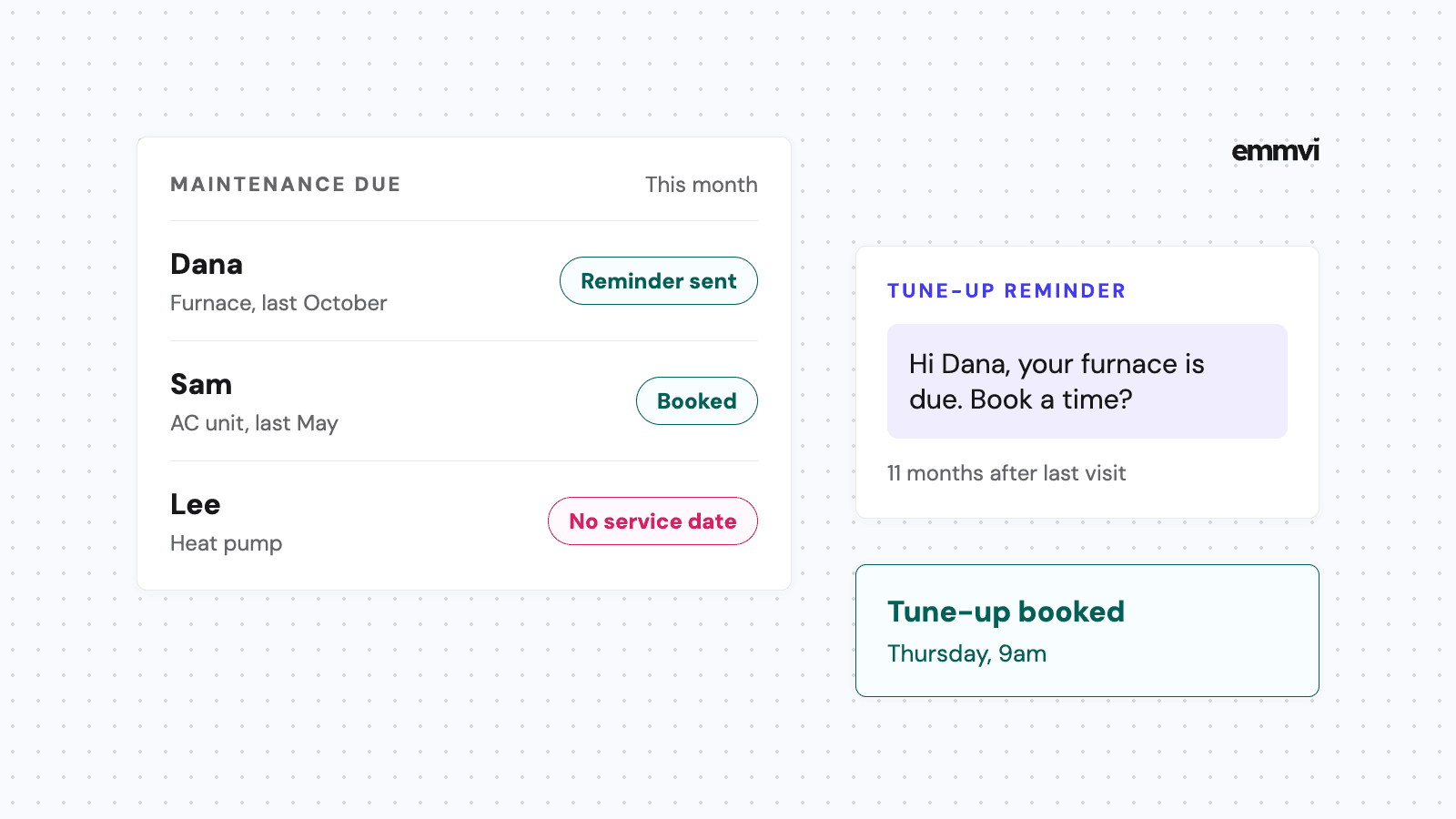
- Booking and reminders. Confirming a visit and reminding the customer the day before. There are worked examples in appointment reminder texts for installers.
- Quote follow-up. A short check-in two or three days after the quote goes out, with one easy question. The full schedule is in quote follow up for installers.
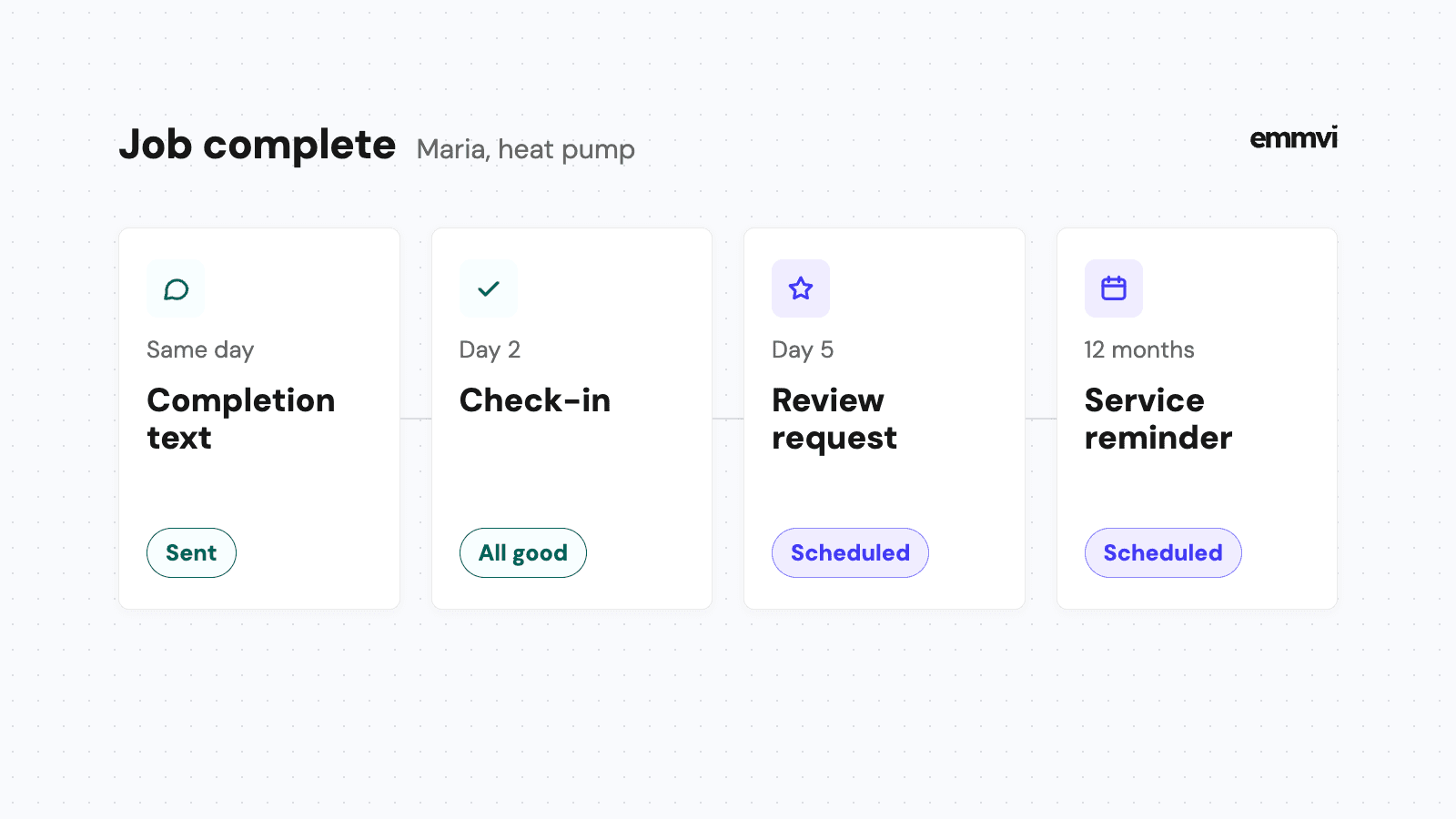
- Review requests. A message after the job is finished and paid, with a direct link. See how to get more Google reviews as an installer.
What to keep out of text
- Full quotes and contracts. Send them as a PDF or a link by email, and use the text to say they've been sent.
- Bad news about price or delays. Call first, then confirm by text so there is a written record.
- Card numbers or bank details. Send a payment link from your invoicing tool instead of asking for numbers in a thread.
- Promotions to people who never asked for them. That's a different kind of message with stricter rules, covered below.
"Hi Ana, it's Northside Solar. Thanks for your message. Could you send a photo of the roof from the street? Someone can come Thursday at 10:00 or Friday at 14:00, which suits you?"
Consent and opt-outs, in plain terms
In the US, the wireless industry's own guidance on business texting is CTIA's Messaging Principles and Best Practices (May 2023 edition). Carriers and texting providers build their rules on it, so it's worth knowing the outline even if you never read the whole document.
Three kinds of message
- Conversational. The customer texts you first and you reply. CTIA's guidance says that when the customer starts the conversation and the business simply responds, "no additional permission is expected".
- Informational. Reminders, booking confirmations and job updates. Per CTIA, the customer needs to agree to receive texts for that purpose when they give you their number, so your booking form or quote request form should say you'll text about the job.
- Promotional. Anything that sells: a seasonal offer, a discount, a "book your service now" message. This needs the clearest consent of the three, collected for that purpose.
Honoring STOP
CTIA's guidance says customers should be able to opt out at any time, that a reply such as STOP, cancel or "please opt me out" should be acted on, and that the business should send one final confirmation and then no further messages. Most business texting tools handle STOP automatically. The part they can't handle is the person: if a customer phones and says "stop texting me", someone has to mark it on their record.
This is general guidance, not legal advice and not a recommendation for every business. Texting rules differ by country, and in the US there are federal and state laws on top of carrier rules. If you plan to send promotional texts, check the requirements with your texting provider and, where it matters, a lawyer.
Registering your number in the US
If you send texts from software to US customers over an ordinary 10-digit number, carriers expect that number to be registered for business messaging, known as A2P 10DLC. Registration runs through The Campaign Registry, which describes itself as the backbone of the 10DLC ecosystem. A contractor doesn't sign up there directly: according to The Campaign Registry's own site, "direct registration with TCR is not available for Brands". Your texting provider submits it for you.
What the provider will ask for
- The business identity. Legal name, address and tax ID. These need to match your official records, so use the name on your tax documents, not the trading name on the van if it differs.
- The use case. What you'll send: customer care, appointment reminders, marketing, or a mix. Describe it honestly and specifically.
- Sample messages. Two or three real examples, with your business name in them. The first-reply message above is the kind of thing that fits.
- How customers opt in. Usually a line on your website forms that says you'll text about their request, plus how to opt out.
Start registration before you need it. Approval can take time, and until it goes through, texts from software can be filtered or blocked. Set up the number, submit the registration, and write your messages while you wait.
Outside the US the process is different and often simpler for small senders, but the principles carry over: send from a business number, text people who expect to hear from you, and stop when they ask.
Setting it up without stopping work
A contractor can usually get business texting running in stages, without a big switchover day.
- Pick where texts will live. If you already use a CRM or job software, check whether it includes two-way texting before buying a separate tool. One inbox is the point.
- Text-enable the number and register it. Start the US registration on day one, since it takes the longest.
- Update your forms. Add a short consent line to the quote request form and the booking form.
- Write five messages. First reply, photo request, booking confirmation, day-before reminder and quote check-in. Read them out loud; if they sound like a brochure, rewrite them.
- Move customers over gradually. Reply to old threads from your personal phone with one message giving the business number, and answer everything new from the shared inbox.
Once the texts sit in a CRM, the useful automation follows naturally: the first reply goes out in under a minute, reminders send themselves, and quotes get chased without anyone remembering. In GoHighLevel that is one inbox, one pipeline and the workflows between them, which is how emmvi sets it up for installers. The same structure works in other tools.
FAQ
Can I keep texting customers from my own mobile?
You can, and for a one-person business with a few jobs a month it may be fine. The trouble starts when someone else needs to see the conversation, or when you want reminders and follow-ups to go out automatically. Personal phones can't do either well.
Do I need permission to reply to a customer who texted me?
Under CTIA's guidance, replying to a customer who started the conversation is conversational messaging and doesn't need extra permission. Sending them reminders or offers later is a different purpose, which is why your forms should say what you'll text about.
Is business texting the same as mass texting?
No. Business texting for contractors is mostly one-to-one: a customer, a job, a thread. Mass texting is sending the same message to a list, which is promotional in most cases and carries stricter consent rules. Many contractors never need it.
Will registration change my number?
No. Registration attaches your business and your use case to the number you already text from. It doesn't give you a new number.
If you'd rather have the number, the shared inbox and the first messages set up and tested for you, you can talk to emmvi.
Share the post: