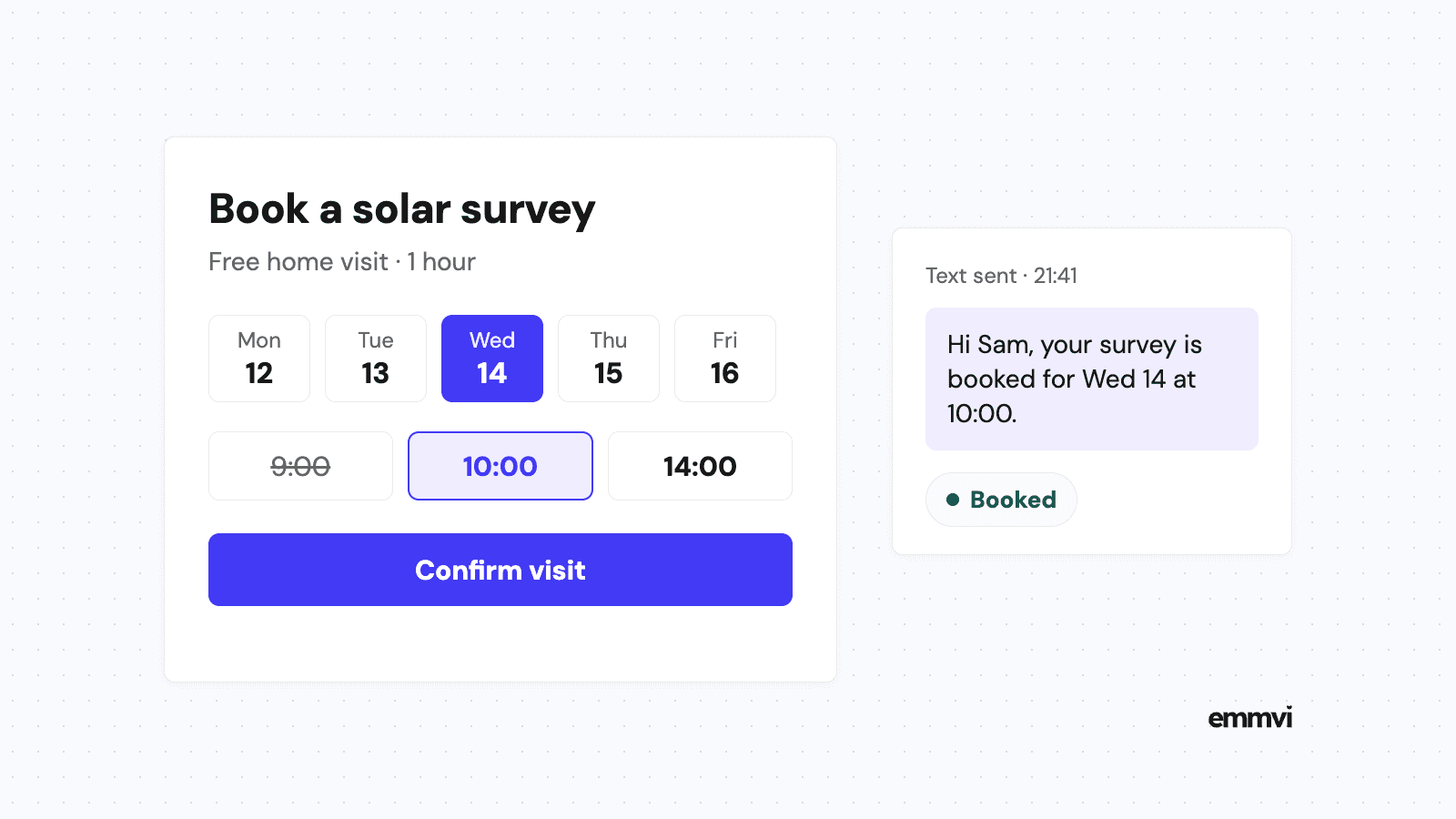
It is Sunday, 9:40pm. A homeowner has read about heat pumps all weekend, found your website, and decided they want someone to come and look at the house. Your phone is off. They can fill in a form and wait to hear back on Monday, or they can open the next installer's site, where a button says "Book a free survey" and shows Wednesday at 10:00 as free. One of those two businesses has the visit in the diary before Monday starts.
Online booking for contractors is not about letting anyone book anything at any time. It is about deciding which first step a customer can take on their own, at whatever hour they are ready, and making sure your diary stays under your control. This article covers what to let people book, what to ask first, where the button belongs, and when booking is the wrong tool.
What online booking means here
For a salon, online booking means a client picks a haircut and a time. For an installer or a home-service business, the job itself is rarely bookable that way, because nobody knows the price, the materials or the time on site until someone has looked. What a customer can book is the step before the job: the visit, the call or the assessment that leads to a quote.
So the useful question isn't "should we have online booking?" It is "which appointment are we happy for a stranger to put in our diary without speaking to us first?" For most installers there is at least one, and it is usually the one that currently takes three phone calls to arrange.
Booking is not the same as a form
A quote request form collects details and waits for you to reply. A booking takes a slot. The difference matters at 9:40pm: a form needs someone at your end to answer before anything happens, while a booking is already a commitment on both sides. That is its strength, and also why it needs a few guard rails.
What customers should be able to book
Start with appointments that have a fixed length, need no price agreed in advance, and happen often enough that arranging them by phone is a real cost.
- Site surveys and home assessments. A solar survey, a heat pump assessment, a look at a bathroom before a renovation quote. The length is predictable and the outcome is a quote.
- Short video or phone calls about a quote. Fifteen or twenty minutes to go through the options. Easy to offer in fixed slots, and they don't depend on where your vans are.
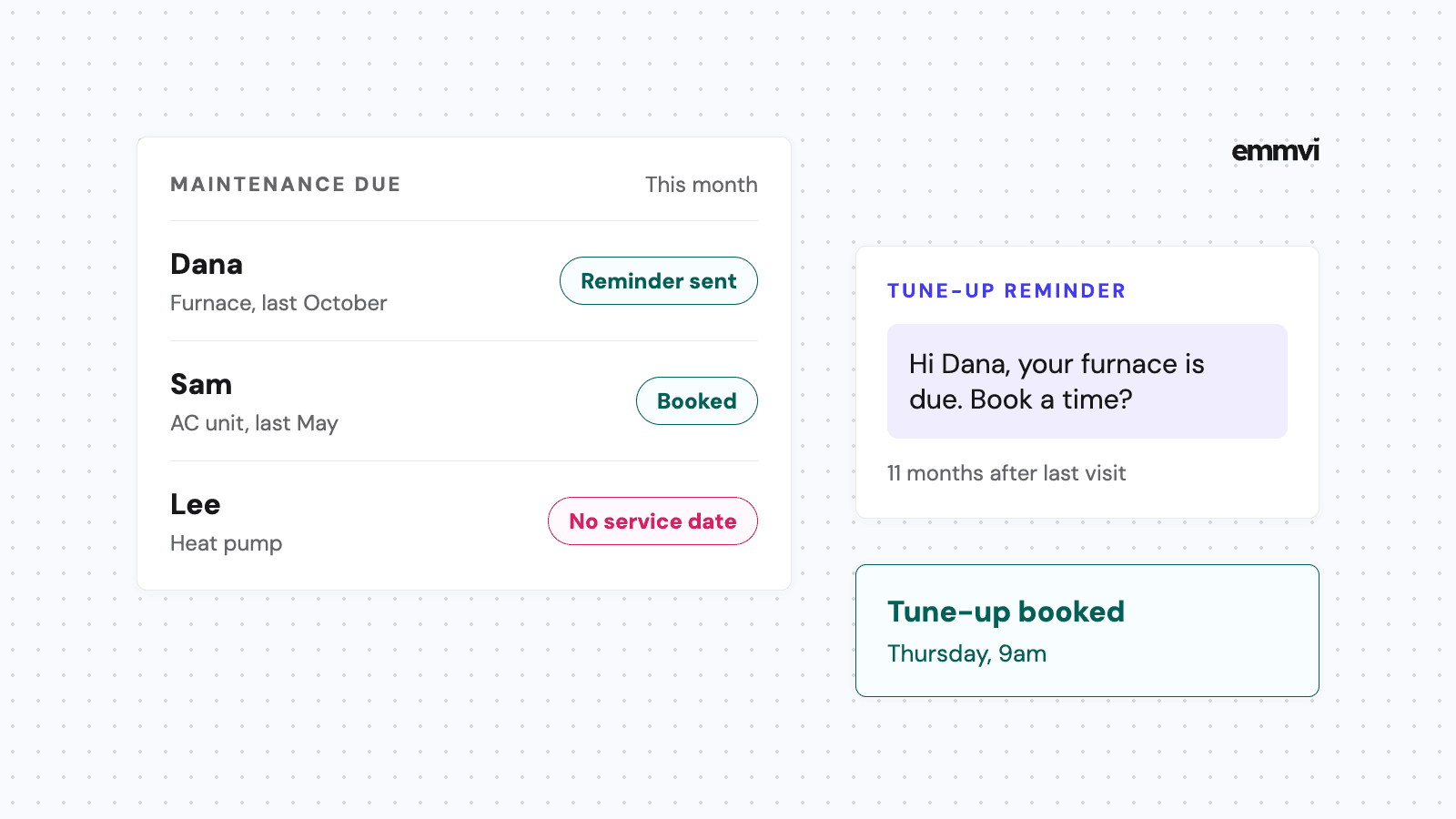
- Routine service visits. Annual boiler or AC servicing, a charger health check, gutter cleaning. The customer already knows what they're getting.
Keep off the booking page anything that depends on a quote being accepted: install days, multi-day jobs, emergency callouts and anything priced on the spot. An install booked online before the customer has seen a price is a slot that can disappear the moment they read the quote.
Emergencies need a phone number, not a calendar
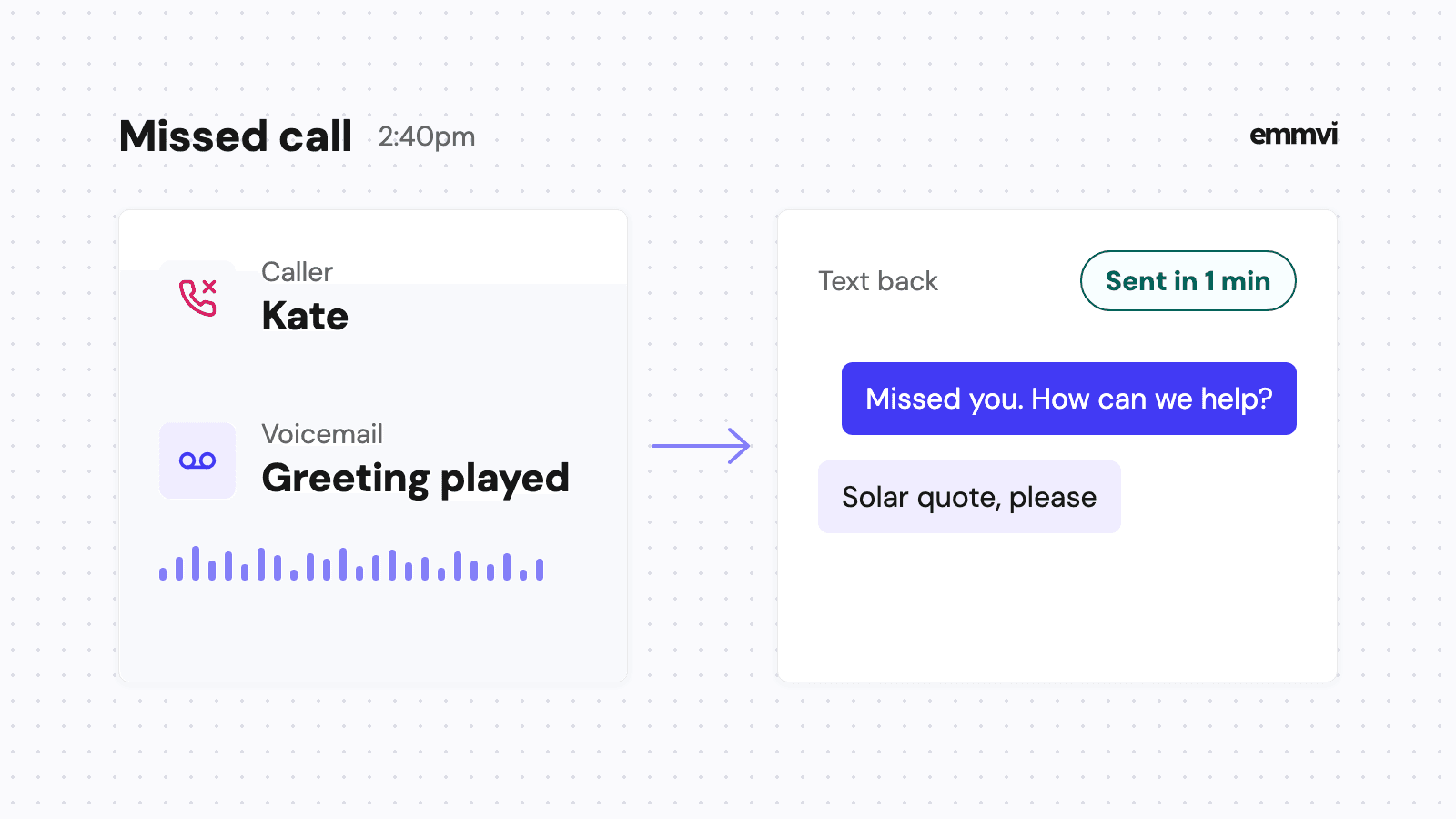
A burst pipe at 11pm is not a booking. If you take emergency work, the page should say so next to a number that rings, and a missed call to that number should get an instant text back so the customer knows it was seen. We covered how that works in missed call text back.
What to ask before a slot is confirmed
The fear most installers have about online booking is the wasted trip: someone forty minutes outside your area, a renter who can't approve the work, a job type you don't do. A few questions before the calendar appears filter most of that out without turning booking into a form nobody finishes.
- Postcode or ZIP code. Check it against your service area. If it is outside, say so and offer a form instead of a slot.
- What the visit is for. A short list of the jobs you actually do. "Other" goes to a form, not the calendar.
- Do you own the property? For solar, heat pumps and anything structural, a tenant usually can't sign. Ask now, not in the driveway.
- Name, mobile number and address. The mobile number is the one that gets the confirmation and the reminders.
Four questions is about the limit. Each extra field is one more reason to leave the page half done, and the details you need for the quote itself can be gathered at the visit.
Add travel time to the slot itself rather than leaving gaps by hand. If a survey takes an hour and the average drive is thirty minutes, make the bookable block ninety minutes, so the calendar never offers two visits you can't physically reach.
Where the booking button goes
A booking page nobody finds books nothing. There are three places worth putting it.
On your website
The button belongs where people decide: at the top of the page for each service, and again after the part that explains what happens at the visit. Say exactly what they are booking, "Book a free solar survey", not "Get started". If the site also has a quote request form, make clear which one to use. More on how the page around it should work in contractor website design.
On your Google Business Profile
Many customers never reach your website: they find you on Maps and act from there. Google's help page Manage your local business links says a business can add up to 10 links per category, including links for booking appointments (as of October 2026). The same page notes that some links can appear automatically, supplied by third-party partners or by Google's own data. Open your profile and check which booking links are showing today: if one points to an old tool or a page you no longer use, that is where some customers are being sent.
In your replies
The link also works in the text you send back to a new quote request or a missed call. "Thanks for getting in touch. If it's easier, you can pick a time for the survey here" turns a conversation that could take three messages into one tap.
What happens after someone books
The booking is the start of the work, not the end. Three things should happen without anyone in the office lifting a finger.
- An instant confirmation. Date, time, address, how long it takes and what you'll need access to. By text, from the same business number customers already use.
- A reminder the day before. Sent in working hours, with an easy way to move the time. The details and examples are in our post on appointment reminder texts.
- A record in your CRM. The booking creates or updates the customer's record, so the visit, the quote that follows and every message sit in one place.
The calendar the booking page reads from has to be the same one your team actually works from. If the office keeps a paper diary or a second calendar for installs, the booking page will happily offer a slot that is already taken. One calendar, shared by everyone who books visits, is the condition for the whole thing to work.
Follow the visit, not just the booking
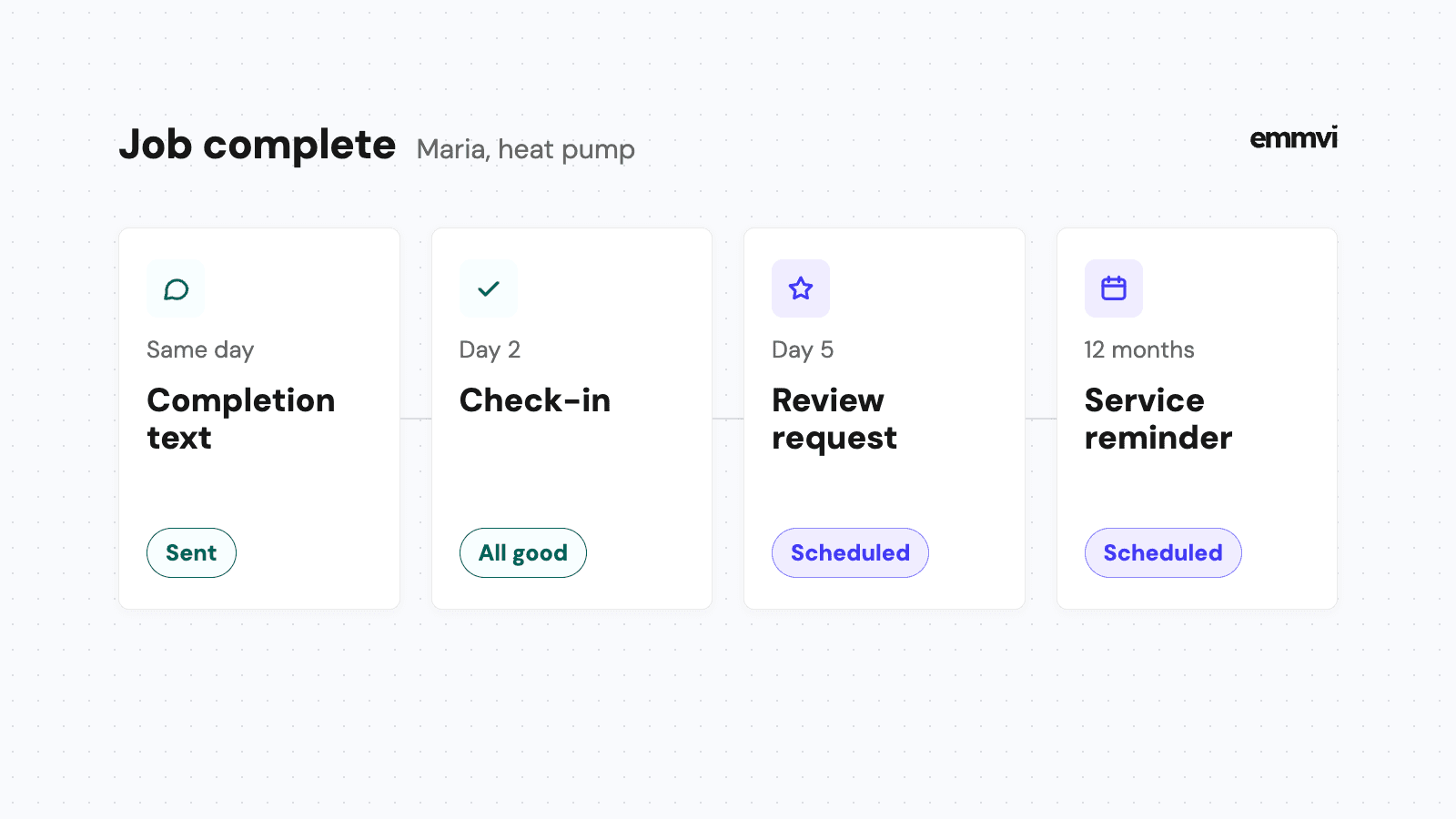
Most booking tools stop caring once the visit is in the diary. The part that wins the job comes after: the quote going out within a day or two of the survey, and a follow-up when it goes quiet. If booking fills the diary with surveys but quotes still sit unchased, the problem has only moved further down the line.
Illustration, not data: a business that books eight surveys a week by phone, at three calls or texts each to agree a time, is spending twenty-four exchanges a week on scheduling alone. Each survey booked online removes those back-and-forth messages, although someone still has to read the bookings and check that the visits make sense for the route.
When online booking is the wrong fit
Online booking isn't right for every contractor, and saying so plainly saves money.
- Every job needs a conversation first. If you can't tell whether a visit is worth making without asking ten questions, a quick reply to a quote request will serve you better than a calendar.
- Your diary changes by the hour. If install days overrun constantly and surveys get squeezed in around them, published slots will be wrong more often than right. Offer fewer, fixed survey windows, or don't offer slots at all.
- Nobody watches the bookings. A booking that lands at night and isn't seen until the customer is standing at the door waiting is worse than no booking.
In those cases, the faster win is usually answering every quote request in minutes and offering a time in the reply. That is the same idea, done by a person or a short automated text, and it is what we covered in speed to lead.
This is general guidance, not a recommendation for every business. Many CRMs and field service tools already include a booking page, so check what you pay for today before adding another tool, and test any booking setup on your own phone before you share the link with customers.
FAQ
Do customers actually book visits online?
Some do, especially outside working hours, and some will always prefer to call. That's why the booking link should sit next to a phone number and a quote request form, not replace them.
Should the survey be free?
That is a pricing decision, not a booking one. Whatever you decide, say it on the button or right next to it, so the customer isn't surprised at the door.
How many slots should I offer?
Fewer than you think. Two or three survey windows a day, in areas you're already working in, are easier to keep than a full day of open time. You can always add more.
What if someone books outside my area?
Ask for the postcode or ZIP code first and only show the calendar inside your area. Anyone outside it can leave their details instead, and you decide whether the trip is worth it.
If you'd rather have the booking page, the calendar and the follow-up texts set up and tested for you, you can talk to emmvi.
Share the post: