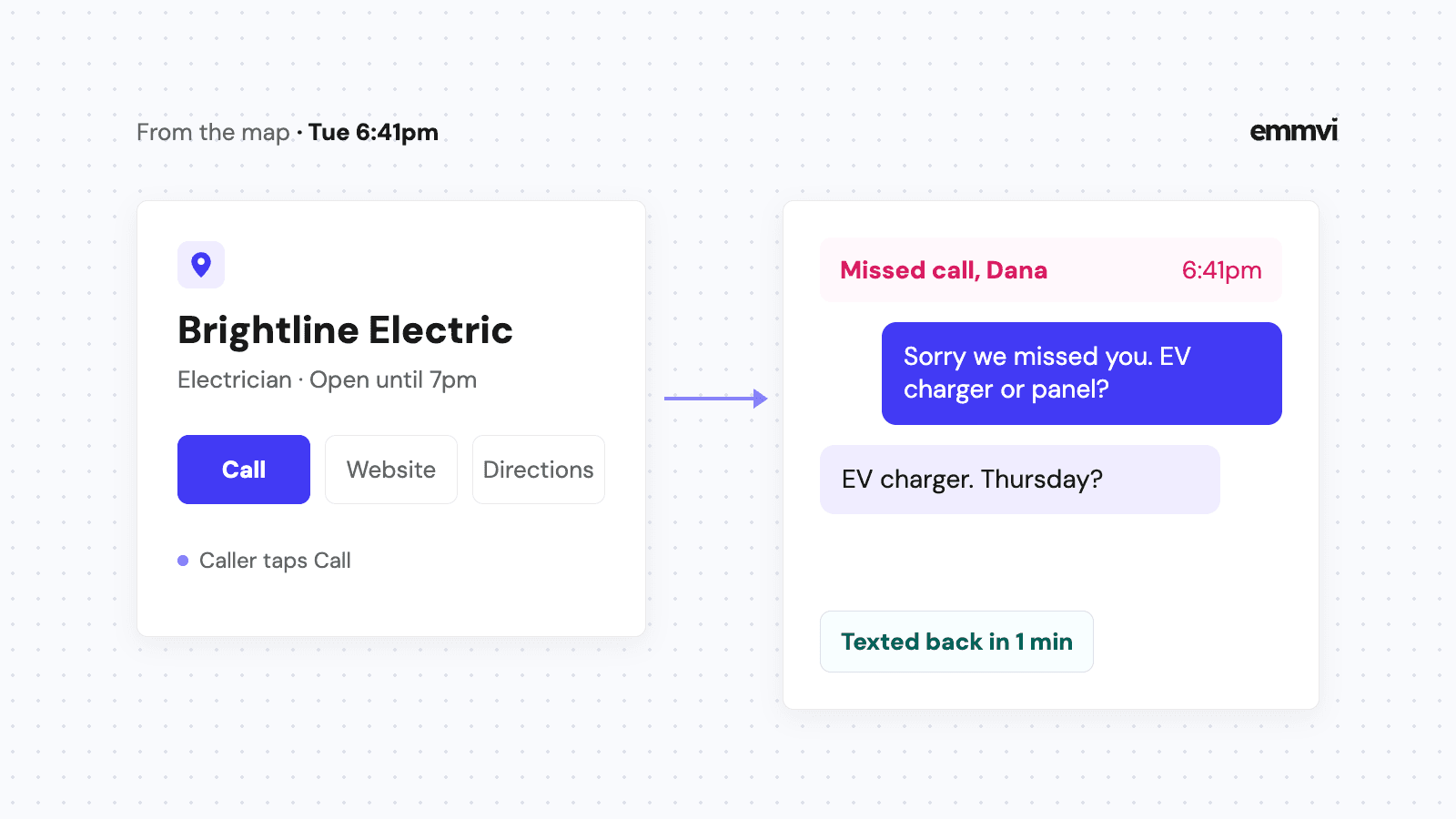
It's Tuesday, 6:40pm, and you're packing the van after an EV charger install. Someone two towns over searches "electrician near me", sees your listing on the map, and taps the call button. Your phone rings in the cab while you're loading a ladder. You miss it. They tap the next listing down.
For many installers and home-service businesses, the Google Business Profile is the first thing a new customer sees, before the website and often instead of it. Most advice about it is about ranking higher on the map. That matters, but a better position only gets you more calls, and a call nobody answers does not become a job. This article covers both halves: setting the profile up properly, and making sure what it sends you gets a reply.
What the profile actually does
A Business Profile is the free listing that shows your business in Google Search and on Maps: name, trade, service area, hours, phone number, website link, photos and reviews. For a contractor it does three jobs.
- It gets you found. Someone searches for your trade in their town and your listing appears in the map results.
- It gets you chosen. They compare three or four listings in a few seconds, mostly on reviews, photos and whether you clearly do the work they need.
- It starts the contact. A call, a website visit, a message or a booking. This is the half that most owners never look at.
On what decides the order of the listings, Google's own page, Tips to improve your local ranking on Google, names three things: relevance, distance and prominence. It also says you cannot request or pay for a better local ranking. So anyone who guarantees you the top spot on the map is promising something Google says can't be bought.
Set it up as a service-area business
Most installers work at the customer's house, not at their own address. Google treats that as a service-area business. Its guidelines for representing your business say a service-area business should hide its address from customers. You only show an address if it's a staffed location where customers are served during the hours you list, like a showroom.
List towns, not a radius
Google's page on managing service areas says a service area can't be a radius around your base and that you can set up to 20 areas. Pick the towns, cities or postal areas where you actually want work, not every place you'd drive to on a quiet week. A solar installer who lists 20 towns but only wants jobs in eight will spend evenings turning down calls.
The basics that are often wrong
- Primary category. The trade you most want calls for: "Solar energy contractor", "HVAC contractor", "Plumber". Add secondary categories only for work you really do.
- Business name. Your real trading name, the one on your van and invoices. The same guidelines say extra information in the name, like service descriptions or locations, isn't permitted and can lead to suspension.
- Hours. The hours you answer the phone. If you list 24 hours, people will call at 2am and expect someone to pick up.
- Photos. Your own work: finished installs, the crew's van, before and after. Stock photos tell the customer nothing about you.
- Access. The profile should belong to a business email you control, with a second owner or manager added, not an old agency login nobody remembers.
Every call button needs an answer
Google's page on Business Profile performance lists what it counts: calls made from the call button, website clicks, direction requests, messages and bookings, among others. Calls are usually the biggest number for a contractor, and they are also where most of it goes wrong, because the person calling from the map is often calling the next listing too.
You can't answer every call on a roof or under a house. What you can do is make sure a missed call still gets a reply within a minute.
Text back every missed call
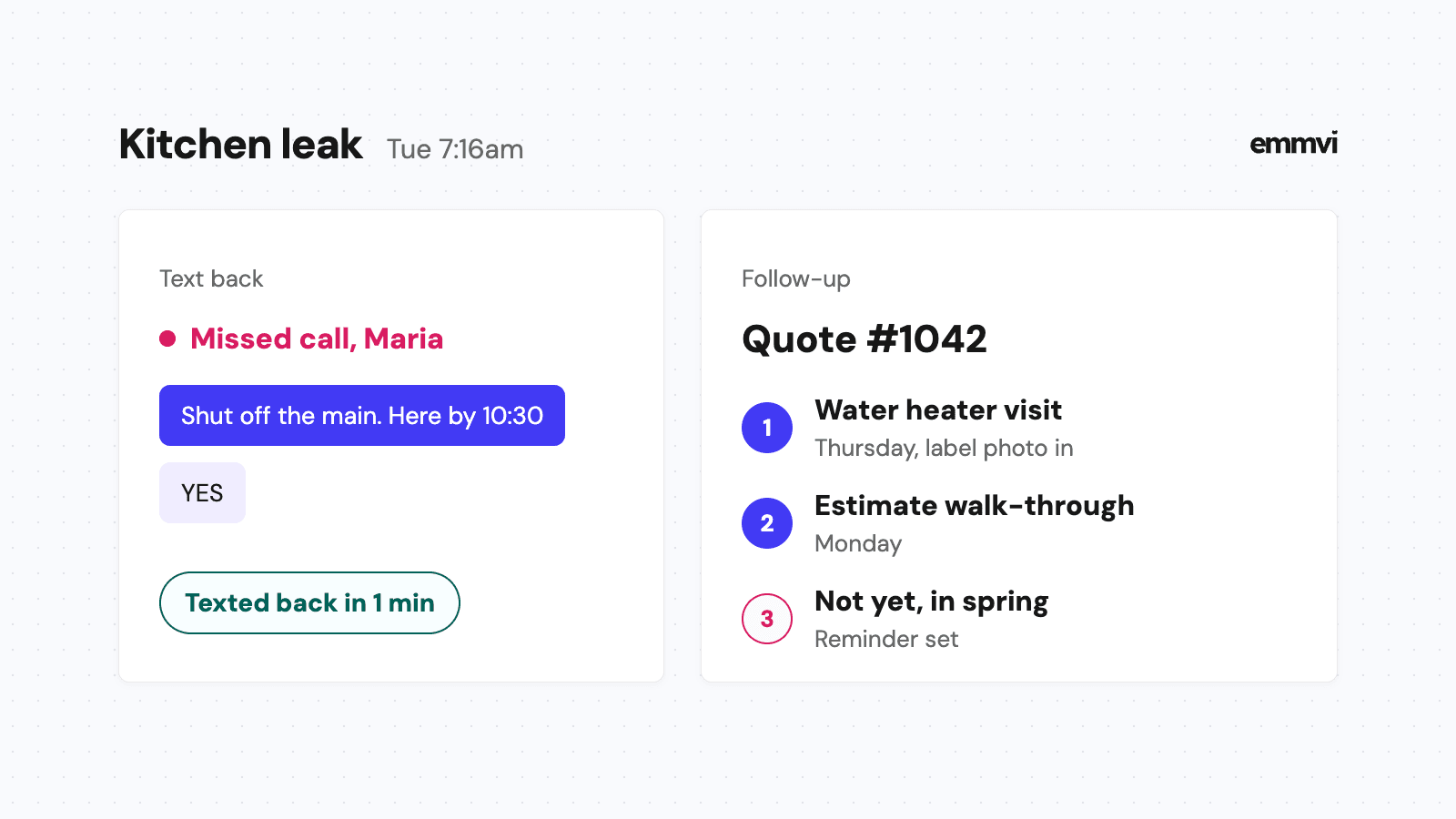
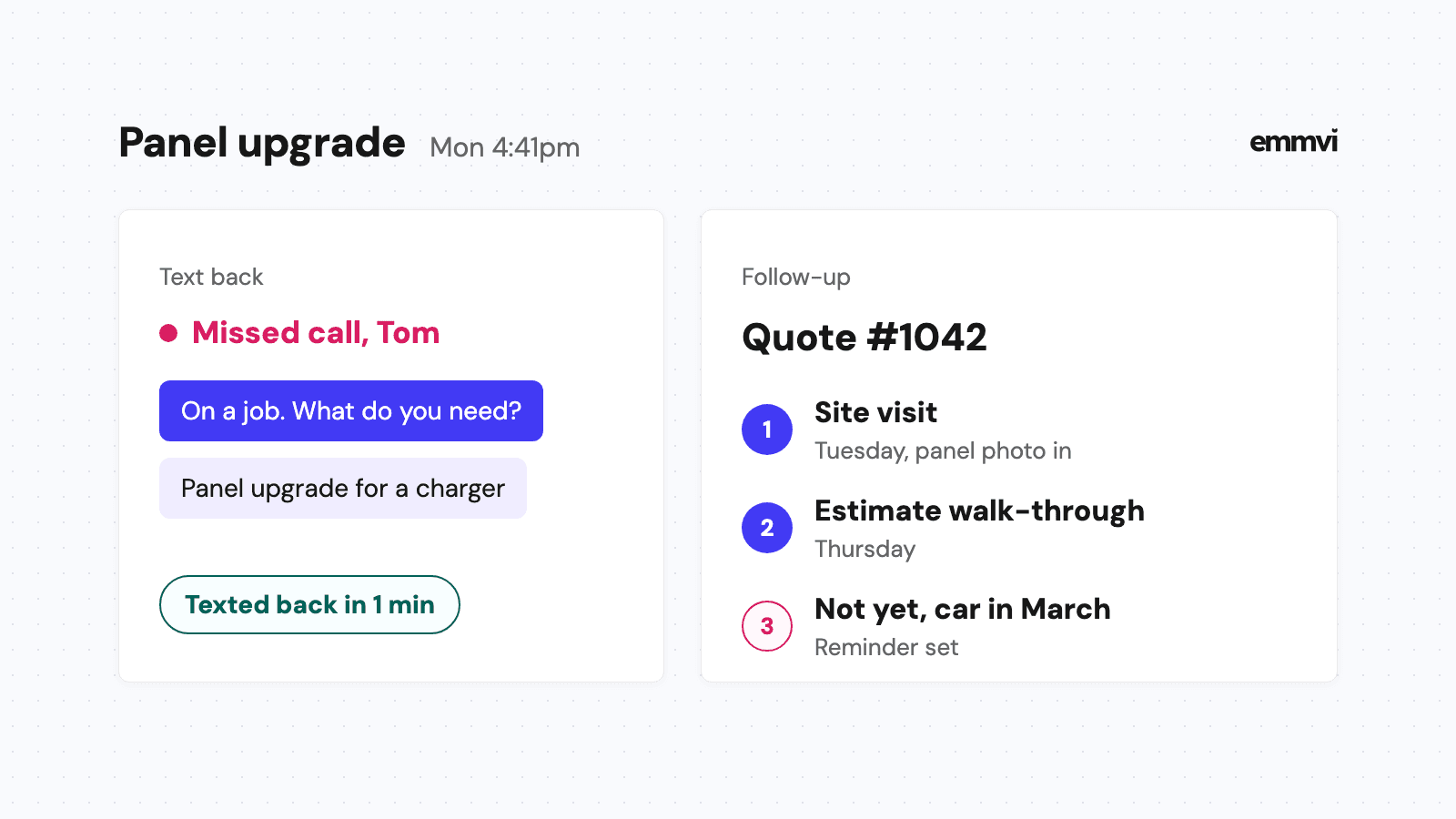
An automatic text to every missed call, set up as described in missed call text back, tells the caller you saw them and asks what the job is. They can answer while you finish the job in front of you. The text should promise only what you can do, a callback by a time you'll keep, not "right away".
Hi, it's Sam from Brightline Electric. Sorry we missed your call, we're on a job. Is this about an EV charger, a panel or something else? Reply here and we'll call you back before 8pm.
Messages, if you turn them on
Google's help page on chatting with customers from your Business Profile describes adding a WhatsApp or text-message option, and says chat options are currently available for select regions (as of November 2026). Only switch it on if those messages land somewhere you check every day, ideally the same inbox as your texts and form replies. A chat button that leads to an unread inbox is worse than no chat button.
Send website clicks to a quote form
The website link on your profile doesn't have to point at your homepage. Point it at the page where someone can ask for a price: a short quote request form with a phone number beside it. Someone who clicked from the map has already decided to look at you. Don't make them find the form.
If you take bookings for fixed jobs, like a service visit or a site survey, Google's page on setting up bookings explains that you can connect a booking provider or add your own booking link. How to decide what to put online and what to keep on the phone is covered in online booking for contractors.
Reply to the form as fast as the phone
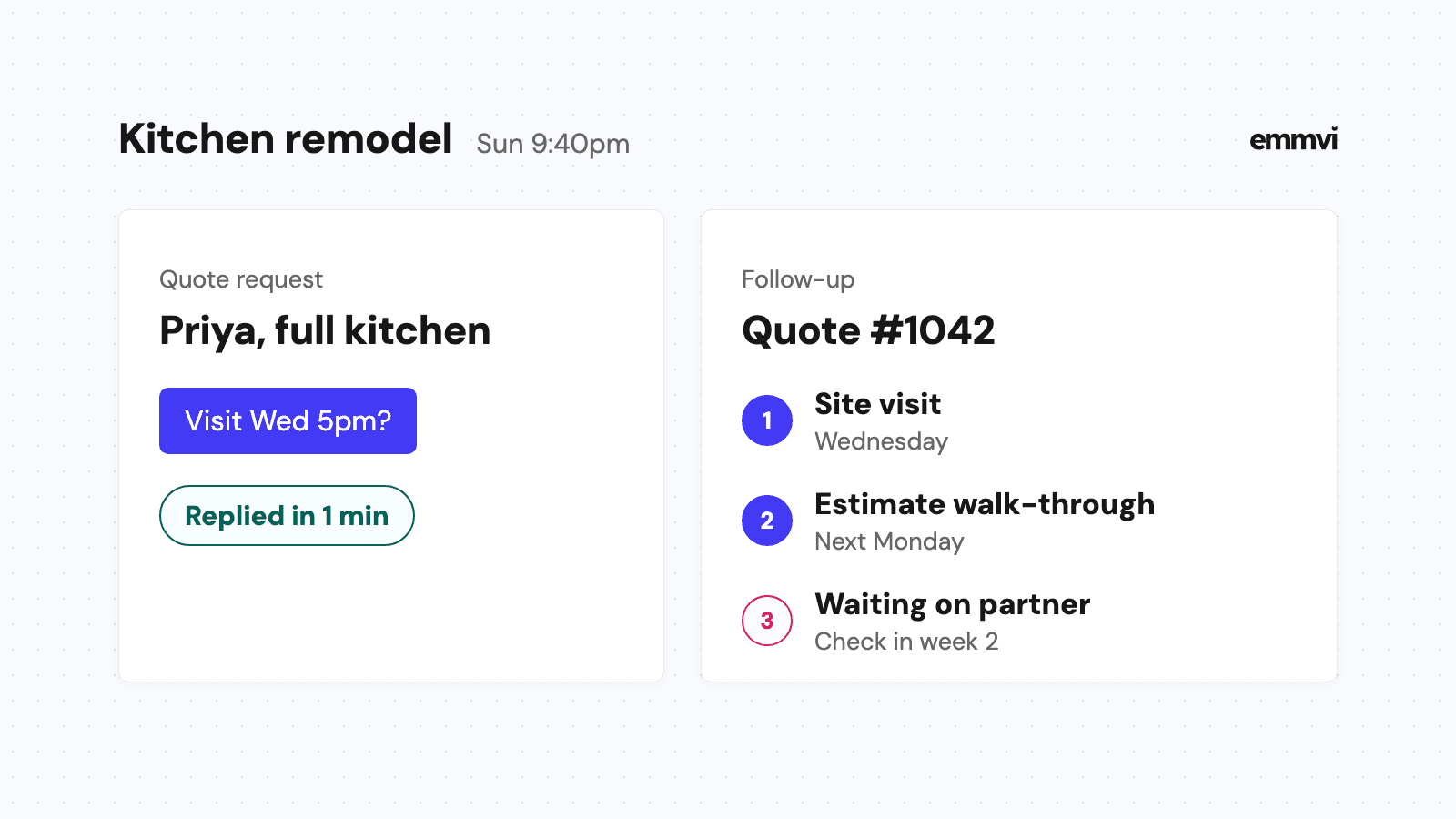
A form submitted at 9pm from the map is the same customer as a call at 9pm: they're comparing. An automatic reply that confirms what they asked for, says when you'll be in touch and asks for a photo of the roof, the panel or the old boiler keeps you in the running until morning.
Search for your own trade and town on your phone once a month, tap your call button and fill in your own form. If either goes unanswered for more than a minute, a customer is getting the same experience.
Reviews keep the profile working
Reviews are what people read when they compare listings, and Google's local ranking page lists responding to reviews as one of its tips. The habit that works is asking every customer at the same moment, right after the job is finished and they're pleased, with a direct link to your review form. The full process is in how to get more Google reviews.
Reply to every review, short and specific. Thank the good ones by mentioning the job. For the bad ones, stay calm, give the facts and offer a way to talk. The next person who reads it is judging how you handle problems, not the problem itself.
Track which jobs came from Google
The profile's performance numbers tell you how many people tapped call or visited your site. They don't tell you how many of those became paid jobs. That part lives in your own records.
- Tag the website link. Add a tracking tag to the link on your profile so form submissions from it show up as coming from Google Business Profile, not as "direct".
- Ask on the first call. "How did you find us?" and write the answer on the contact in your CRM.
- Count jobs, not clicks. At the end of the month, look at how many won jobs started on the profile.
Illustration: if the profile shows 40 calls in a month and your CRM shows 6 won jobs that started there, you know what the listing is worth to you and whether the missed ones are worth chasing. How to set up that tracking without a spreadsheet nobody fills in is in lead source tracking.
This is general guidance, not a recommendation for every business. Google's policies and features change, some options are only available in certain countries, and the right service area and categories depend on your trade and your licensing. Check Google's own help pages before you change a live profile.
FAQ
Is a Google Business Profile free?
Yes, creating and managing the profile is free. Local Services Ads, which can appear above the map, are a separate paid product.
Should I show my home address?
Not if customers don't come to it. Google's guidelines say a service-area business should hide its address and list the areas it serves instead.
How often should I post updates?
There's no fixed number. A photo of a finished job every week or two keeps the profile looking current and gives people something real to look at. Answering calls and messages matters more than posting.
Can someone else manage my profile?
Yes, you can add managers. Keep ownership on an email you control, so you never lose access if you change suppliers. If you want the replies, follow-up and tracking behind the profile set up for you, get in touch.
Share the post: