At the end of the month you look at the bank account and the marketing bills side by side. Google Ads, a lead platform, a flyer drop, the website. You know some of it works because the phone rings. You don't know which part, so next month you pay for all of it again.
Lead source tracking is the habit, and the setup, that answers that question. Every quote request gets a note of where it came from, and that note follows it all the way to a signed job or a lost one. This article covers where an installer's leads actually come from, how to record the source without relying on memory, and how to read the result once a month.
Why the source matters more than the count
Most owners already know roughly how many quote requests come in. The useful number is different: how many signed jobs came from each source, and what each one cost you.
Two sources can send the same number of requests and be worth completely different amounts. One sends homeowners who already know what they want and live in your area. The other sends price shoppers from two counties away who asked five companies at once. Counted as "leads", they look equal. Counted as jobs, they don't.
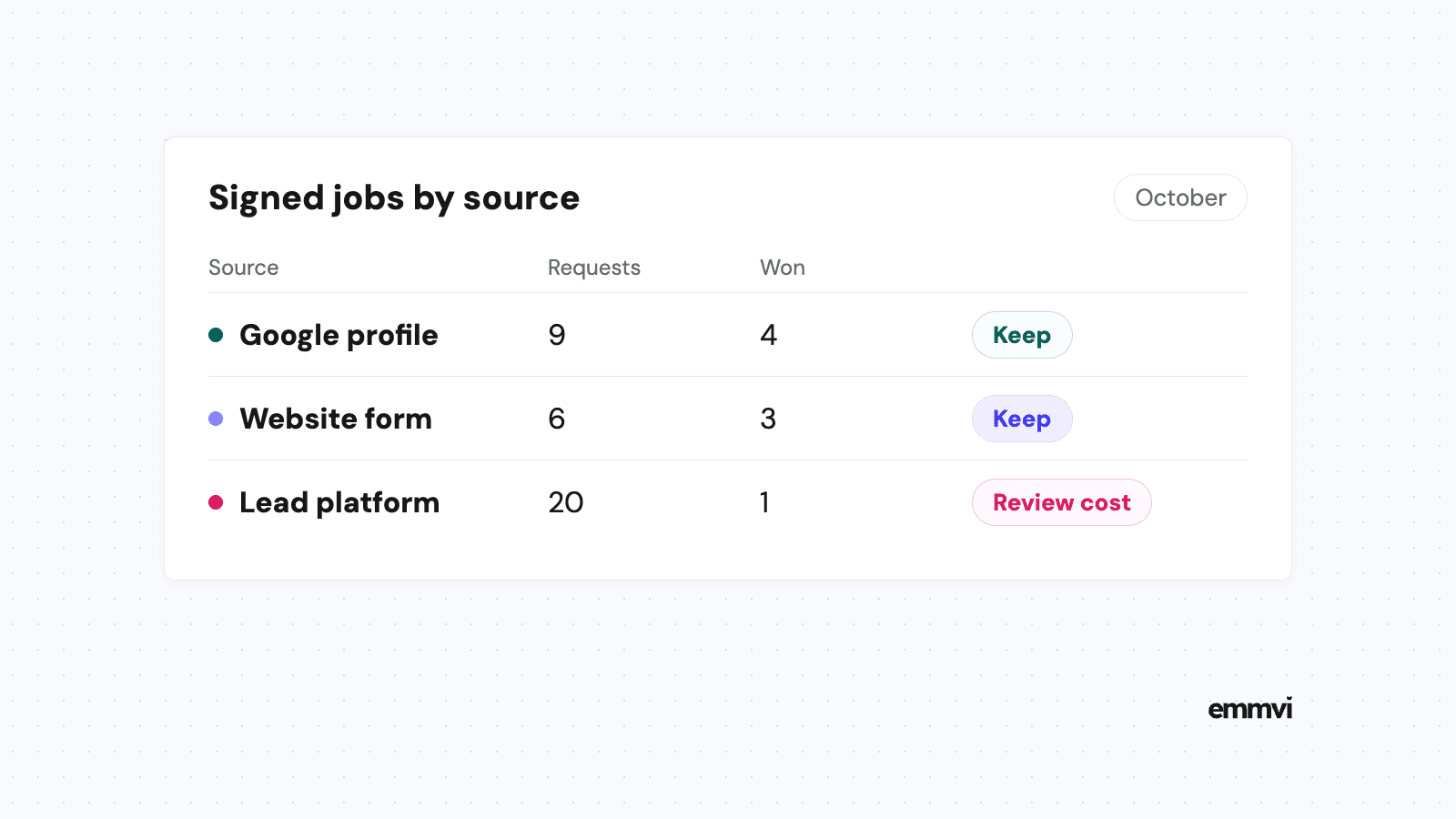
Illustration: say a lead platform sends 20 requests a month for $600 and three become jobs, so each job cost $200 in leads. Your Google Business Profile sends 8 requests for nothing extra and four become jobs. If you only counted requests, the platform looks like your best channel. It isn't the one doing most of the selling.
Those numbers are made up to show the arithmetic. Yours will be different, and that is the point: you can't know them until you record the source on every request.
Where installer leads come from
Before setting anything up, write the list of places a customer can reach you. For a solar, HVAC, EV charger or renovation business it usually looks like this:
- Google Business Profile. The call button, the website link and messages from your listing on Search and Maps.
- Your website. The quote request form, the phone number on the page, the booking link.
- Paid search. Google Ads or Local Services Ads, each sending people to a page or straight to a call.
- Lead platforms. Sites that sell you the contact details of homeowners who asked for quotes.
- Referrals. Past customers, neighbors who saw the van, a builder or electrician who passes work on.
- Offline. Van signage, yard signs, flyers, a home show stand.
Keep the list short. Six to ten sources is plenty for a business that does its own sales. A list of forty options means nobody picks the right one and half the records end up as "Other".
What your listing already tells you
Google already counts some of this for your listing. Its help page on business performance and insights defines calls as "The number of times a customer clicked on the call button on your Business Profile", and website clicks as the clicks on the website link. That tells you people reached out from the listing. It doesn't tell you which of them became a job, which is the part you need to record yourself.
How to capture the source
The rule is simple: the source is recorded when the request arrives, not weeks later when someone tries to remember. There are three ways to do it, and most installers end up using all three.
Automatic: forms and links
When a request comes through a form, the form can record where the visitor came from. The standard way is a tag added to the end of a link, called a UTM parameter. Google's help page on collecting campaign data with custom URLs lists the three that matter: utm_source ("Referrer, for example: google, newsletter4, billboard"), utm_medium ("Marketing medium") and utm_campaign. Put a tagged link on your Google Business Profile, in your ads and in your email signature, and the form can pass the tag into the contact record in your CRM.
The limit: tags only travel with clicks. A homeowner who sees your van, types your name into Google and fills the form will show up as "Google search", not "van". Automatic tracking tells you the last door someone walked through, not always the first time they heard of you.
Automatic: separate phone numbers
Calls are where most installer work starts, and a call carries no link. The usual answer is call tracking: a different number for each major source (one on the website, one on the listing, one on the van) that all ring your normal phone. The system logs which number was dialed, so the call arrives already labeled.
It works well for two or three big sources. Past that, you're managing a drawer of numbers, and a printed number on a van can't be changed without new graphics. Start with the sources that cost money.
Manual: ask, then record
Referrals, home shows and word of mouth can only be captured by asking. "How did you hear about us?" is still the most reliable question for those, as long as the answer goes into a field with fixed options, not a free text box where it becomes "friend", "next door", "Dave" and "saw you somewhere".
Make the source a required field on every new contact in your CRM, with a short drop-down list. If a record can't be saved without it, it gets filled in. If it's optional, it stays empty on the busy weeks, which are the weeks you most need to measure.
When the automatic source and the customer's answer disagree, keep both. "Came through Google, says a neighbor recommended us" is more useful than either half.
From lead to signed job
A source on its own only tells you who knocked. To know what each source is worth, the same record has to move through your pipeline: new request, site visit or call booked, quote sent, won or lost. That's why the source belongs in the CRM, on the contact, and not in a separate spreadsheet nobody updates.
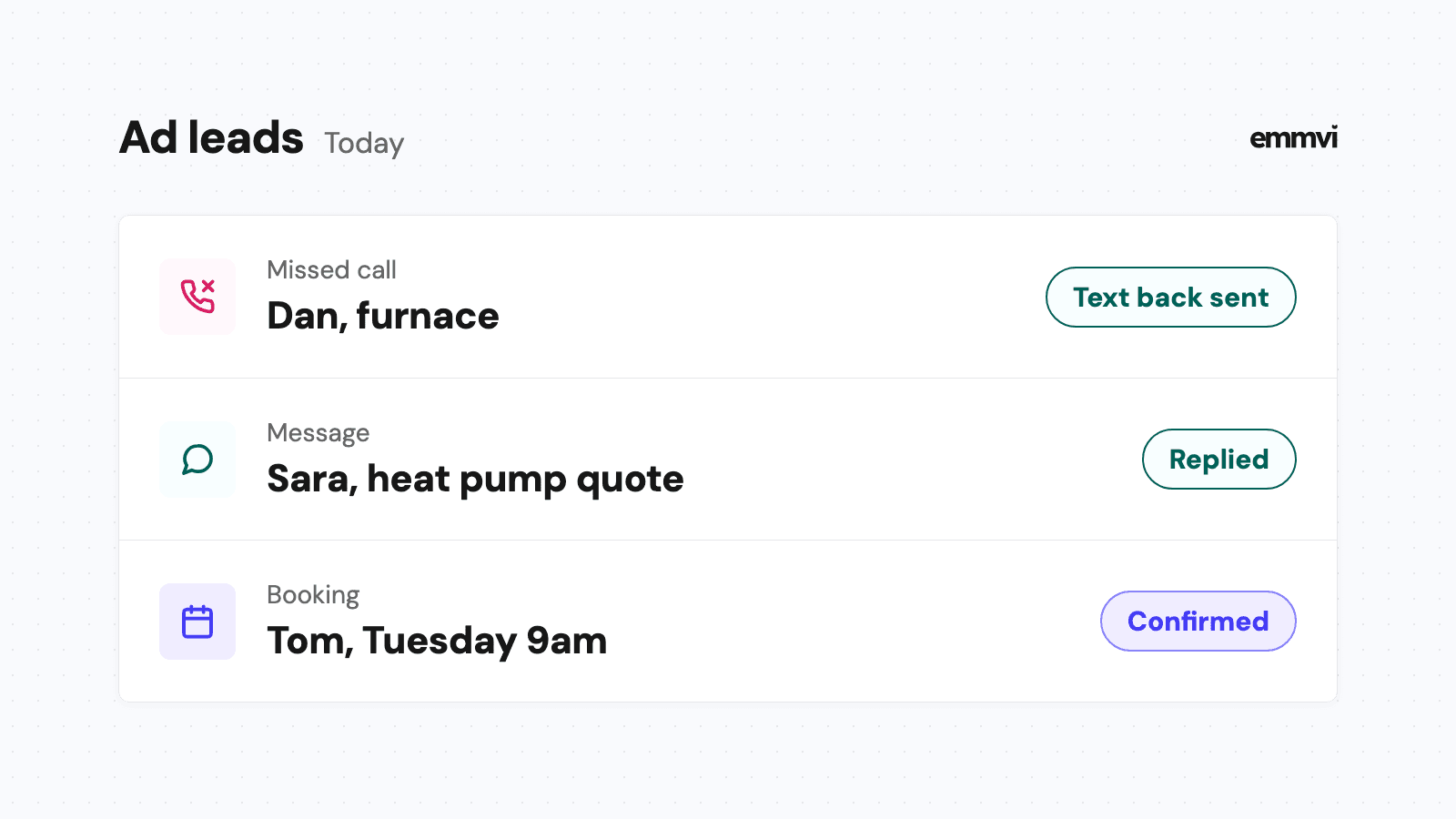
Picture a Tuesday. A heat pump quote request arrives from the website at 9pm, tagged "Google Business Profile". The automatic reply goes out in under a minute, the survey is booked for Thursday, the quote goes out on Friday and is signed two weeks later. Because every step happened on one record, the signed job counts toward the listing without anyone typing anything.
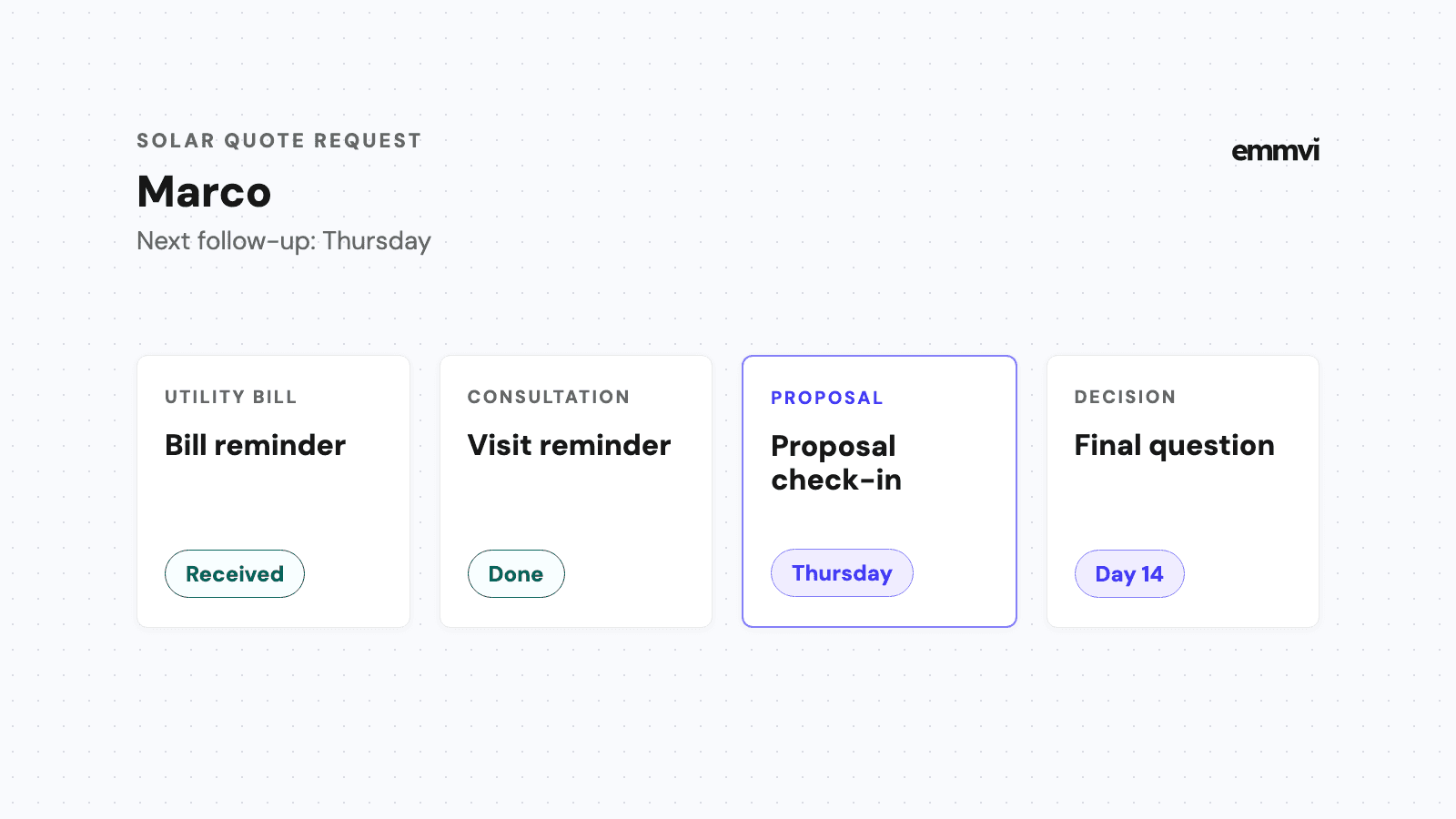
Now picture the request that never got answered. If the reply was slow or the quote was never chased, that source looks weak when the real problem was the follow-up. Fix how fast you reply and how you follow up on quotes before you judge any source harshly. Otherwise you'll cut the channel that was working and keep the leak.
Mark lost jobs with a reason
When a quote is lost, record why in a few fixed options: price, timing, went with someone else, no reply, outside our area. After a few months, a pattern by source shows up. A platform whose leads mostly end in "no reply" is telling you something different from one whose leads end in "price".
Reading the numbers once a month
Once a month, put four columns next to each source:
- Requests. How many quote requests arrived.
- Quotes sent. How many got as far as a priced quote.
- Jobs won. How many signed.
- Cost. What you paid for that source this month, including platform fees, ad spend and print.
Divide cost by jobs won and you have the cost per signed job for each source. That is the number to compare, not cost per lead.
Be careful with small numbers. If a source sent four requests this month and one became a job, that is too little to judge. Look at three months together before cutting anything, and remember that big jobs like solar or a full renovation can take weeks to sign, so this month's requests may only show up as jobs next month.
What the report won't tell you
A customer may see your van, read your reviews, visit the website twice and finally call from the listing. The report gives the credit to the listing. That's fine for deciding where to spend, as long as you know it is a simplification. If a source looks useless on paper but customers keep mentioning it when you ask, take that seriously.
This is general guidance, not a recommendation for every business. Which sources you track, whether call tracking is worth it and how detailed the report should be depend on your volume, your trade and how many people handle the phone. A business with ten requests a month needs a drop-down and a monthly look, not a dashboard.
FAQ
What is lead source tracking?
It is recording where every quote request came from (your listing, website, ads, a referral, a platform) and keeping that note on the customer record until the job is won or lost. It lets you compare sources by signed jobs, not just by how many people got in touch.
Can I just ask customers how they found us?
Yes, and you should, especially for referrals and offline sources. Asking alone is not enough for online sources, though, because people often remember the last thing they did ("I googled you") rather than what sent them there. Combine the question with tagged links and, for your main paid sources, a tracking number.
Do I need special software?
You need somewhere the source is saved on each contact and follows it through the pipeline. Most CRMs do this with a custom field. Call tracking needs a phone service that supports it. A website form only passes UTM tags into the CRM if it is set up to; it is worth checking on yours. If you're choosing a website, our article on contractor website design covers what the form should capture.
How long before the numbers mean something?
Expect two or three months before you have enough signed jobs per source to compare. Long sales cycles stretch that further. Until then, use the data to spot obvious gaps, like a paid source with many requests and no quotes sent.
If you'd rather have the tracking set up and the monthly report built for you, tell us how your quote requests arrive today.
Share the post: