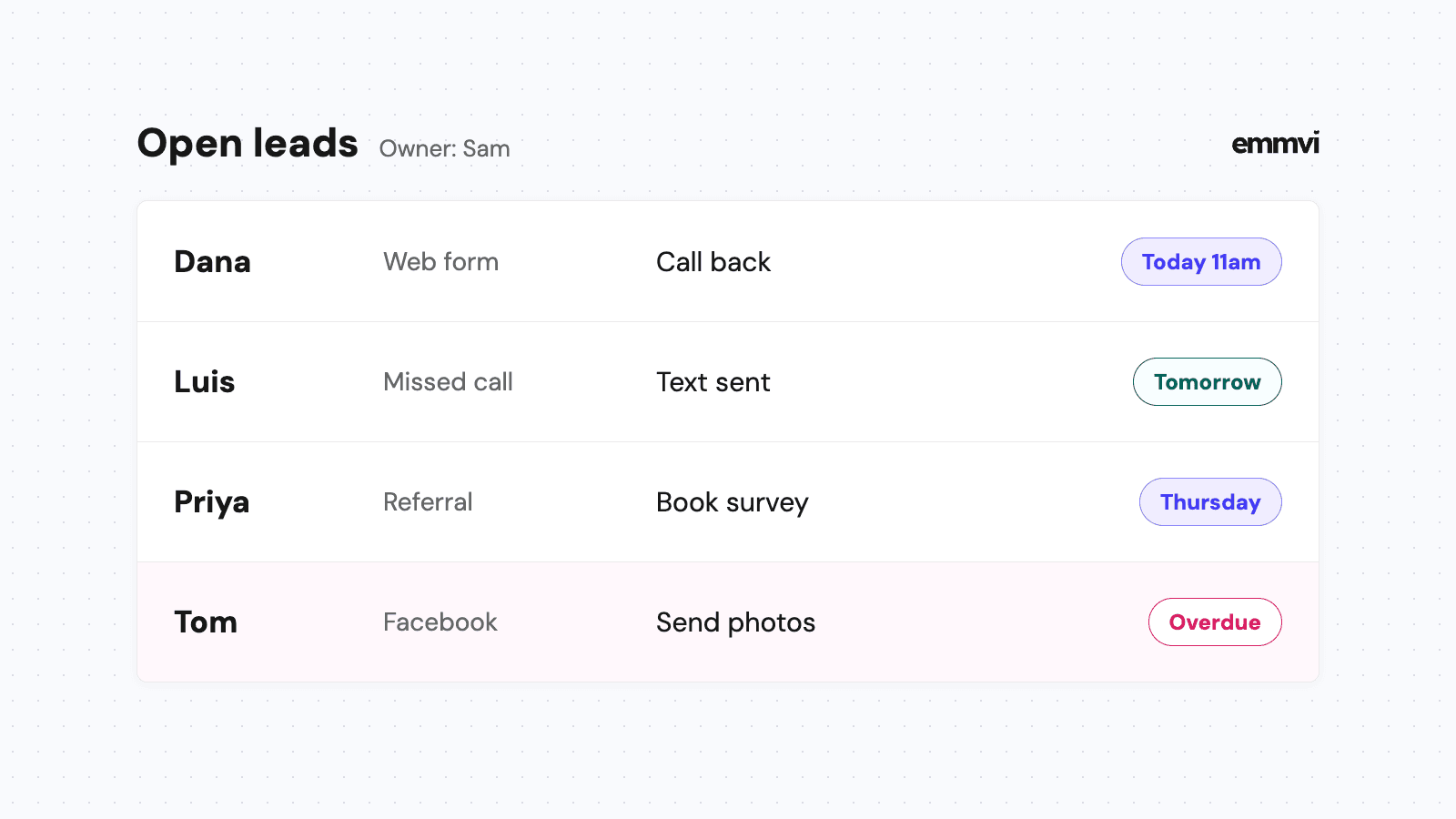
It's 8:40pm and you're finishing the paperwork from a panel swap. On your phone: a missed call from someone with half the kitchen outlets dead, a website form from Ana asking what a charger in her garage would cost, and a text from a builder you quoted three weeks ago asking whether the price still stands. Each one is a job. By the time you get to them tomorrow, at least one will have called someone else.
Electrical work mixes small urgent calls with bigger quoted jobs that wait on photos, permits and inspections. This article covers what a CRM for electricians should track, the pipelines that fit that mix, what to automate first and how to choose a system without paying for features you won't use.
What an electrician CRM is for
A CRM (customer relationship management system) keeps one record per customer and per property, with every call, form, text, photo and quote attached, plus what has happened and what should happen next. For an electrician, the property record matters as much as the person: the panel, its capacity, past work and anything you noticed on the last visit.
Day to day, it should answer four questions without you scrolling through your phone:
- Who contacted us and hasn't heard back? Every missed call, voicemail, form and text still waiting for a person.
- Which quotes are out and undecided? Priced, sent, and still without a yes or a no.
- Which jobs are waiting on someone else? A permit, an inspection, the utility, or the customer's photos.
- Where did the paid jobs come from? Which ads, referrals, builders and directories turned into invoices, not just calls.
If a system can't answer those, it's an address book with a monthly fee.
Where electrical jobs slip away
Urgent calls go to whoever answers
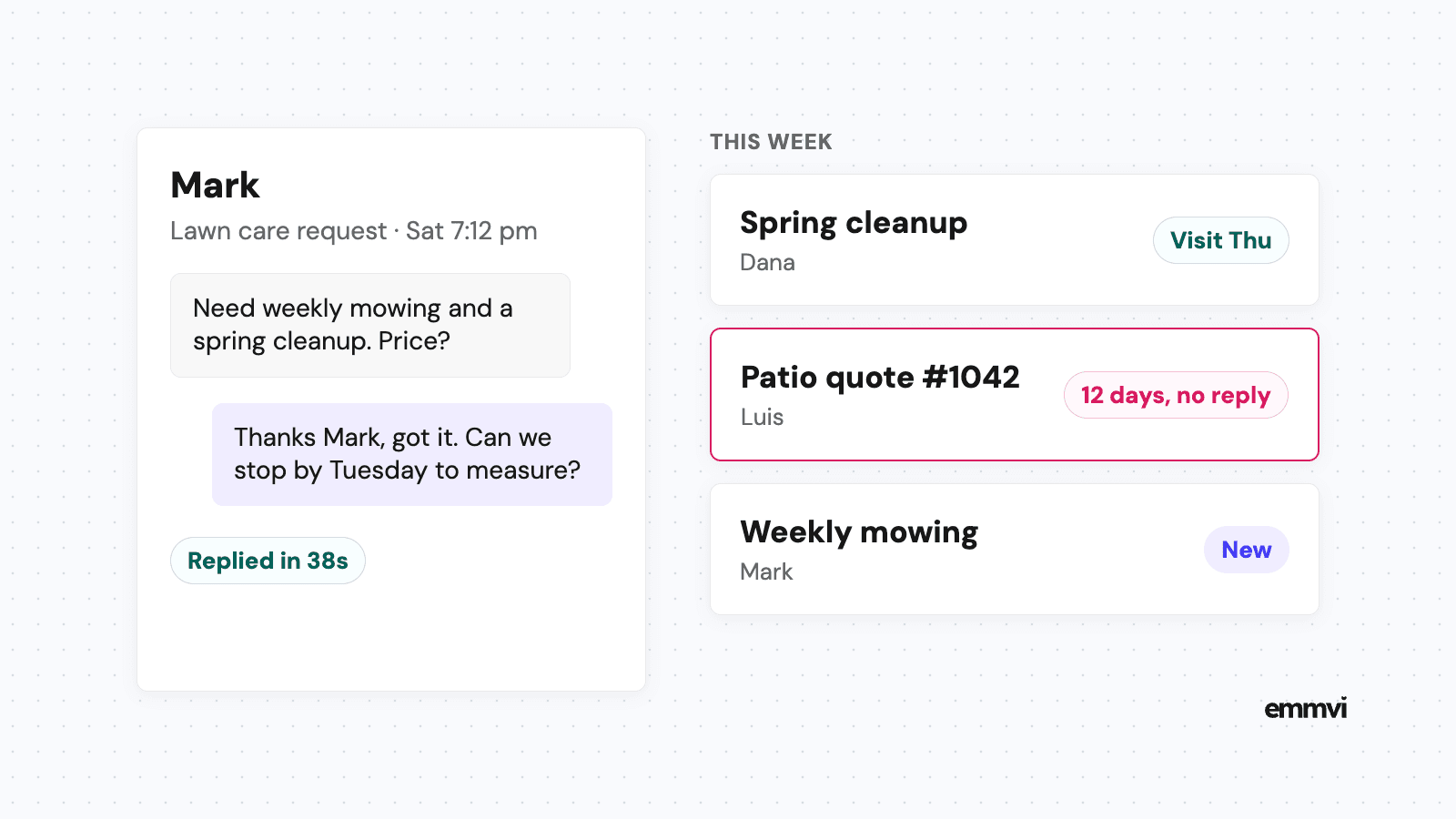
A tripped breaker that won't reset or a room with no power is not a call people leave on voicemail and wait about. They try the next number on the list. When you're in a crawl space or on a ladder, the phone rings out, and the job goes to the electrician who picked up or texted back first. Why those first minutes matter is covered in speed to lead.
Quotes need information you don't have yet
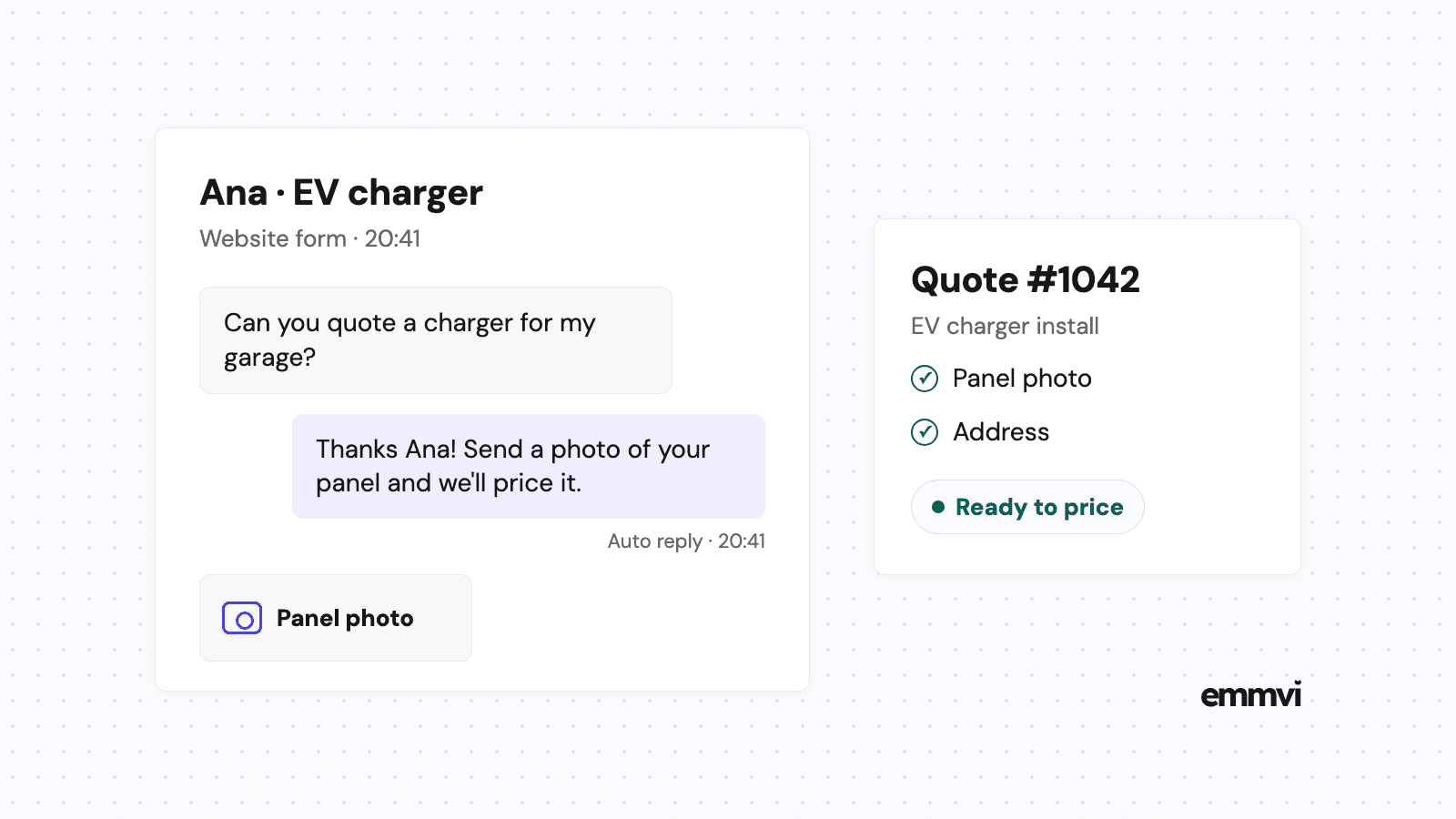
An EV charger, a panel upgrade or a subpanel for a workshop can't be priced from "how much for a charger?". You need to know what the panel looks like, how far the run is and whether there is spare capacity. The Department of Energy's page on charging at home says it plainly: "Some homes might have insufficient electric capacity for Level 2 equipment." So the first reply has a second job. Besides confirming you got the request, it should ask for what you need to quote, usually a photo of the panel and where the charger will go. Without that, the request sits in your inbox until you have time to call, and the customer keeps shopping.
The job waits on other people
The same DOE page notes that "Appropriate permits may be required" for charging equipment, and in many areas a plan has to be approved before installation. Panel upgrades often add the utility to the list. Every step that waits on someone else is a step where the customer hears nothing, wonders what is happening, and sometimes cancels. A CRM can't speed up a permit office, but it can make sure the customer knows the job is waiting on one.
Pipelines that fit electrical work
A pipeline is the list of stages a job moves through. Keep the stages close to how the work actually happens: too few and you can't see where jobs stall, too many and nobody updates them. Most electrical businesses need two.
Service calls
- New request: a call, missed call, form or text has arrived. The clock is running.
- Booked: a visit is scheduled and confirmed with the customer, with the address and the problem on the record.
- Done: fixed and invoiced. Notes and photos go on the property.
Quoted installs
- Quote request: a charger, panel upgrade, rewire, lighting job or anything you price before doing.
- Waiting on details: you've asked for photos or a site visit. This stage exists so requests don't stall silently.
- Quote sent: the price is with the customer. This is where most jobs go quiet.
- Permit and utility: optional, for jobs that need them. Track the dates you depend on.
- Scheduled: a date is set and the customer has confirmed it.
- Completed: inspected where needed, invoiced, and the trigger for the thank you and review request.
Add a "Lost" outcome with a short reason: price, timing, went elsewhere, no reply, not possible on this panel. After a few months, those reasons tell you more about your quotes than any report.
Make the panel photo part of the property record, not just the message thread. When the same customer asks about a hot tub or a heat pump a year later, you already know what you're working with.
Record the source when the request arrives
Every request should carry where it came from: a specific ad, a directory, a builder, a referral, a past customer. A tracking number per ad and a hidden field on the website form fill this in without anyone typing it. How to set that up is in lead source tracking.
What to automate first
A CRM that only stores information depends on someone opening it, and on a busy day nobody does. The useful part is what happens on its own when a request arrives or a job changes stage.
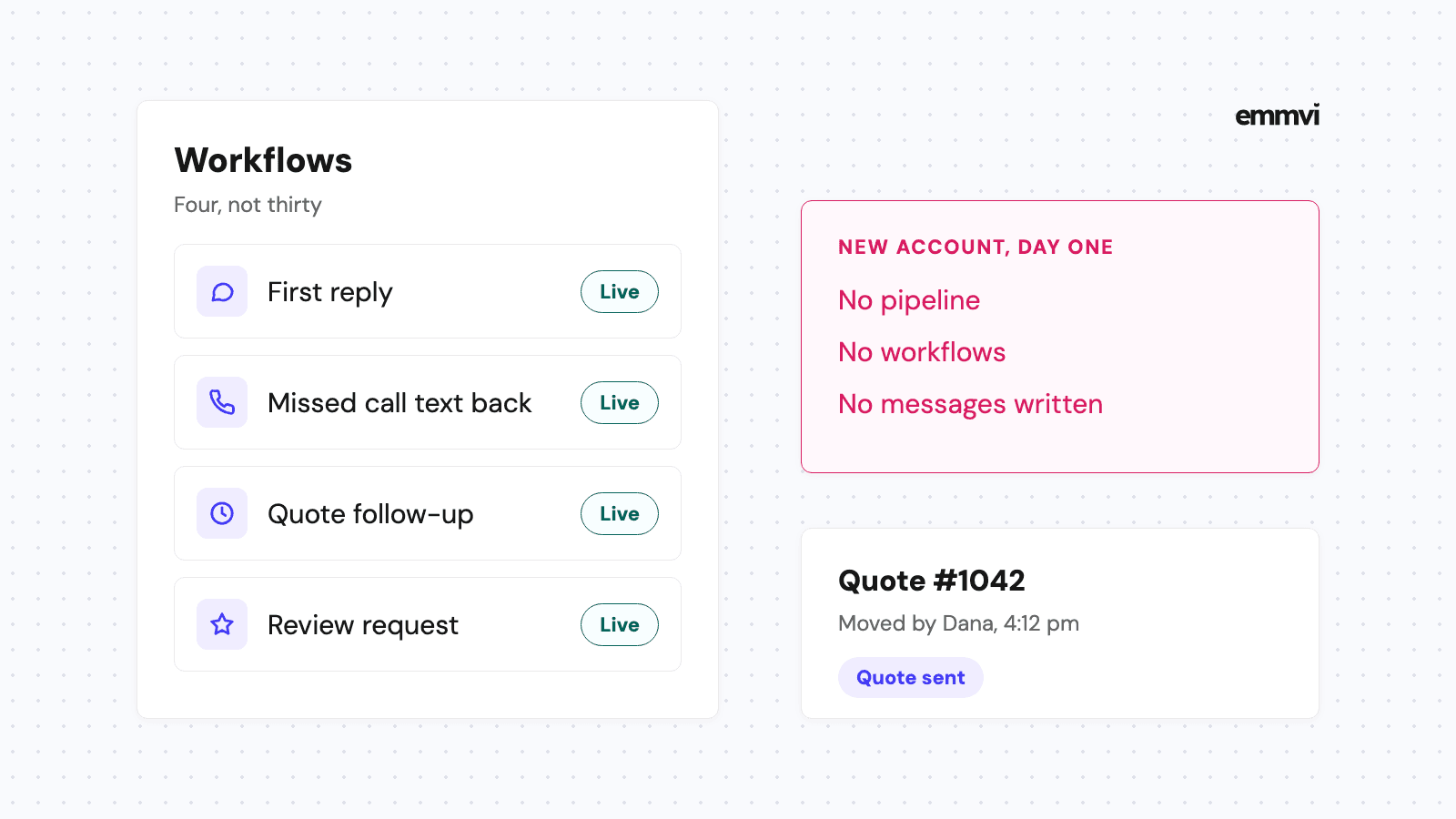
- Missed call: a text within a minute saying you're on a job, asking what the problem is and the address, and when you'll call back. The details are in how missed call text back works.
- New quote request: an instant reply that confirms you got it and asks for the photos you need to price it, at 9pm as easily as at 9am.
- Quote sent: a short sequence of follow-ups, for example after two days, a week and two weeks, that stops as soon as the customer replies. Timing and wording are in how to follow up on a quote.
- Waiting on a permit: a short update to the customer when the stage changes, so silence doesn't read as being forgotten.
- Job completed: a thank you and a review request a day later, while the new circuit or charger is still the newest thing in the house.
The first reply to a charger request can be this plain:
Hi Ana, thanks for asking about a charger. To give you a price, could you reply with a photo of your electrical panel with the door open, and one of where you'd like the charger? We'll get back to you with a quote or a time to visit.
Illustration: an electrician who sends 8 quotes a week and follows each up three times needs 24 messages a week, typed between jobs, every week. The software doesn't write better messages than you do. It sends them on the day they're due, which is the part that slips.
What automation can't do
An automatic text can't judge whether a panel can take a charger, quote a price or tell anyone their wiring is safe. It buys you time. The assessment, the price and the work are still yours.
Field software or a general CRM
There are two broad options, and neither is right for every business.
Field service software
Tools built for trades usually cover dispatch, job sheets, price books, invoicing and technician apps. If you run several vans and the problem is organizing the work you've already won, they can save a lot of time. The trade-off is that the sales side, meaning fast replies, quote follow-up and reviews, is sometimes thinner, and prices often grow per user.
A general CRM set up for electrical work
A flexible CRM with texting, forms, pipelines and automation can do everything in the previous section. It won't replace a price book or a job sheet, so it often sits next to the tools you already use for invoicing. It suits businesses whose problem is losing requests before they become jobs. If you also take on general contracting work, the wider view is in CRM for contractors.
Whichever you look at, check these before paying:
- Can it text from your business number, with photos, and keep replies in the same thread?
- Can it send messages when a job changes stage, without someone pressing a button?
- Does it work properly on a phone, with one hand, from a basement?
- Can you export your contacts and history if you leave?
This is general guidance, not a recommendation for every business. The right setup depends on how many people answer the phone, how much of your work is quoted, the tools you already pay for and who will keep the system up to date.
Setting it up without stopping work
A system set up in the middle of a busy week gets abandoned. Do it in this order:
- Connect every way in: business phone, website form, ad forms and directories, so nothing arrives outside the system.
- Turn on the two instant replies: missed call and new quote request, including the photo ask.
- Build the two pipelines: and move today's open quotes into them, so nothing starts life already lost.
- Add the quote follow-up: three messages in your own words.
- Add the review request last: once jobs are reaching "Completed".
Then look at it once a week: which requests waited longest for a reply, which quotes are older than two weeks, and which sources brought paid jobs.
FAQ
Do I need a CRM if I work alone?
If you've ever lost track of a quote or found a missed call too late, yes. A one-person business often benefits most, because the person who would answer the phone is the one holding the screwdriver.
Can customers send photos by text into the CRM?
Most CRMs with business texting accept picture messages and keep them in the conversation. Check it with a real photo during any trial, from both iPhone and Android, before relying on it for quotes.
Will automatic texts annoy customers?
Not if they're short, useful and stop when the person replies. Keep each one about the job, make it easy to say no, and don't send more than three follow-ups on one quote.
How long does setup take?
A first working version, with the instant replies and one pipeline, can run within days. Getting every stage and message right usually takes a few weeks of real use and small fixes.
If you'd rather have this set up for you, you can talk to emmvi.
Share the post: