A couple fills in your website form on a Sunday night: kitchen refit, budget not sure yet, "can someone come and look?". On Monday you're on a deck job across town. By Wednesday you remember the form, call, and get voicemail. On Friday they tell you they've booked someone else for the site visit. Nobody did anything wrong. The request just had nowhere to live except your inbox.
This article is for contractors who sell to homeowners: remodelers, renovation firms, electricians, window and deck builders, and the general handyman business that has grown past one van. It covers where jobs slip away, the pipeline, what to automate first and how a CRM fits next to your job software.
Construction CRM or contractor CRM
Search for "CRM for contractors" and most of what comes back is built for general contractors bidding on commercial projects: tracking developers, architects and bid invitations over months or years. That's a real need, but it isn't the residential one.
A contractor who works for homeowners has a different problem. The customer is one household, often two people deciding together. The request arrives by phone, form or text at any hour. The sale depends on a site visit, a written estimate and patient follow-up. Then, a few years later, the same family wants the bathroom done.
So the useful CRM here (customer relationship management system) keeps one record per household and per property, with every call, message, photo and estimate attached, and answers these questions at a glance:
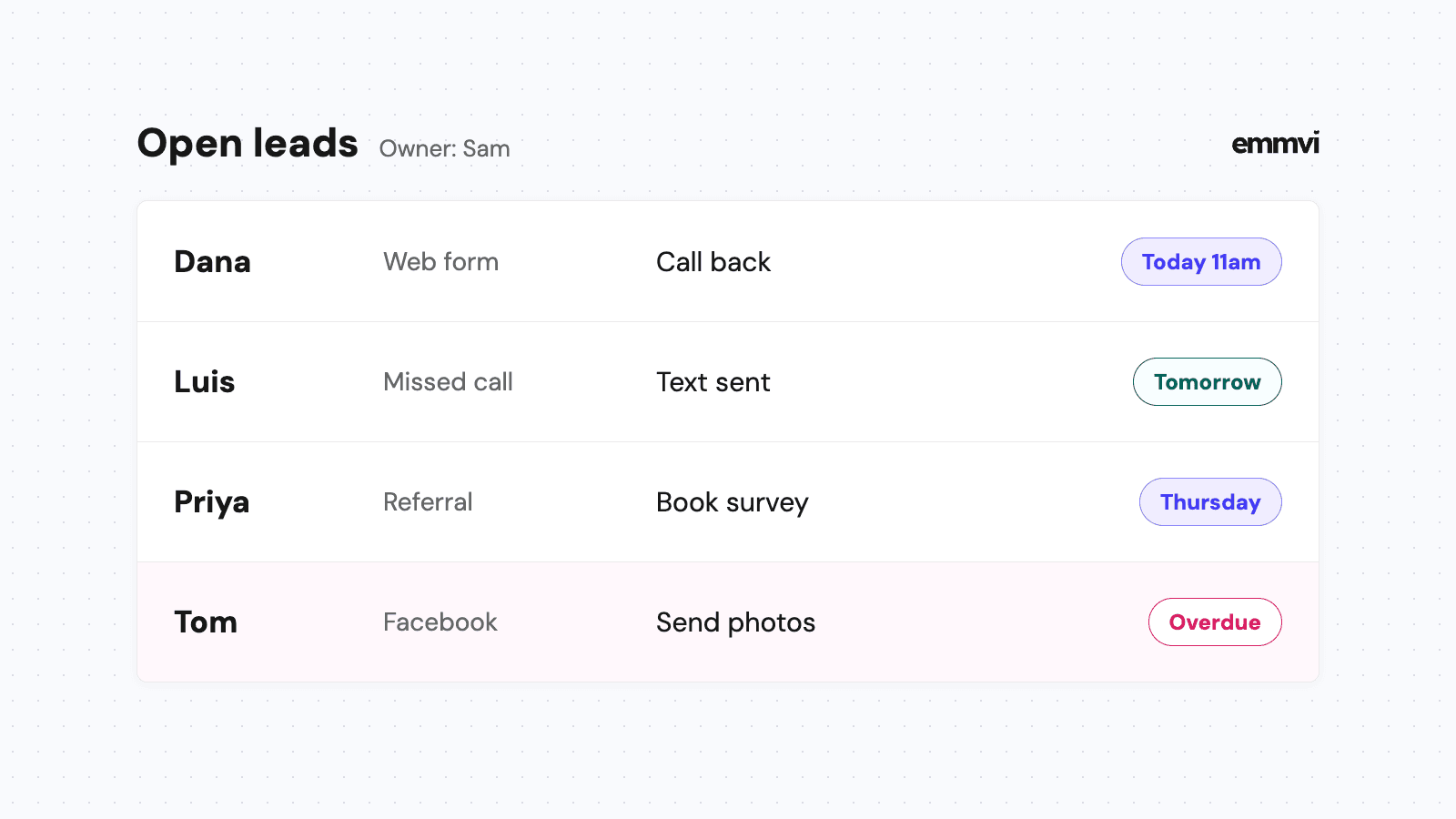
- Who asked and is still waiting for us? Forms, missed calls and texts nobody has answered.
- Which site visits are booked and confirmed? With the address, the access notes and who is going.
- Which estimates are out without an answer? And how long each one has been sitting.
- Which past customers are due a check-in? The people most likely to hire you again or refer you.
Where contractor jobs slip away
The first reply comes too late
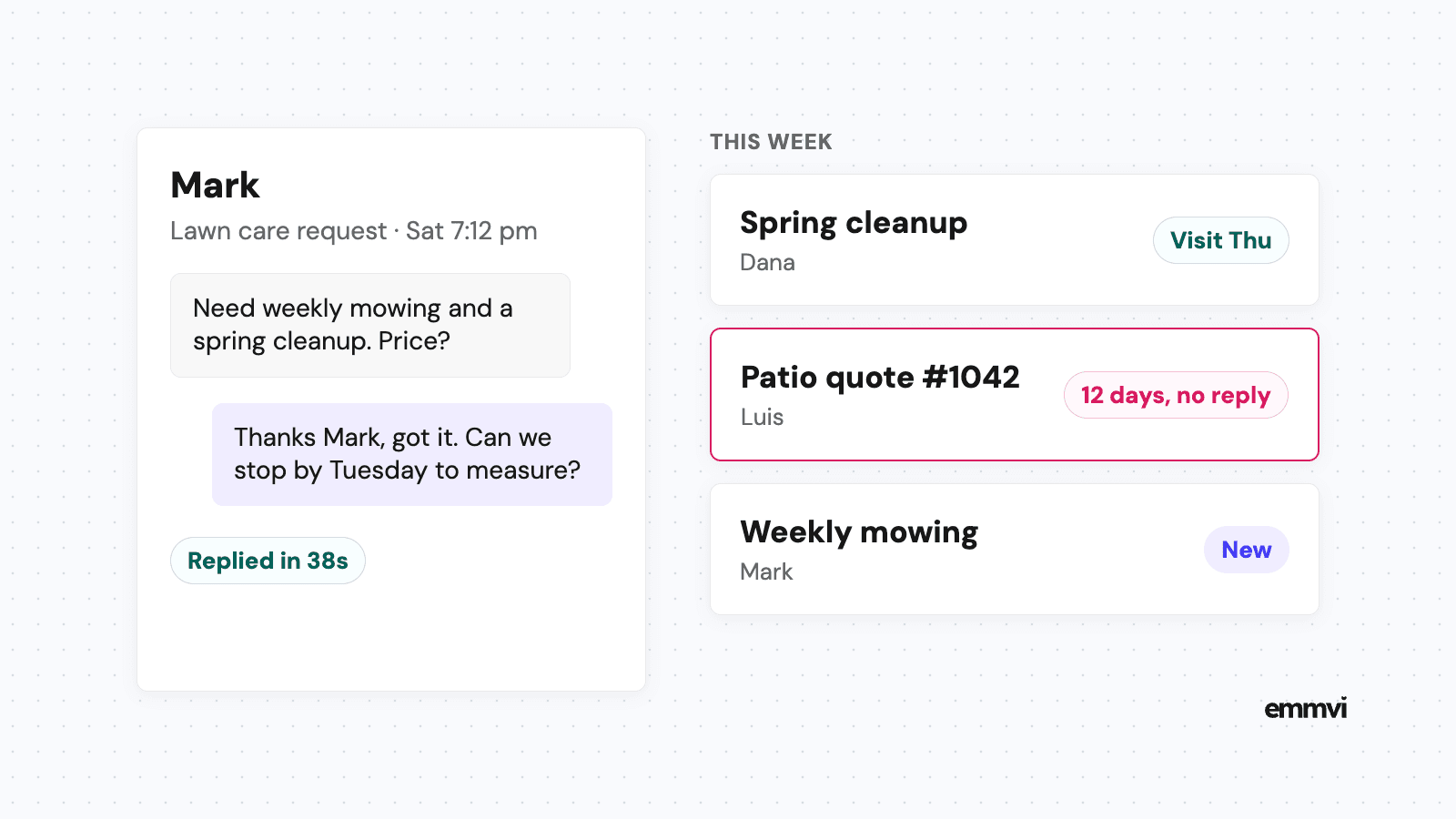
A homeowner planning a remodel usually contacts more than one contractor in the same evening. The first one to reply with a clear next step often gets the site visit, and the site visit is where the job is really won. If you're on a ladder when the call comes, a missed call text back at least tells them you exist and when you'll call.
The site visit nobody confirmed
A visit booked by phone on Monday for the following Thursday is easy to forget on both sides. If the homeowner isn't in, or the partner who makes the decisions isn't there, the visit is wasted and the estimate starts late.
The estimate takes a week to write
Renovation estimates take real work: measurements, materials, a subcontractor's price for the plumbing. Homeowners are told to compare them. The FTC's advice on avoiding home improvement scams says "Get multiple estimates" and lists what a written one should include: "a description of the work to be done, materials, completion date, and the price". While you're writing yours, the homeowner may already have two others. A short message that says when your estimate will arrive keeps you in the comparison.
Nobody asks again
Once the estimate is sent, the decision can take weeks: financing, a second opinion, a holiday. Most estimates that die do so in silence, not with a no. The fix is a plain, scheduled follow-up, covered in detail in how to follow up on a quote.
The past customer hires someone else
A family you did a kitchen for three years ago now wants a deck. If your only record of them is an old invoice, they'll search again, and you're one of ten results. A CRM that remembers them, and the job you did, gives you a reason to stay in touch.
A pipeline for estimate work
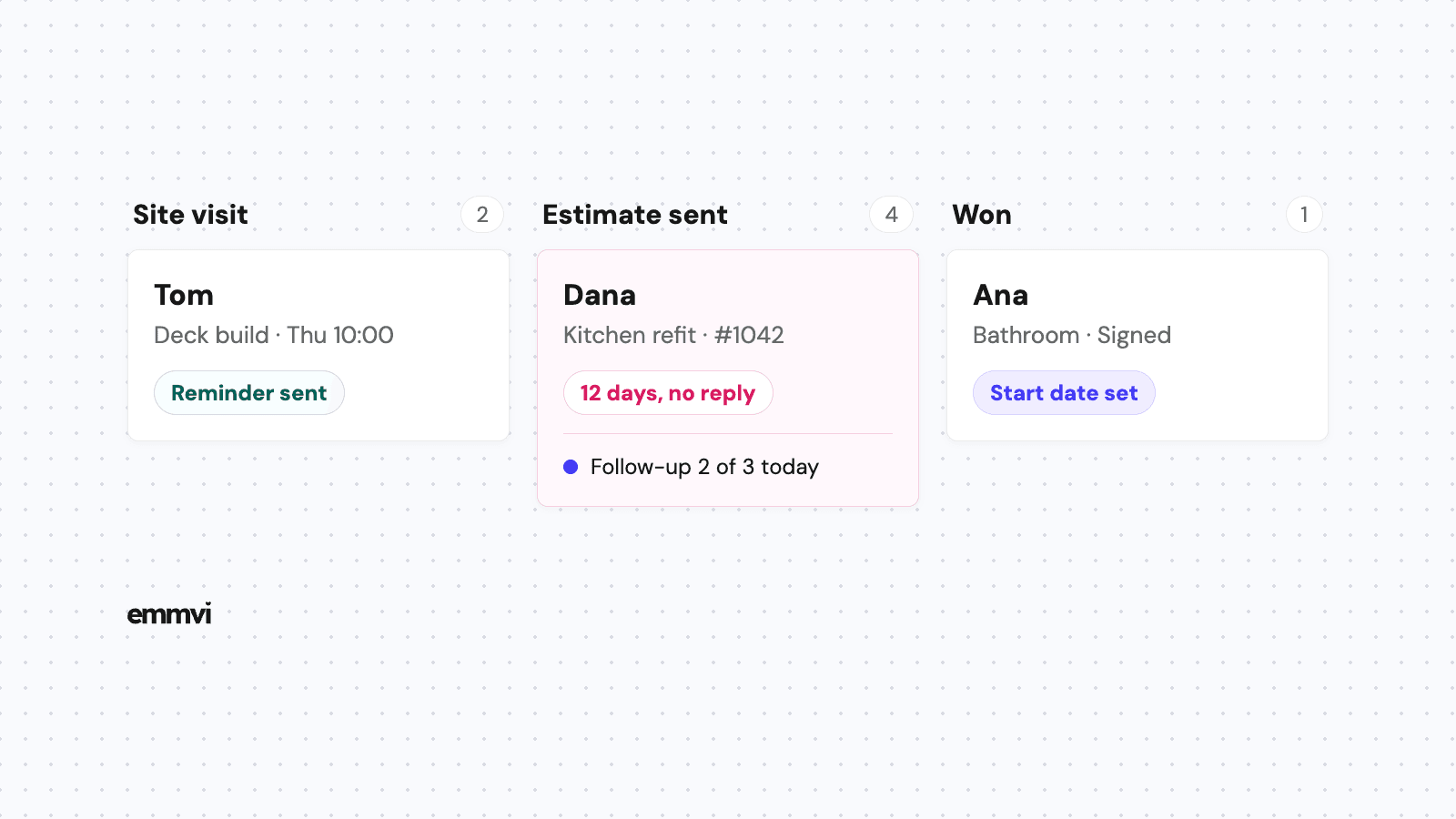
A pipeline is the list of stages a job moves through. Keep it close to how your work really happens, so updating it takes seconds. For most residential contractors, this is enough:
- New request: a form, call, text or referral has arrived. Nobody has spoken to them yet.
- Contacted: someone has replied and is working out the job, the budget range and the timing.
- Site visit booked: date, time, address and who needs to be there.
- Estimate in progress: visit done, measurements and photos on the record, price being prepared.
- Estimate sent: the stage where jobs go quiet, and the one to watch.
- Won: contract signed, start date to set.
- Completed: the trigger for the thank you and the review request.
Add a "Lost" outcome with a short reason: price, timing, chose someone else, project cancelled, no reply. After a few months, those reasons tell you whether you have a pricing problem or a follow-up problem, which are very different fixes.
Record the source when the request arrives
Note where every request came from: a referral, a yard sign, a directory, an ad, a past customer. A hidden field on the website form and a separate number per ad fill this in without anyone typing. Count signed jobs per source, not calls per source. The cheapest calls are not always the ones that turn into kitchens.
What to automate first
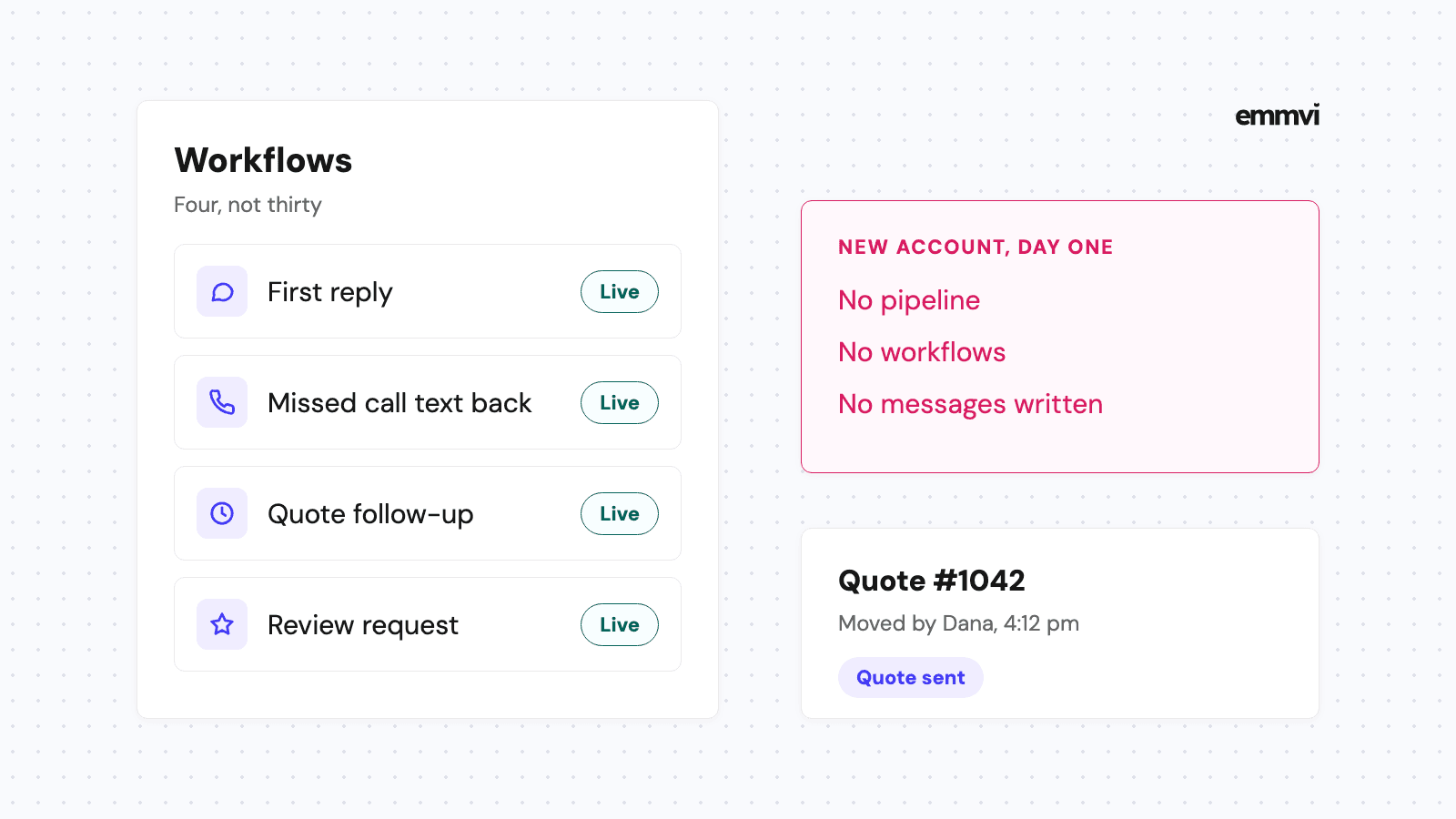
A CRM that only stores information depends on someone opening it at the end of a long day. The parts worth automating are the ones that should happen at a set moment, every time.
- New request: an instant reply that confirms you got it, asks one useful question and offers a way to book the visit. Why minutes matter is in speed to lead.
- Site visit booked: a confirmation with the date and address, and a reminder the day before that asks whether everyone who decides will be there.
- Estimate in progress: one message saying when the estimate will arrive, so the wait doesn't look like silence.
- Estimate sent: up to three follow-ups, for example after two days, one week and two weeks, that stop the moment the homeowner replies.
- Completed: a thank you and a review request a day or two later.
The estimate-in-progress message can be as simple as this:
Hi Dana, thanks for having us round on Thursday. I'm pricing the cabinets and the plumbing now, and you'll have the written estimate by Tuesday. If anything changes on your side before then, just reply here.
Ask on the visit-reminder text whether both decision makers can be there. It's one line, and it saves the second visit that so many renovation estimates end up needing.
Illustration: a contractor who sends 8 estimates a week, with one "estimate coming" message and three follow-ups each, sends 32 messages a week. None of them is hard to write. The hard part is sending each one on the right day, from a phone, between jobs. That's the part the software does.
What automation won't do
An automatic message can't price a job, judge a wall or promise a start date. It keeps the conversation alive and makes you look organized while you do the real work. The visit and the estimate stay with you.
Job software, a CRM, or both
Many contractors already pay for job management software: scheduling, estimates, invoices, job costing, crew apps. Some of it includes a basic CRM. The question is whether it covers the sales side well enough.
When your job software is enough
If it already texts from your business number, replies to new requests on its own, follows up on estimates automatically and asks for reviews, you probably don't need another system. Turn those features on before buying anything.
When a separate CRM makes sense
If your job software is strong on scheduling and invoicing but leads still arrive in five different places, a CRM that handles the front end (website form, calls, texts, follow-up, reviews) can sit in front of it. Won jobs then pass to the job software. The risk is two systems that don't talk, so check the connection before committing.
Whichever you look at, check these on a trial:
- Can it text from your business number, with replies in the same thread as calls and forms?
- Can a stage change trigger a message without anyone pressing a button?
- Can you attach site visit photos and measurements to the property record?
- Does it work properly on a phone, one-handed?
- Can you export your contacts and history if you leave?
This is general guidance, not a recommendation for every business. The right setup depends on the size of your jobs, how many people handle sales, the software you already pay for and who will keep the records up to date.
Setting it up without stopping work
A CRM set up all at once in a busy month tends to be abandoned by the next one. Do it in this order, one step a week if needed:
- Connect every way in: phone, website form, ad forms and directories, so no request arrives outside the system. If the form itself needs work, see contractor website design.
- Turn on the instant reply: for new requests and missed calls.
- Load your open estimates: every estimate sent in the last two months goes into "Estimate sent", so nothing starts life already forgotten.
- Write the follow-ups: in your own words, short and specific to the job.
- Import past customers: with the job and the year, for the check-ins and the review requests.
Then spend fifteen minutes a week on three numbers: the requests that waited longest for a reply, the estimates older than two weeks, and the sources that brought signed work. Change one thing at a time.
FAQ
Is a CRM worth it for a one-crew contractor?
Usually yes, because the person who would answer the phone is the same person on the job. The value isn't in the reports. It's in the replies and follow-ups that go out when you can't send them yourself.
What's the difference between a CRM and job management software?
A CRM is about the customer before and after the job: the request, the reply, the estimate, the follow-up, the review, the next project. Job management software is about doing the work: scheduling crews, costing, invoicing. Some tools do both; few do both equally well.
Will homeowners mind automatic texts?
Not if they're short, about their job and stop when they reply. Keep to three follow-ups per estimate and give an easy way to say no.
How long does setup take?
A first version with the instant reply and one pipeline can run within days. Getting the stages, messages and sources right usually takes a few weeks of real use.
If you'd rather have this built and set up for you, you can talk to emmvi.
Share the post: