A homeowner is on the sofa at 9pm, phone in one hand, reading about solar panels. They tap "Get a quote" on your site and see a form with eleven fields, two of them asking for things they do not know: roof pitch and annual kWh usage. They close the tab and fill in a shorter form on the next installer's site. You never find out they were there.
A quote request form has two jobs that pull in opposite directions. It has to be short enough that a busy person finishes it on a phone, and it has to give you enough to reply with something useful instead of a string of questions. This article covers which fields earn their place, how to lay the form out for a thumb, and what should happen in the minute after someone presses send.
What the form is really for
The form is not the quote. Very few installation jobs can be priced from a web form alone: a roof, an electrical panel or a bathroom usually needs photos, a call or a visit. So the form only has to do three things.
- Tell you who to contact and how. A name and a mobile number you can text.
- Tell you if the job is yours. The type of work and the area, so you can spot a job you do not cover before anyone drives anywhere.
- Tell you how soon to move. Someone with no hot water and someone planning next spring both deserve a reply, but not the same one.
Everything else is a nice-to-have. If a field does not change what you do next, it belongs in the first conversation, not on the form.
The fields worth asking for
Google's guidance for web forms on web.dev puts it plainly: "Ask for as little data as possible." For an installer, that usually leaves six fields.
Name, in one box
One field called "Name", not first and last name split in two. The same web.dev guidance recommends a single name input because it makes forms less complex and autofill simpler. You only need to know what to call them.
Mobile number
Ask for a mobile number by name, because a text is how most replies will start. Email can be optional. If you plan to send automatic texts, say so right next to the field ("We'll text you to confirm") so the first message is not a surprise, and check the consent rules that apply to business texting where you work.
Address or ZIP code
A ZIP code is enough to check you cover the area. A full address is better if you will look at the roof on satellite imagery before calling, which many solar installers do. Pick one based on what you actually use it for.
Type of job, as buttons
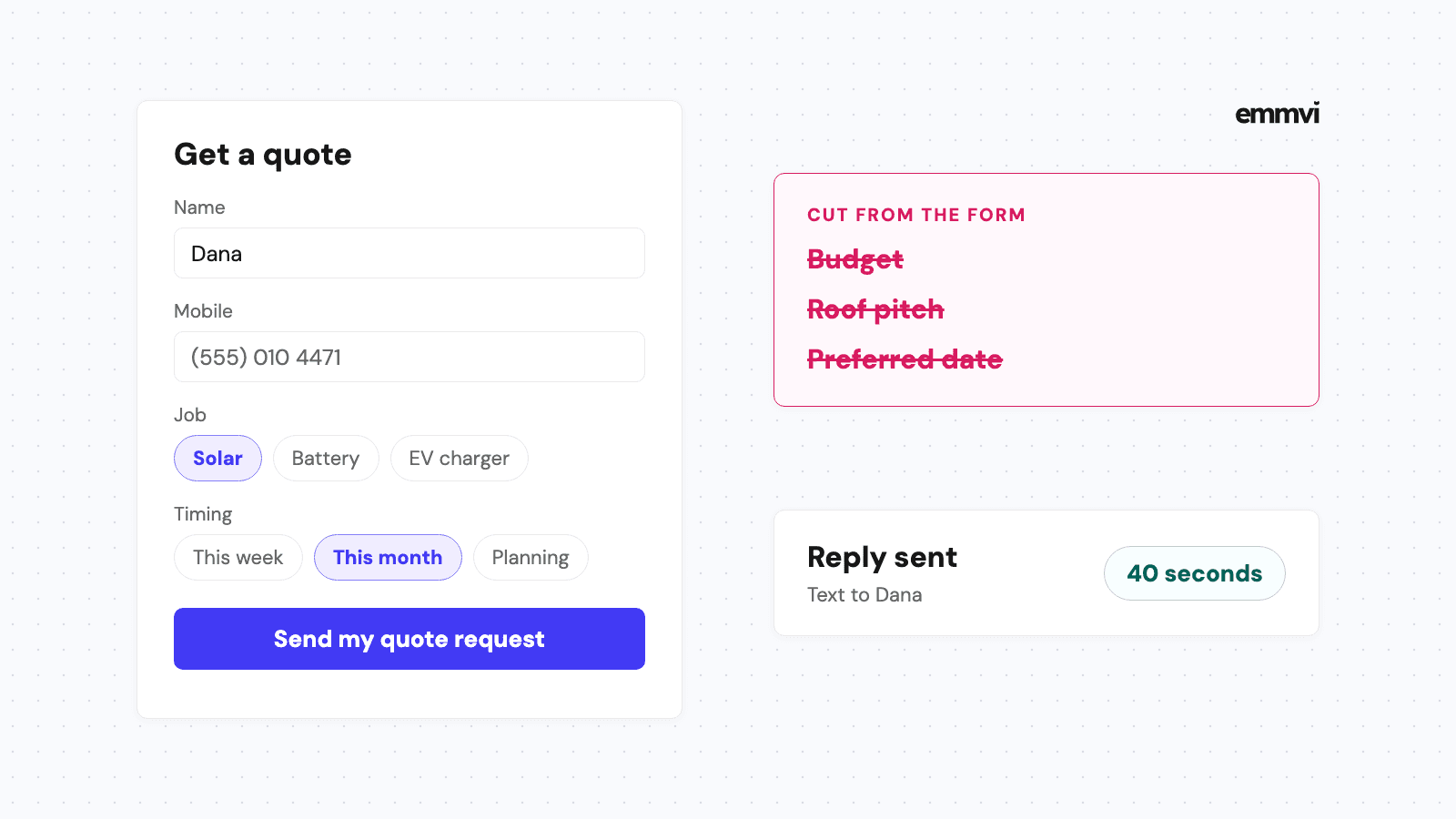
A short list to tap, not a blank box: "Solar panels", "Battery", "EV charger", "Repair", "Other". Buttons are faster on a phone than typing, and they give you clean data to sort by later. Keep the list to the jobs you want, in the words customers use.
Timing
"As soon as possible", "In the next month", "Just planning". This single question tells you whether to call tonight or send information and follow up. It is the most useful field on the form after the phone number, and the one most forms leave out.
A free-text box, optional
"Anything we should know?" catches the detail you did not think to ask: a flat roof, a rented house, a deadline before a new baby arrives. Keep it optional, so nobody stops at it.
Fill in your own quote request form on your phone, with your thumb, and time it. If it takes more than a minute, find the field you can remove.
Fields that cost you requests
Some fields feel useful to you and stop the customer cold. The common ones on installer sites:
- Budget. Most homeowners do not know what the job should cost. That is why they are asking you. A budget field makes them guess, or leave.
- Technical details. Roof pitch, panel capacity, amperage of the main breaker. You can find these out from photos or on the visit. The customer usually cannot.
- "How did you hear about us?" as a required field. Useful information, wrong place to force it. Track the source automatically instead, which the article on lead source tracking explains.
- Preferred date and time. Fine for a booking form, odd on a quote request where you have not agreed the job yet.
- A CAPTCHA puzzle up front. Spam is real, but there are quieter ways to filter it, such as a hidden field that only bots fill in. A puzzle on a phone at night is one more reason to give up.
Each of these has a place later in the conversation. The test for any field is simple: would you rather have this answer, or have the request?
Photos: the field that saves a visit
An optional photo upload is the one extra worth adding. A picture of the electrical panel tells an EV charger installer whether the panel needs an upgrade. A photo of the old furnace and its label tells an HVAC technician what they are replacing. The article on plumbing website design makes the same point for leaks and water heaters.
How to ask for the photo
Say exactly what to photograph, in one line under the button: "A photo of your electrical panel with the door open" or "The front of your roof from the street". People will send a useful picture if they know which one you want.
On the technical side, a file input that accepts images opens the phone's photo picker. MDN documents a capture attribute that asks the browser to use the camera for a new picture. That is handy on the roof, but it can get in the way of someone who already took the photo earlier, so test both on a real phone before choosing. On a desktop, MDN notes, you will likely get a normal file picker either way.
Built for a thumb, not a desk
Most quote requests for home services start on a phone, often in the evening. A form that works well on a desktop can still be painful on a five-inch screen. A few details make the difference.
- The right keyboard. A phone field set as type "tel" brings up the number pad; an email field set as "email" brings up the @ key. web.dev recommends using the appropriate input type for exactly this reason.
- Autofill switched on. Fields marked with the right autocomplete values let the phone fill in name, number and address in one tap.
- Labels that stay visible. Grey placeholder text inside the box disappears as soon as someone starts typing. web.dev advises against using placeholders instead of labels for that reason.
- One column, big buttons. Fields stacked in a single column, with tap targets large enough for a thumb in a work glove.
- A clear button label. "Send my quote request" says what happens. "Submit" says nothing.
Where the form sits
Put the form, or a button that opens it, on every service page and at the top of the home page on mobile. A visitor reading about battery storage should not have to go back to a contact page to ask about it. If you have one page per service, the job type can be filled in already.
The minute after they press send
A well-built form that drops the request into an inbox nobody reads until Friday has only done half the job. The customer who just pressed send is, at that moment, the most interested they will ever be. The article on speed to lead covers why that first reply matters and what it should say.
Here is what should happen without anyone touching a keyboard:
- A thank-you screen that sets expectations. Not "Thanks for your submission", but who will be in touch and roughly when.
- A text to the customer within a minute. Confirming you have it, from a number they can reply to.
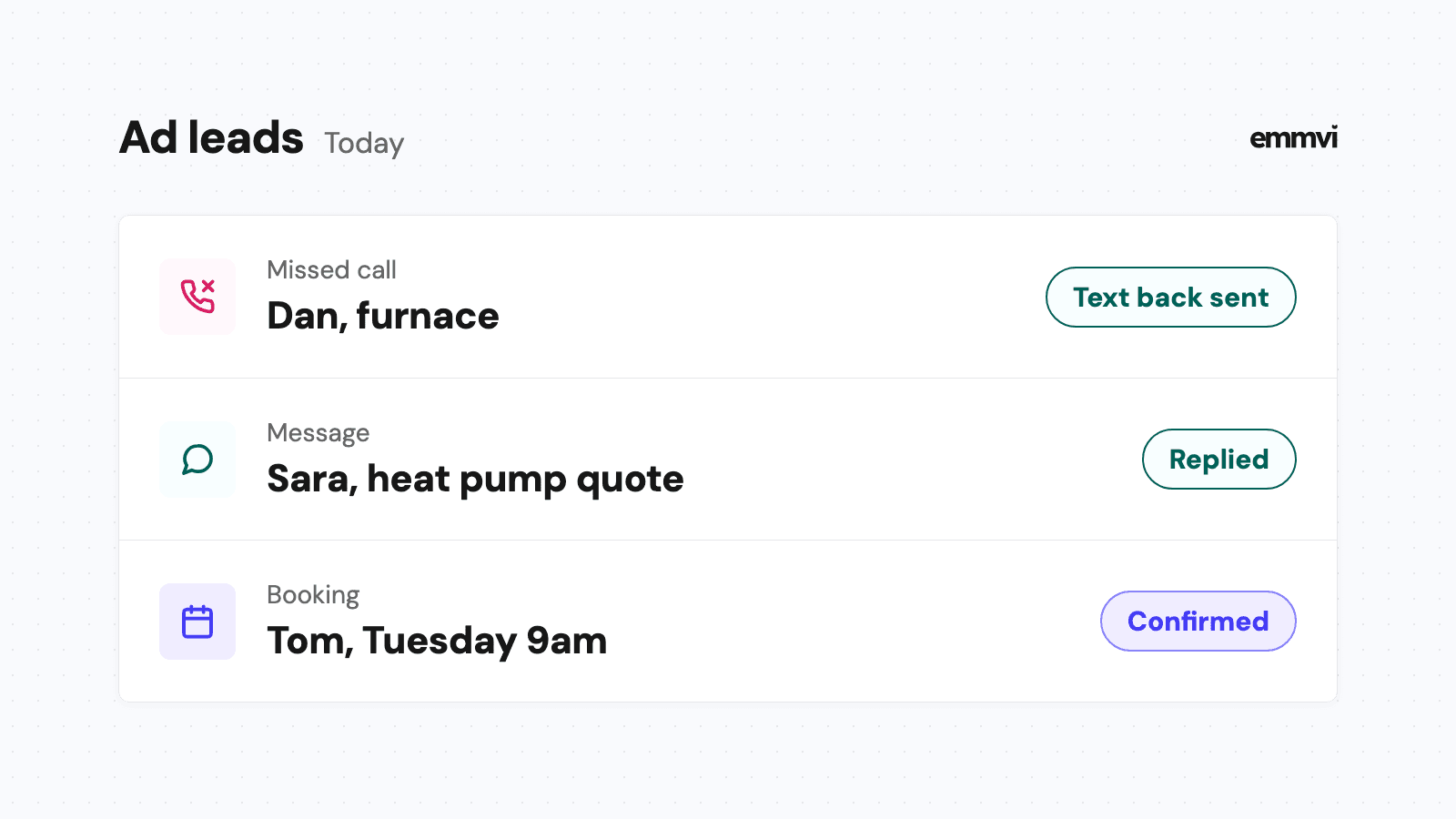
- An alert to whoever replies. On their phone, with the name, the job type, the timing and the photo.
- A record in one list. So the request does not live only in someone's email, and nothing gets lost when that person is on vacation.
The first text can be short:
"Hi Dana, thanks for your solar quote request. This is Mark from Northfield Solar. I'll look at your roof on the map tonight and call you tomorrow before noon. If it's easier to talk at another time, just reply here."
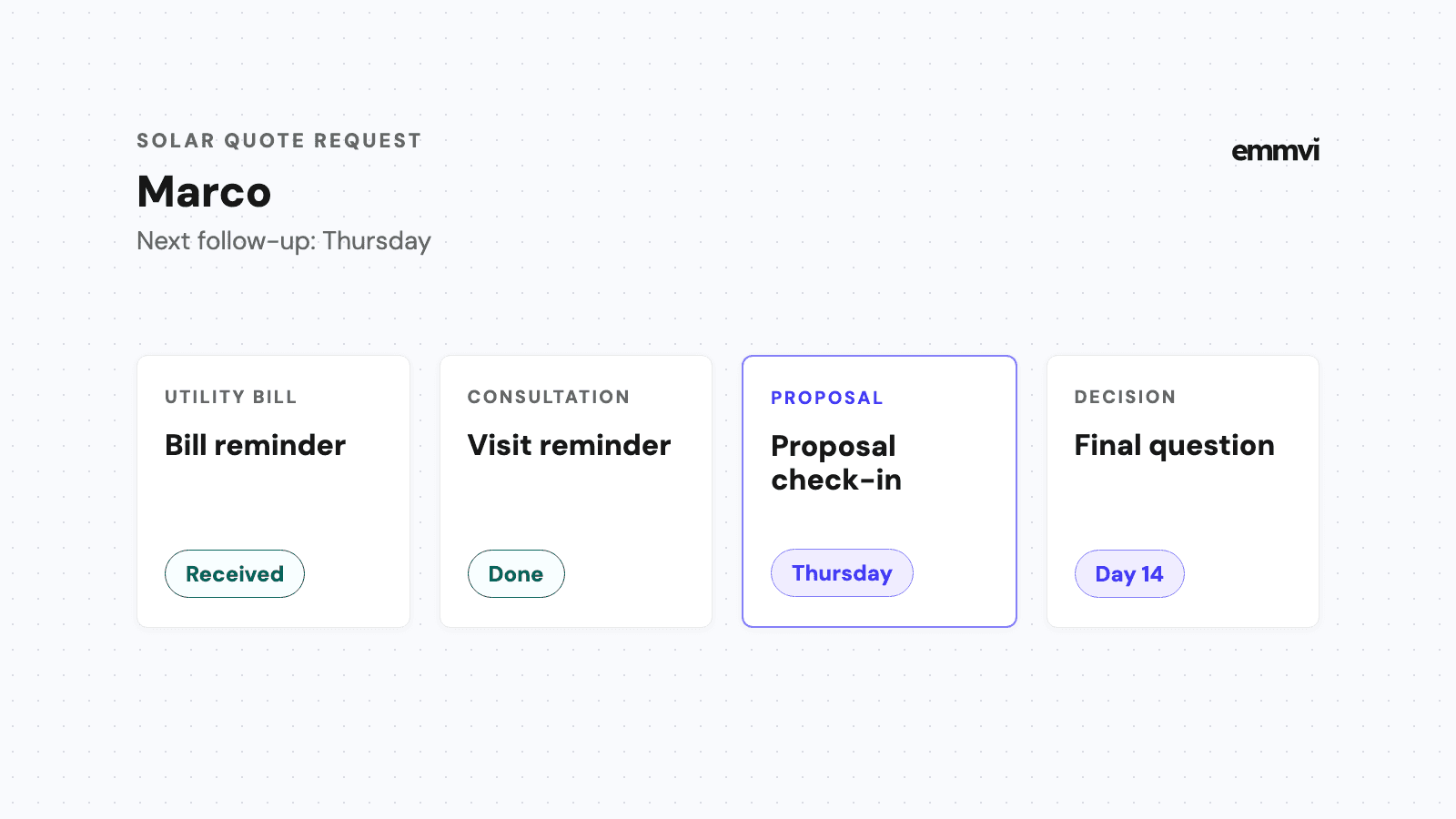
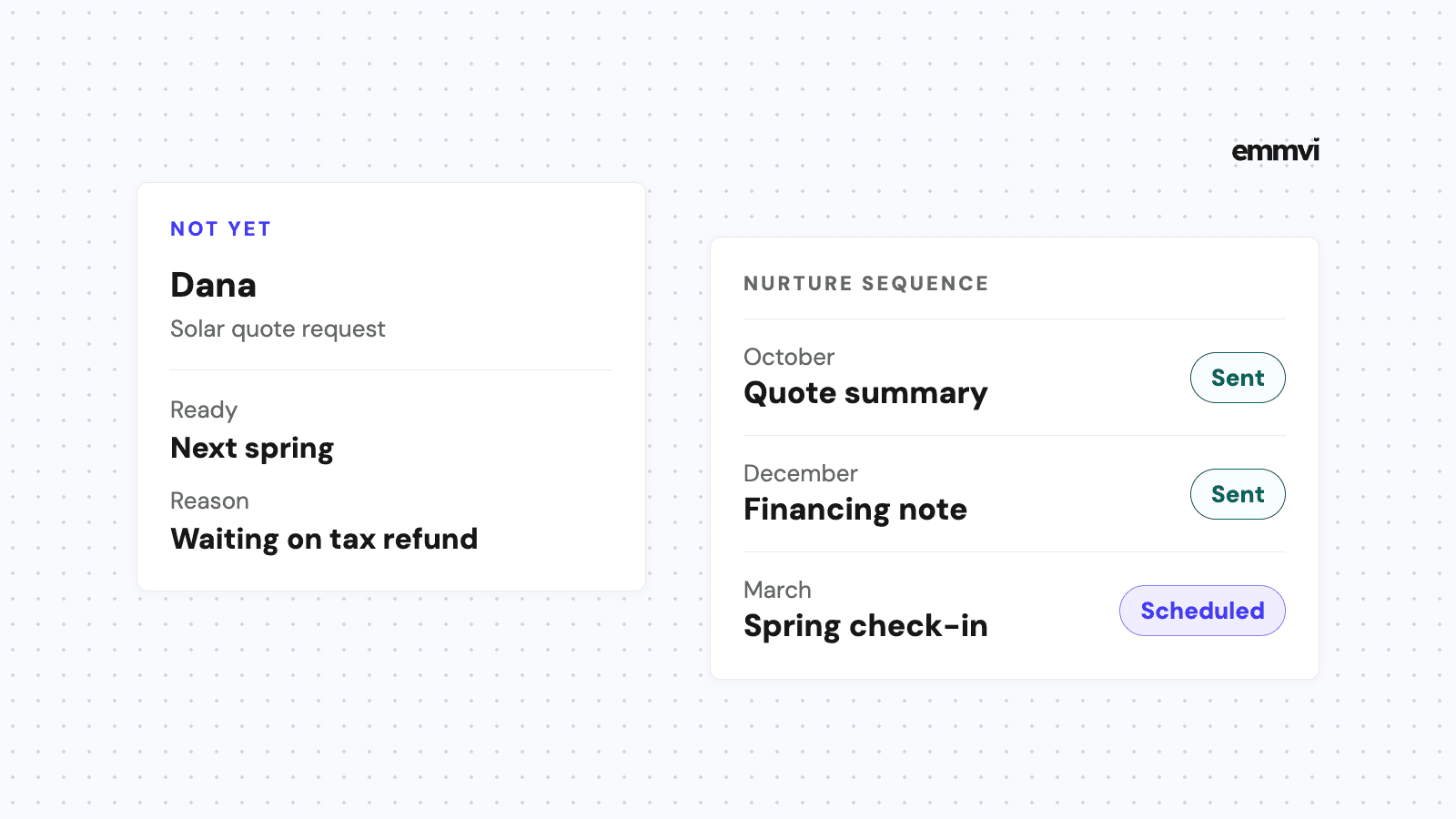
After that, the request needs a follow-up path. If the customer goes quiet after receiving a quote, two or three short messages over the next week, stopped as soon as they reply, catch most of the ones that were simply busy. The guide on quote follow-up sets out the timing and wording.
This is general guidance, not a recommendation for every business. A company that only does large commercial jobs may need more detail up front, and a regulated trade may have to collect specific information. Start from what you need to send a useful first reply and remove everything else.
FAQ
How many fields should a quote request form have?
As few as let you reply usefully. For most installers that is name, mobile number, area, job type and timing, with photos and a free-text box as optional extras. If you are not sure a field earns its place, remove it for a month and see whether you miss it.
Should I use a multi-step form?
It can help when you have a few questions that depend on each other, such as showing roof questions only for solar. Keep it to two or three short steps, show progress, and ask for contact details early so a half-finished request is not lost entirely.
Is a form better than a phone number?
Offer both. Some people want to talk now, others would rather not call at all, especially in the evening. A form and a tappable phone number side by side cover both, as long as missed calls also get a quick reply.
What if I get spam through the form?
Start with a hidden honeypot field and a basic filter on the server. Most simple spam stops there. Add a visible check only if it keeps coming, because every extra step also costs some real requests.
If you would rather have the form and what happens after it built and tested together, you can talk to emmvi.
Share the post: