AI has changed how a lot of small businesses handle the routine side of their work: answering the same questions, sending follow-ups, booking appointments, sorting leads. It brings opportunities and problems in about equal measure. Some owners worry it will replace people. In practice, used for the right jobs, it takes repetitive work off people so they can spend their time on the conversations that need a human.
For a business that does not write code, the practical way in is through tools you may already pay for: a Customer Relationship Management (CRM) platform like GoHighLevel and an automation tool like Zapier. Both now ship AI features that sit inside ordinary workflows, so there is nothing to program. Below is what AI does well in an online business, how those two tools put it to work, and where it goes wrong.
The Benefits of AI for Online Businesses
- Efficiency & Productivity AI takes over repetitive tasks so your team spends less time on them. Email replies, lead nurturing and appointment scheduling can all run on their own, and they run the same way every time, which is often the bigger gain.
- Personalized Customer Experiences AI can read what a customer has done (pages visited, forms filled, past messages) and adjust what they get next: a relevant recommendation, a campaign that fits their situation, an answer outside office hours. Whether that improves satisfaction or retention is something to measure in your own numbers, not assume.
- Better Decisions from Your Data AI can go through more data than anyone has time to read and point out patterns: which leads tend to buy, which campaigns bring the wrong people, when demand picks up. It speeds up the question; the decision is still yours.
- Cost Savings Automating data entry and first-line questions means fewer hours spent on them. An AI chatbot can answer many conversations at once, which a person cannot, but it only saves money if its answers are good enough that people do not have to redo them.
- Room to Grow When volume goes up (more inquiries, more orders, more campaigns), automated steps handle the extra load without a new hire for each one. What does not scale on its own is the setup: every new workflow still needs someone to build and check it.
How to Harness AI with GoHighLevel and Zapier
AI on its own is a capability. It becomes useful when it is wired into your CRM and automation platforms, where it can act on real leads and real customers. Here is how GoHighLevel and Zapier each do that.
1. AI-Driven CRM with GoHighLevel
GoHighLevel is an all-in-one CRM that covers sales, marketing and customer service in one place. With its AI features, a business can:
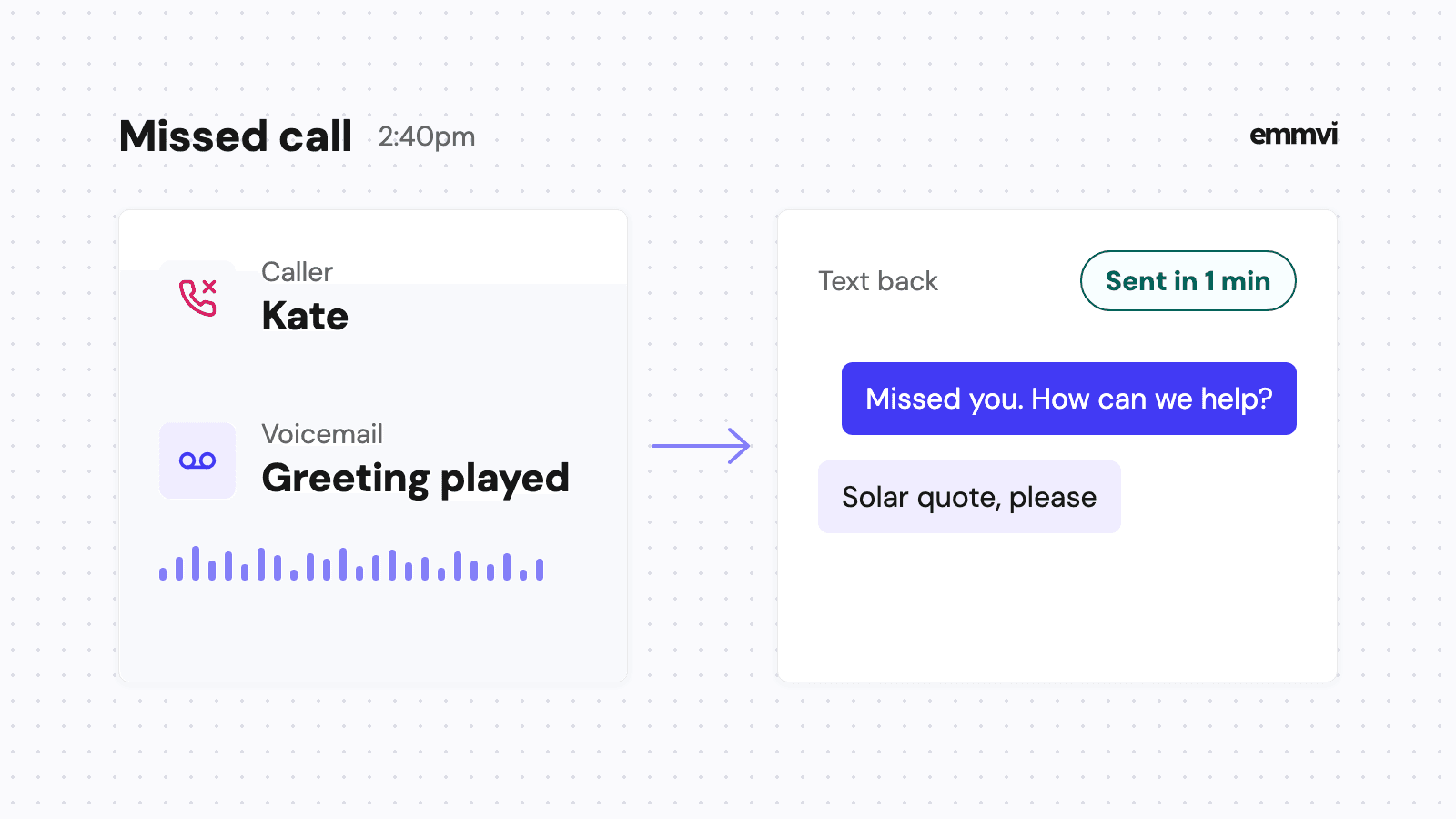
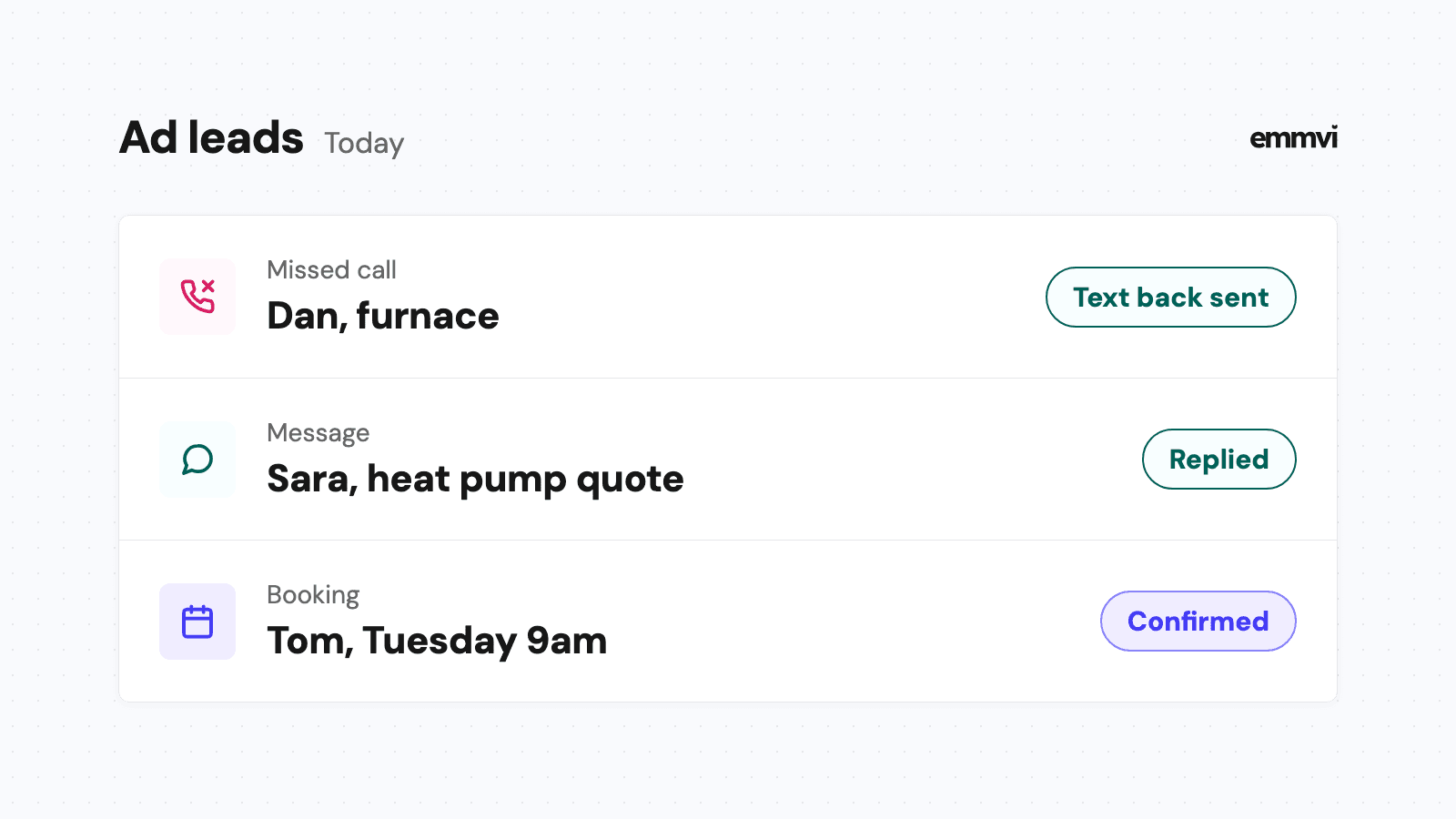
- Automate Lead Nurturing: AI chat agents and automated follow-up sequences make sure a new lead hears back on time without someone remembering to do it.
- AI-Powered Messaging: AI can draft or send replies based on what the customer has already said, so the message fits the conversation instead of being a generic template.
- Smart Scheduling: Customers pick an open slot from your calendar themselves, which removes the back-and-forth emails, and the AI agent can offer that booking inside the conversation.
- Customer Sentiment Analysis: HighLevel's AI Intent Detection workflow action reads a message and labels it positive, negative or neither, so an unhappy customer can be routed to a person before the problem grows. HighLevel lists it as a premium action, so check what it costs on your plan.
Put together, these let a business answer faster and follow up more consistently, which is where most lost deals are lost in the first place.
2. Workflow Automation with Zapier
Zapier connects thousands of apps and automates the steps between them without code. With its AI steps, Zapier can:
- Sync Data Across Platforms: Update the CRM record automatically when a lead submits a form, so nothing is copied by hand and nothing is lost between tools.
- Automate Marketing Campaigns: Start an email or SMS sequence when a customer does something specific, such as booking, buying or going quiet.
- Connect Chatbots to Your CRM: Send what a chatbot learned into the CRM, so the follow-up that comes after it knows what was already said.
- Automate Social Media Posting: Pass new posts to your social scheduling tool automatically. Zapier moves the content; any suggestion about the best time to post comes from the scheduling tool, not from Zapier.
The value of Zapier here is that each tool keeps doing its own job and the handoffs between them stop depending on someone remembering.
Potential Challenges and How to Overcome Them
AI has real limits, and knowing them before you start saves most of the trouble.
- Lack of Human Touch: Leaning on AI for everything makes conversations feel robotic. Solution: let AI handle the repetitive questions and keep complex or sensitive conversations with a person.
- Data Privacy Concerns: AI features work on your customers' data, and that raises security and legal questions. Solution: check that your setup complies with the data protection laws where you and your customers are, and know which of your tools stores what.
- Implementation Complexity: Some businesses try to automate everything at once and end up with workflows nobody understands. Solution: start with one simple automation, check it works, then add the next.
This is general guidance, not a recommendation for every business. emmvi is an independent service provider and is not affiliated with, endorsed by or certified by GoHighLevel Inc. or Zapier. AI features change faster than articles do, so confirm what each tool does today on its own pricing page before deciding.
Final Thoughts
AI is not a threat to an online business. It is a tool, and like any tool it helps when it is pointed at the right job. Used inside GoHighLevel for CRM work and Zapier for the connections between tools, it can take repetitive tasks off your team, make follow-ups fit the customer, and absorb more volume without a new hire for every step. It will not fix an offer nobody wants or a process nobody has defined.
If you want this set up for your business, book a free call and we will look at which parts are worth automating and which are not.
Share the post: